New Claude Opus 5 just changed everything
Anthropic just shocked the world with with this absolutely incredible model.
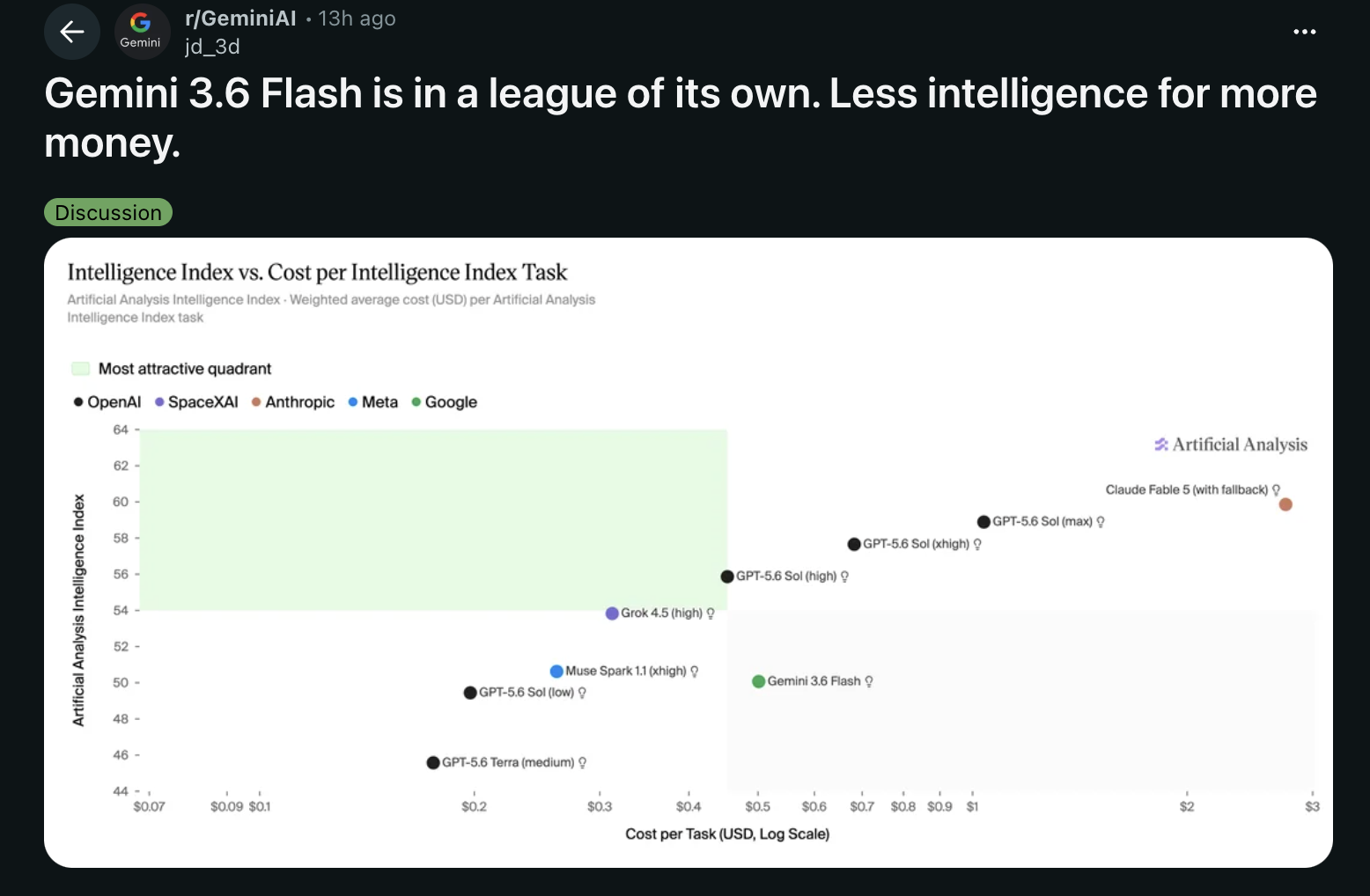
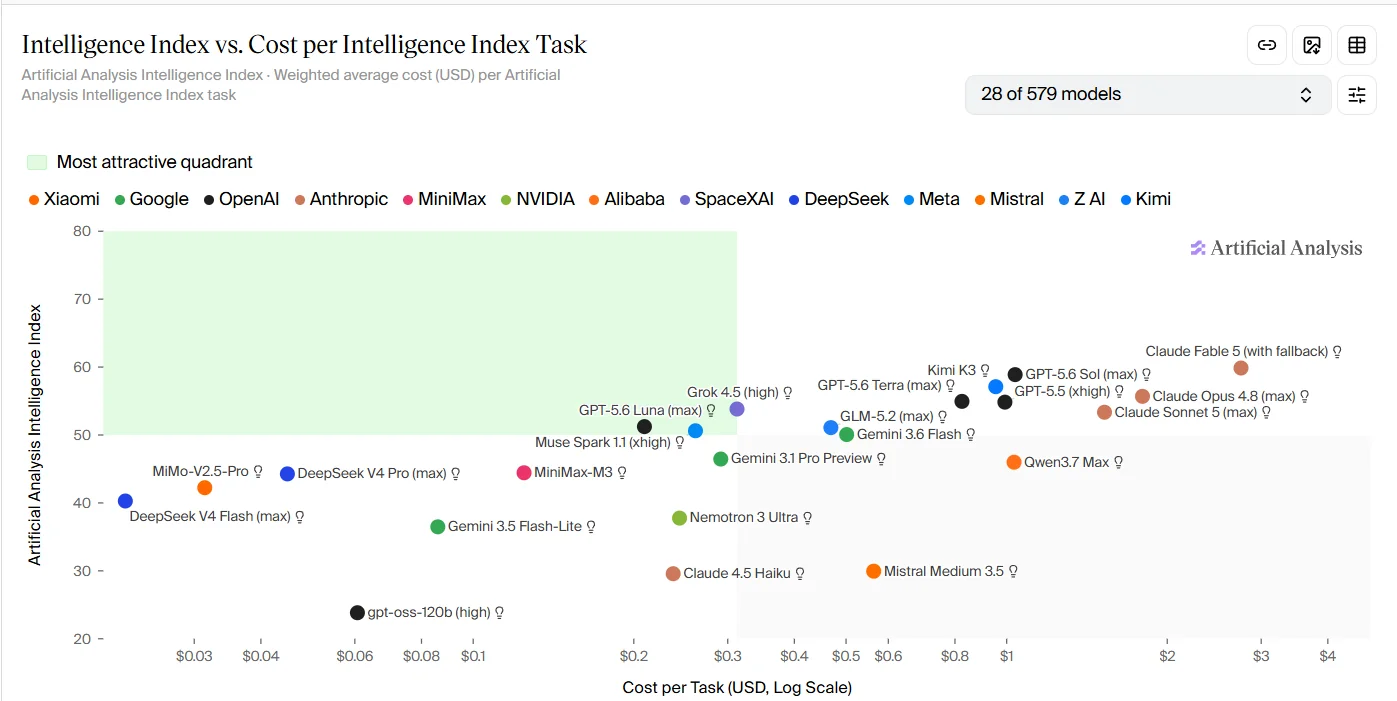
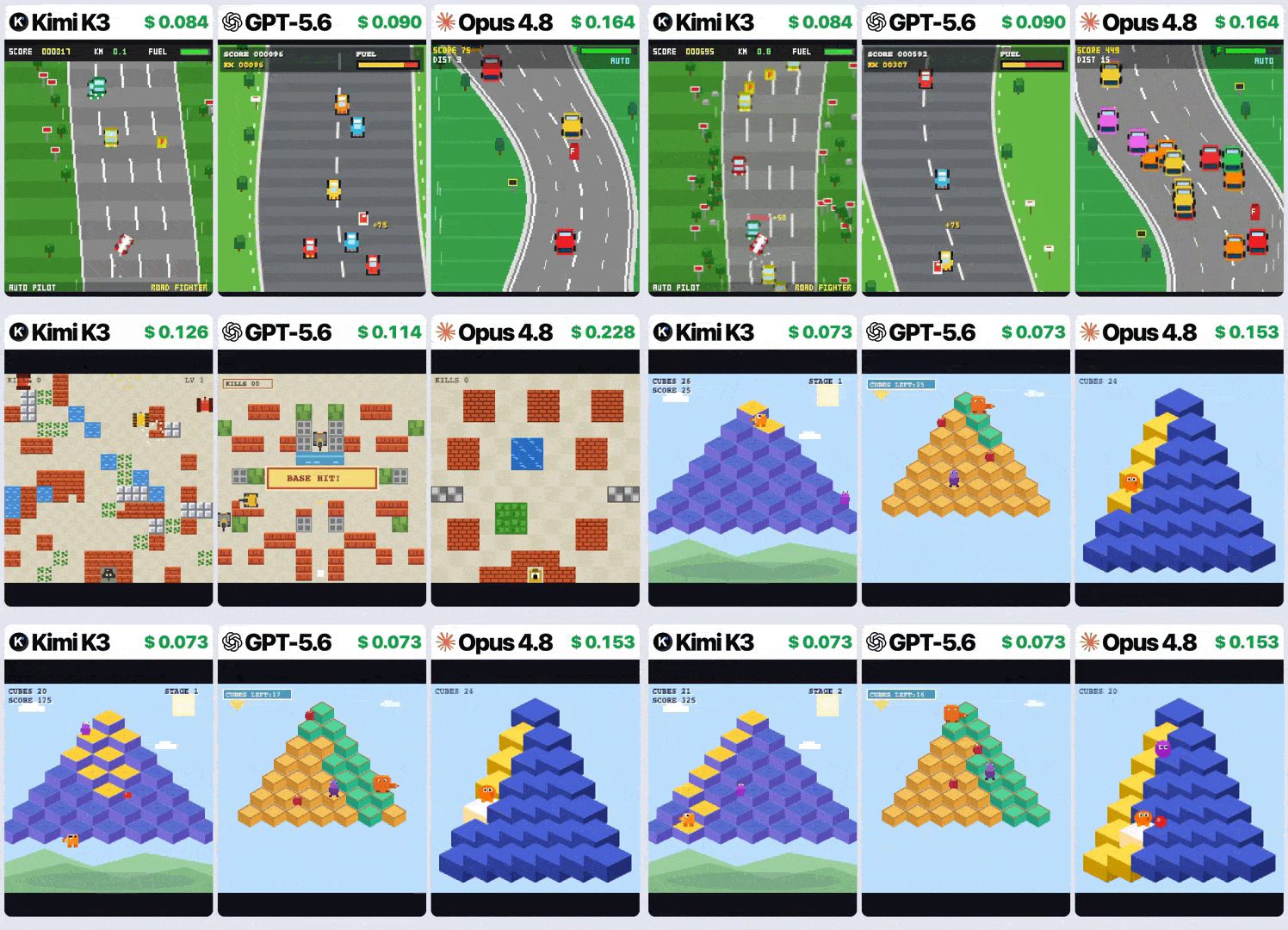
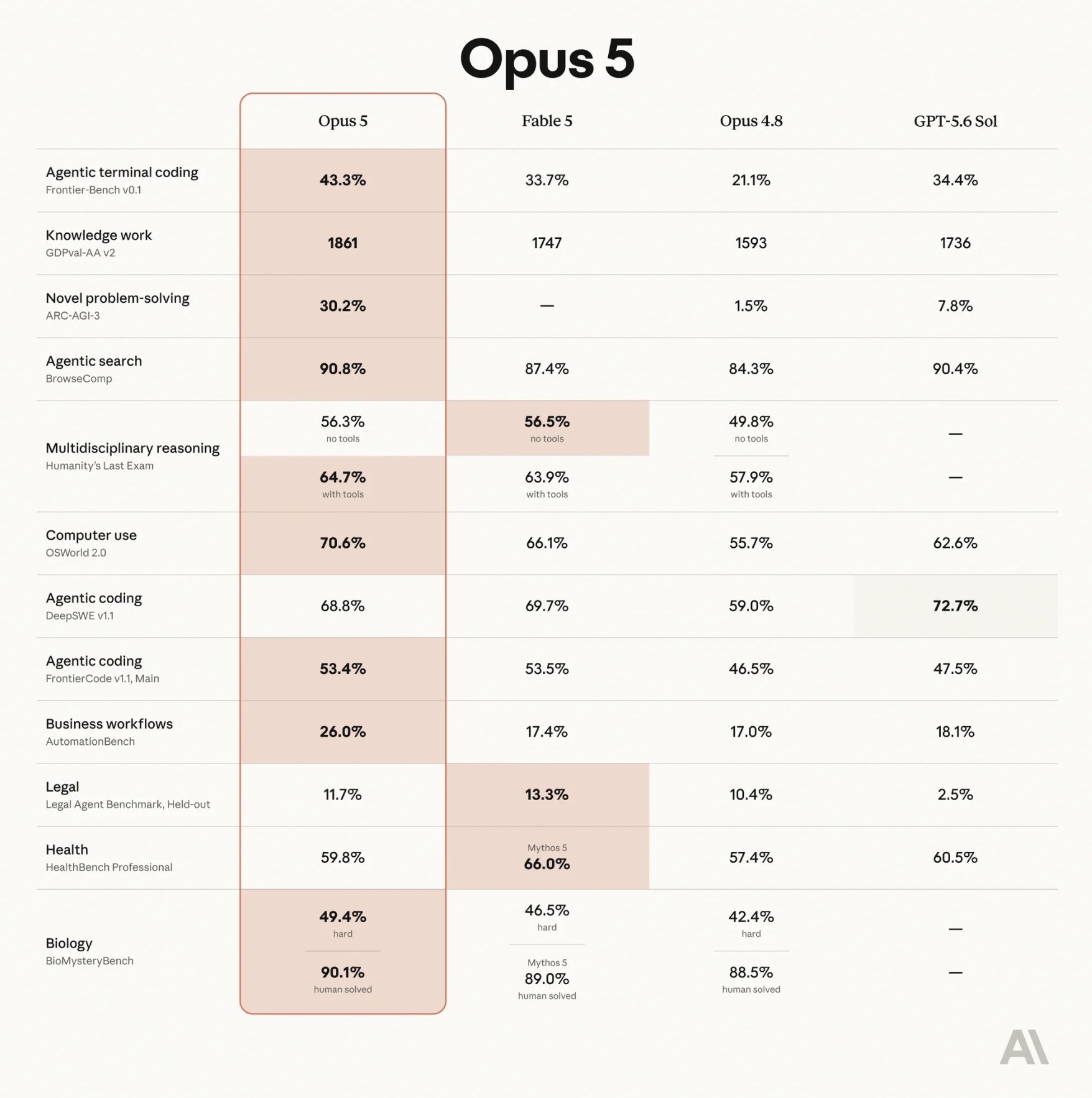
It’s more powerful than Fable 5 in several critical areas — yet a whopping 50% cheaper.
You’re literally slashing your token costs in half just by swapping models.
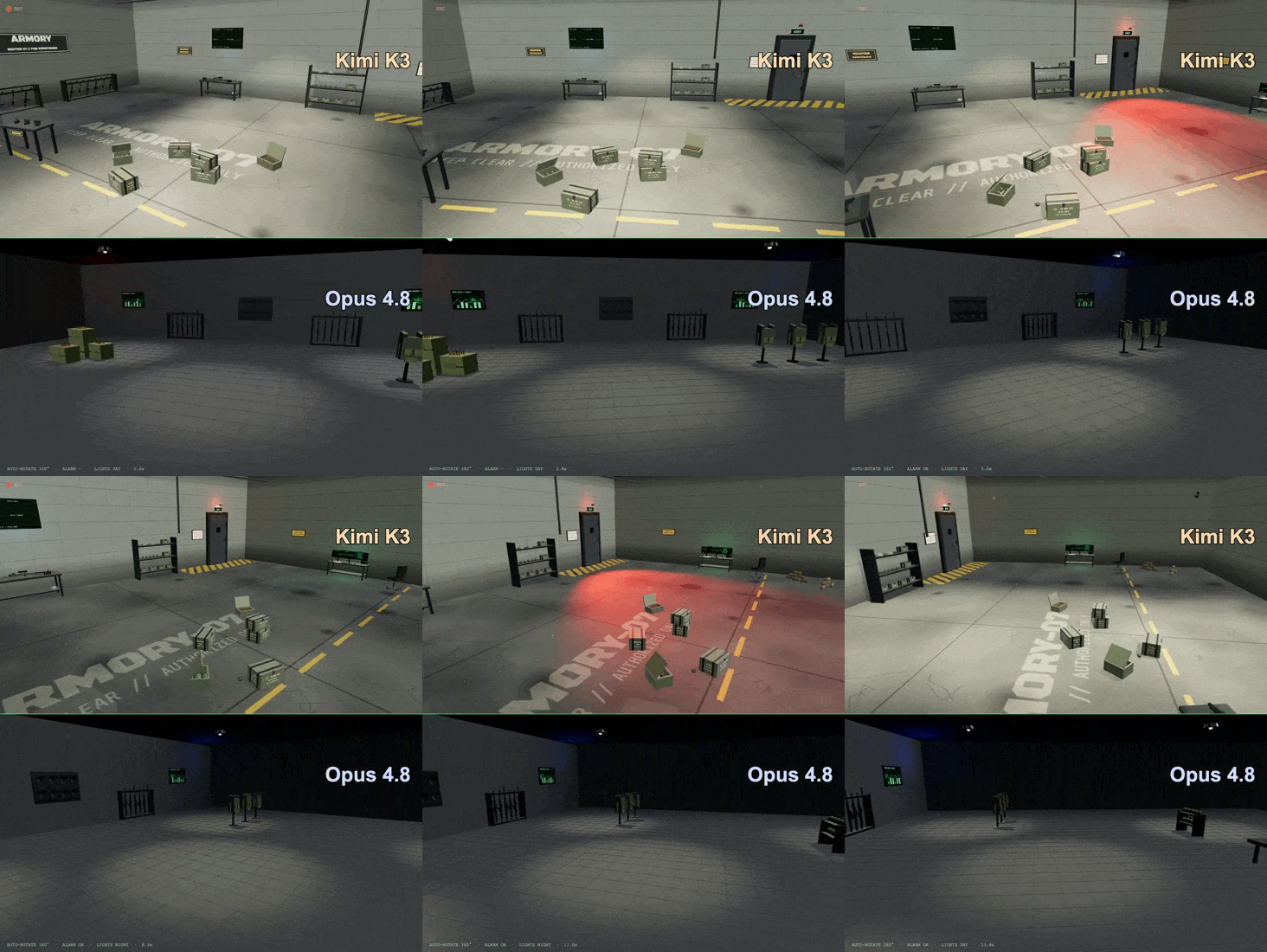
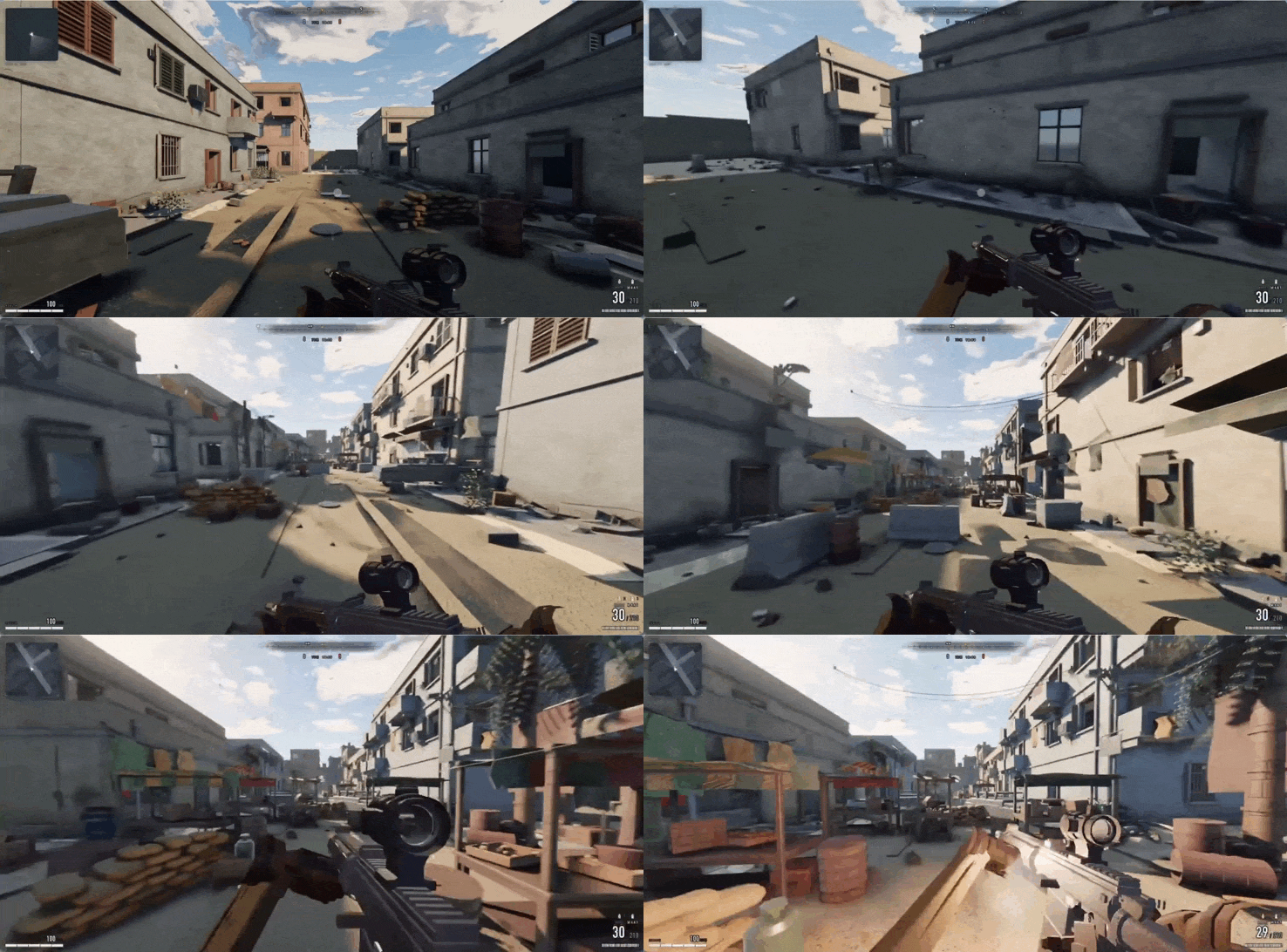
Unbelievable — Opus 5 completely generated this AAA first-person shooter game from scratch — it didn’t use a single external asset — everything is generated by code:
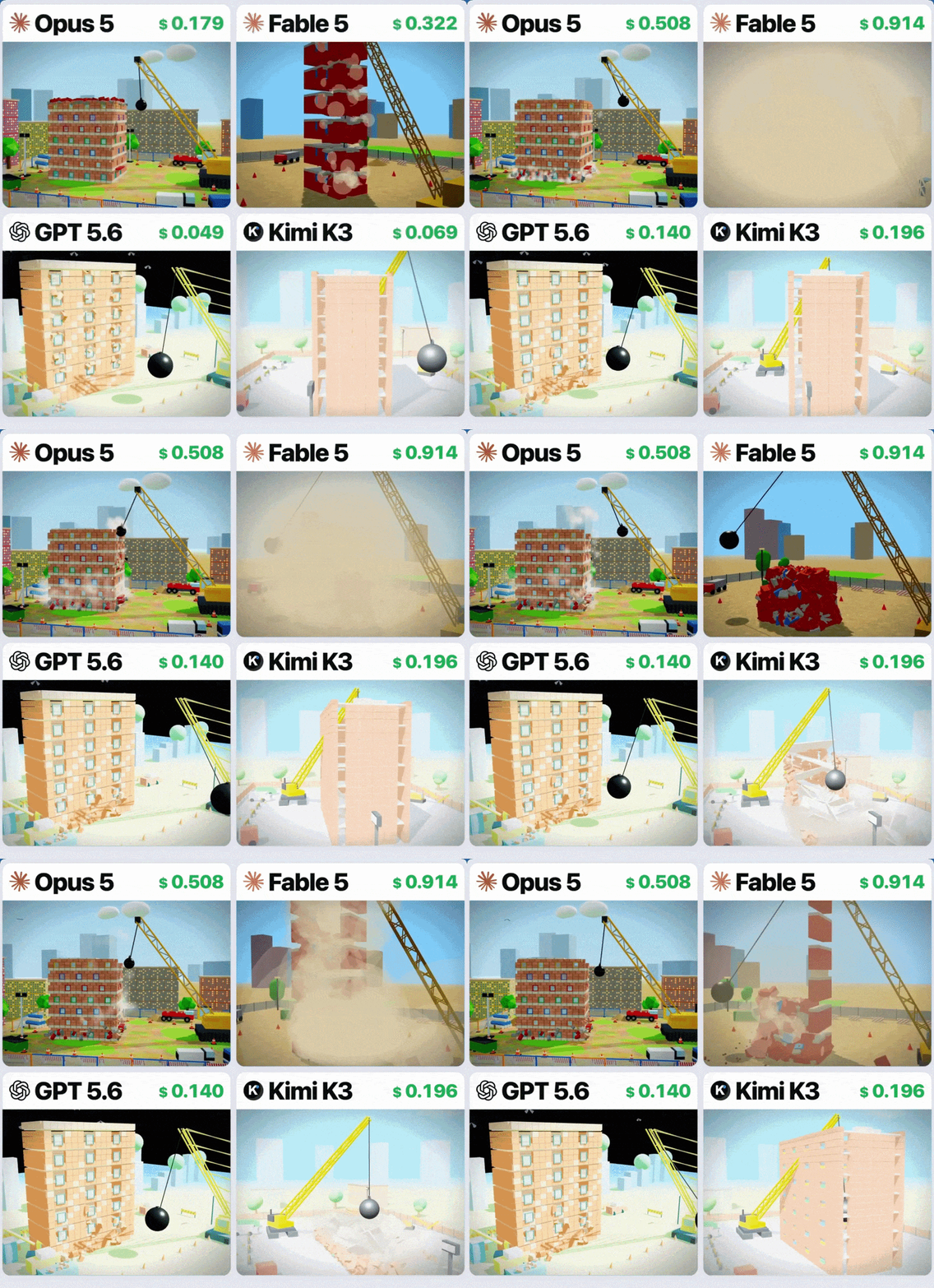
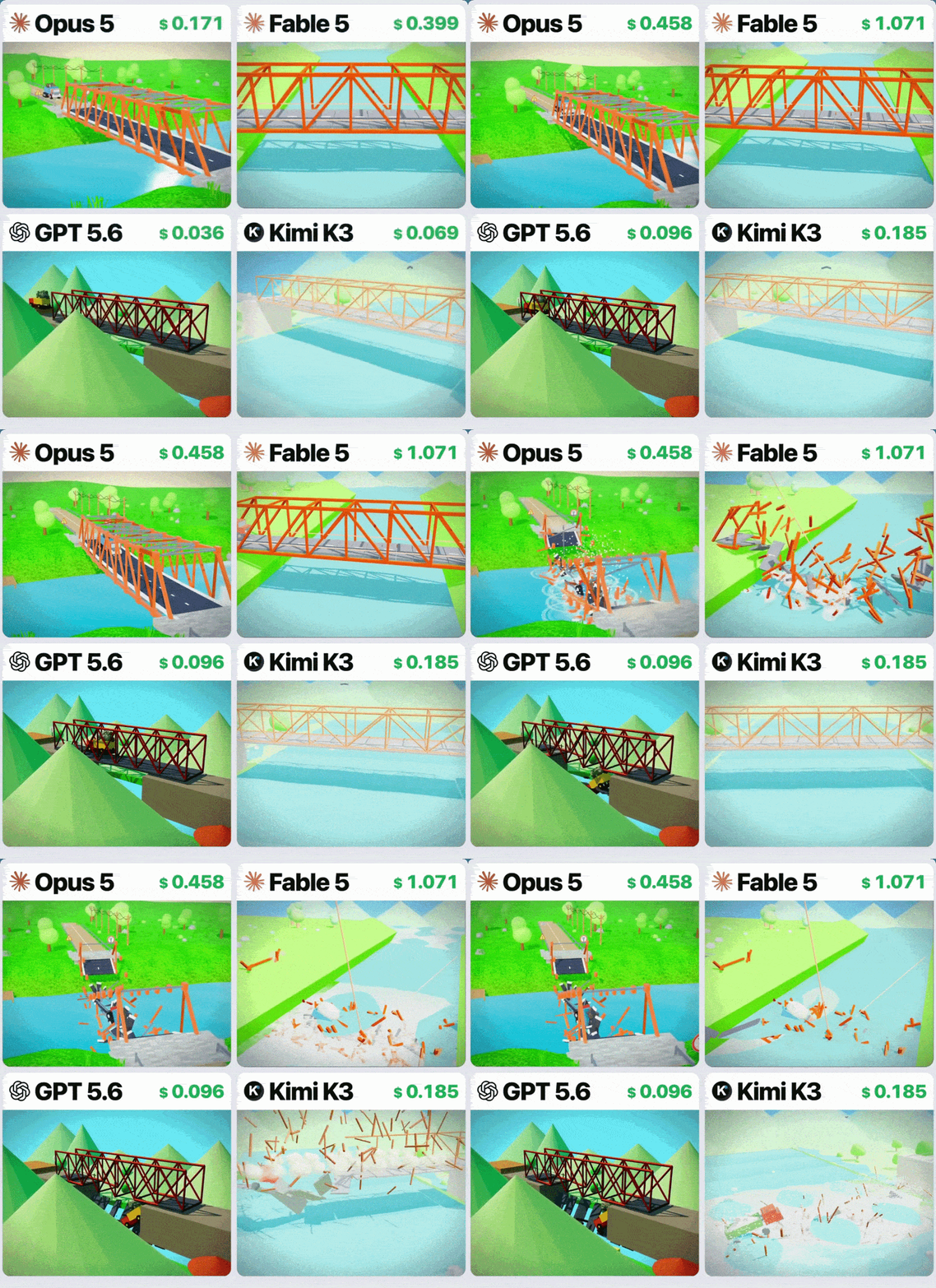
“A wrecking ball demolishing an apartment block” — Opus 5 shows superior physicals and design ability in this 3D generation test:
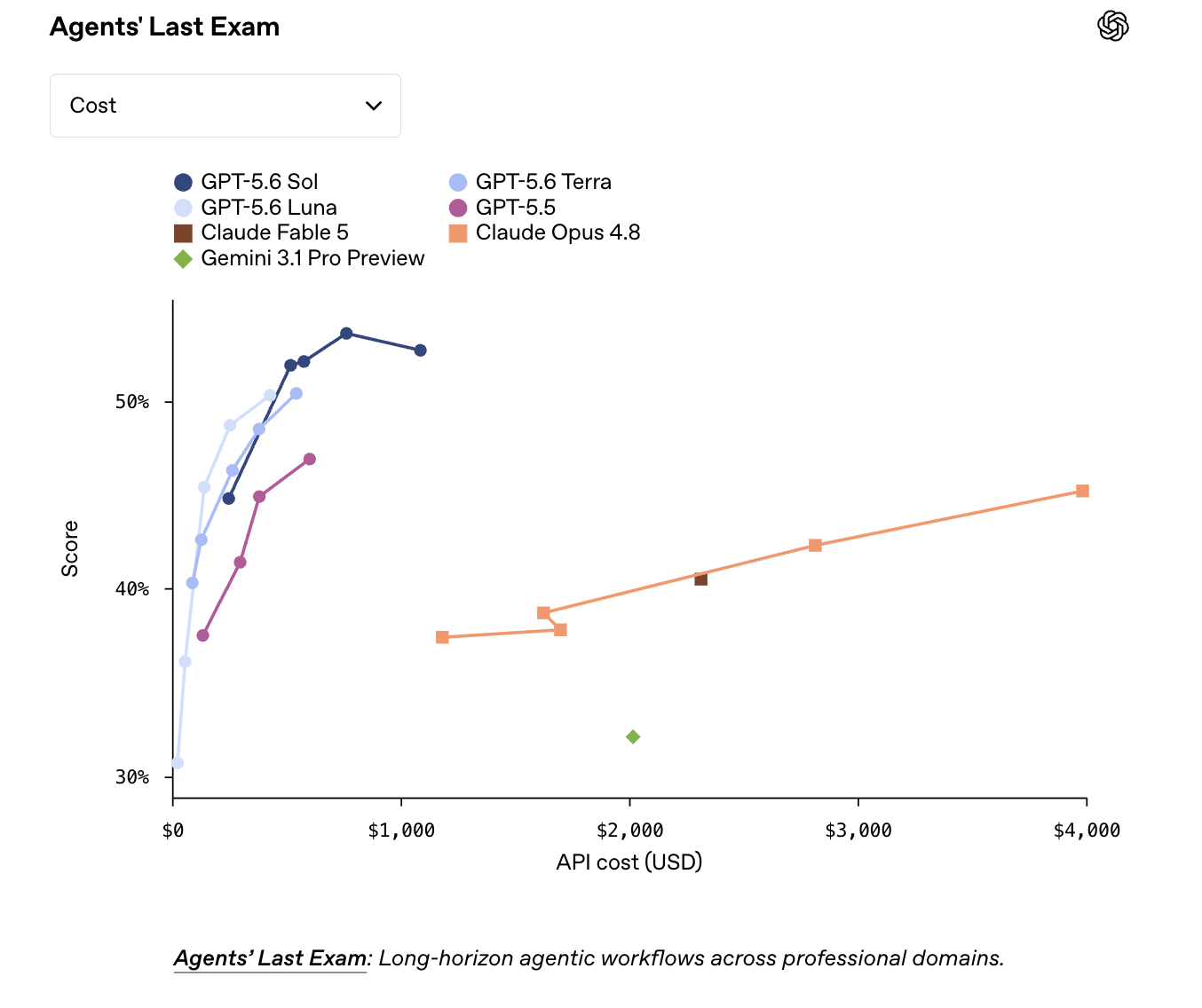
On CursorBench 3.2, at max effort, the model performs within 0.5% of Fable 5’s peak score, but at half the cost per task; it also achieves greater performance at a given cost than all other models on high, xhigh, and max effort
— Anthropic
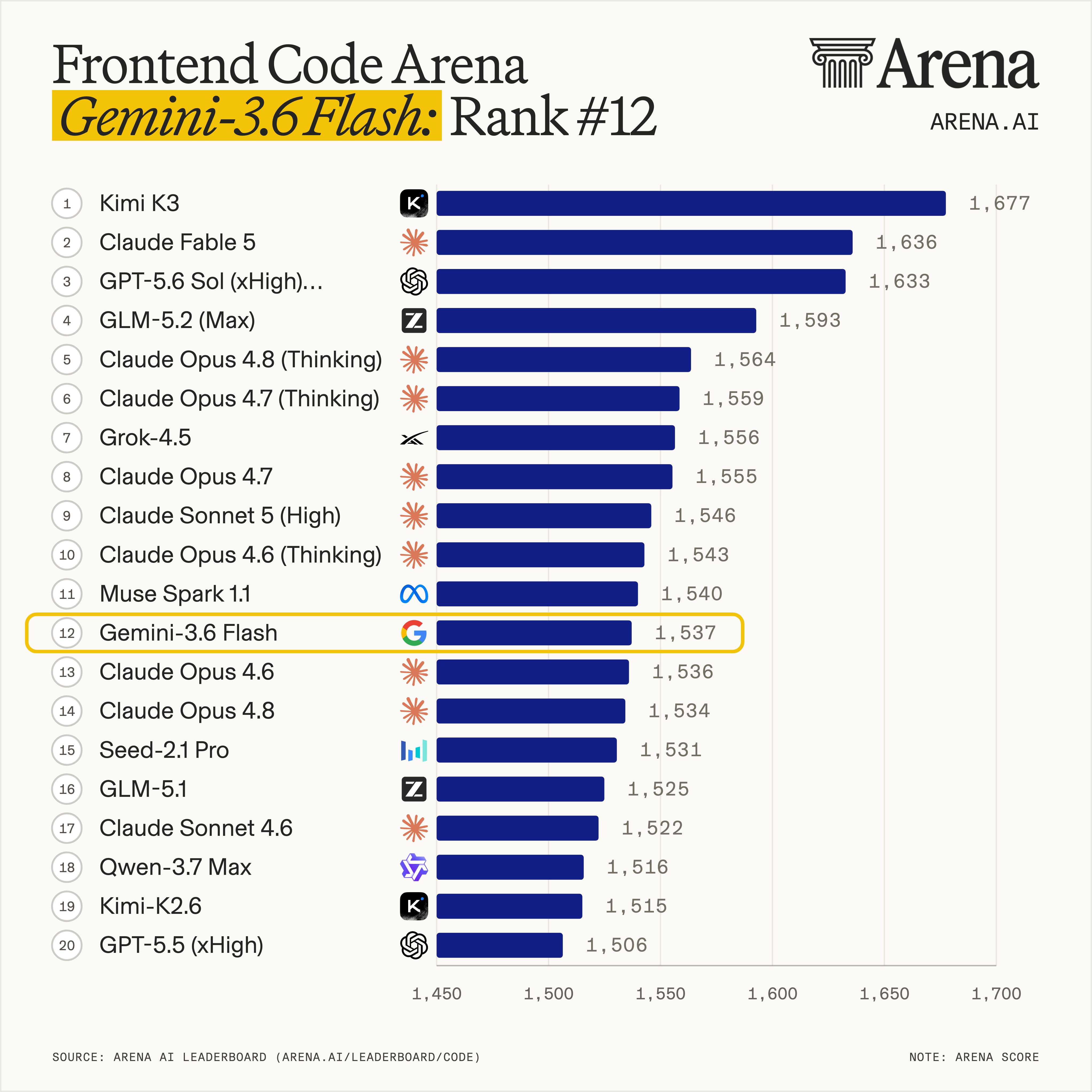
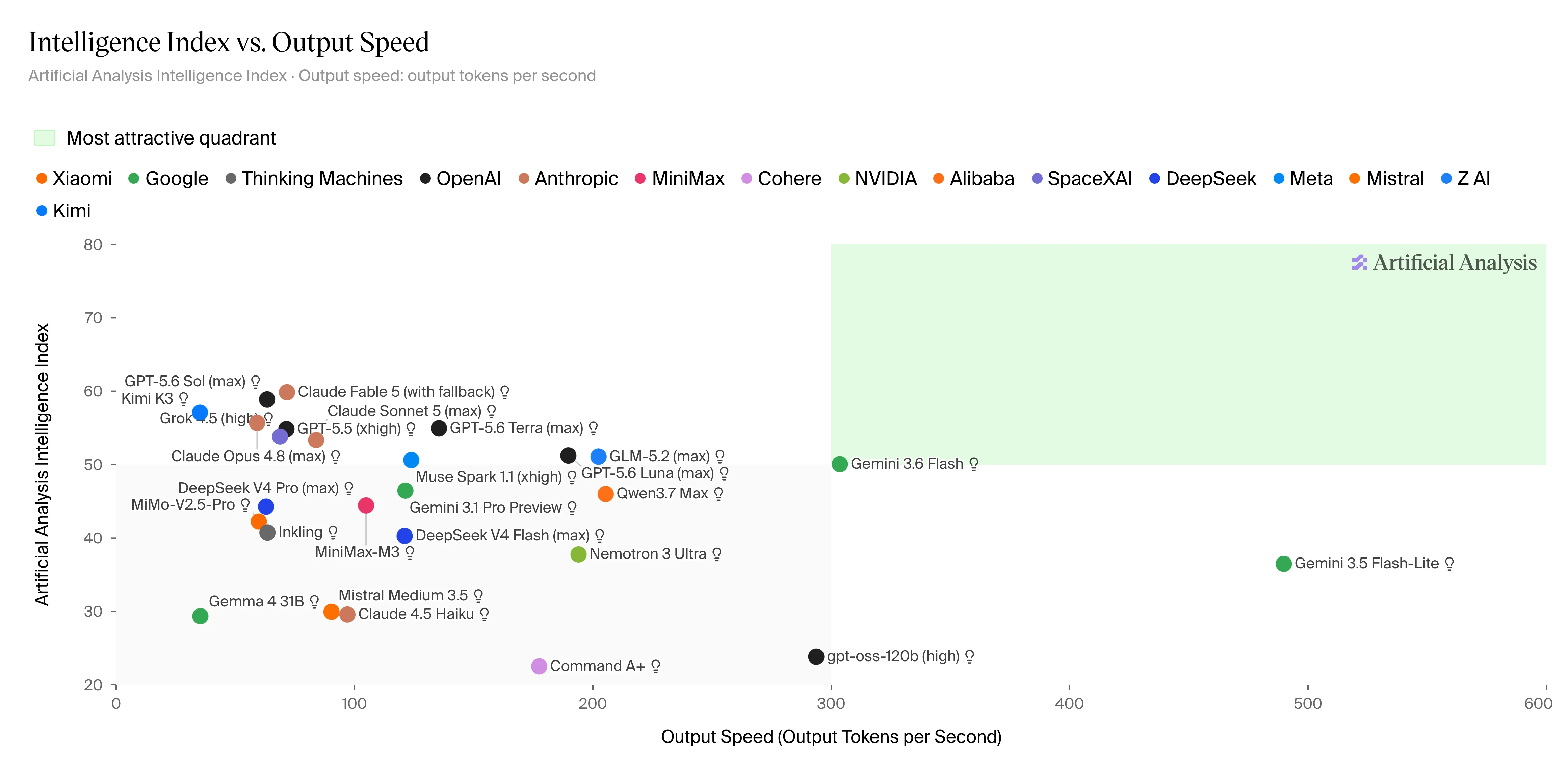
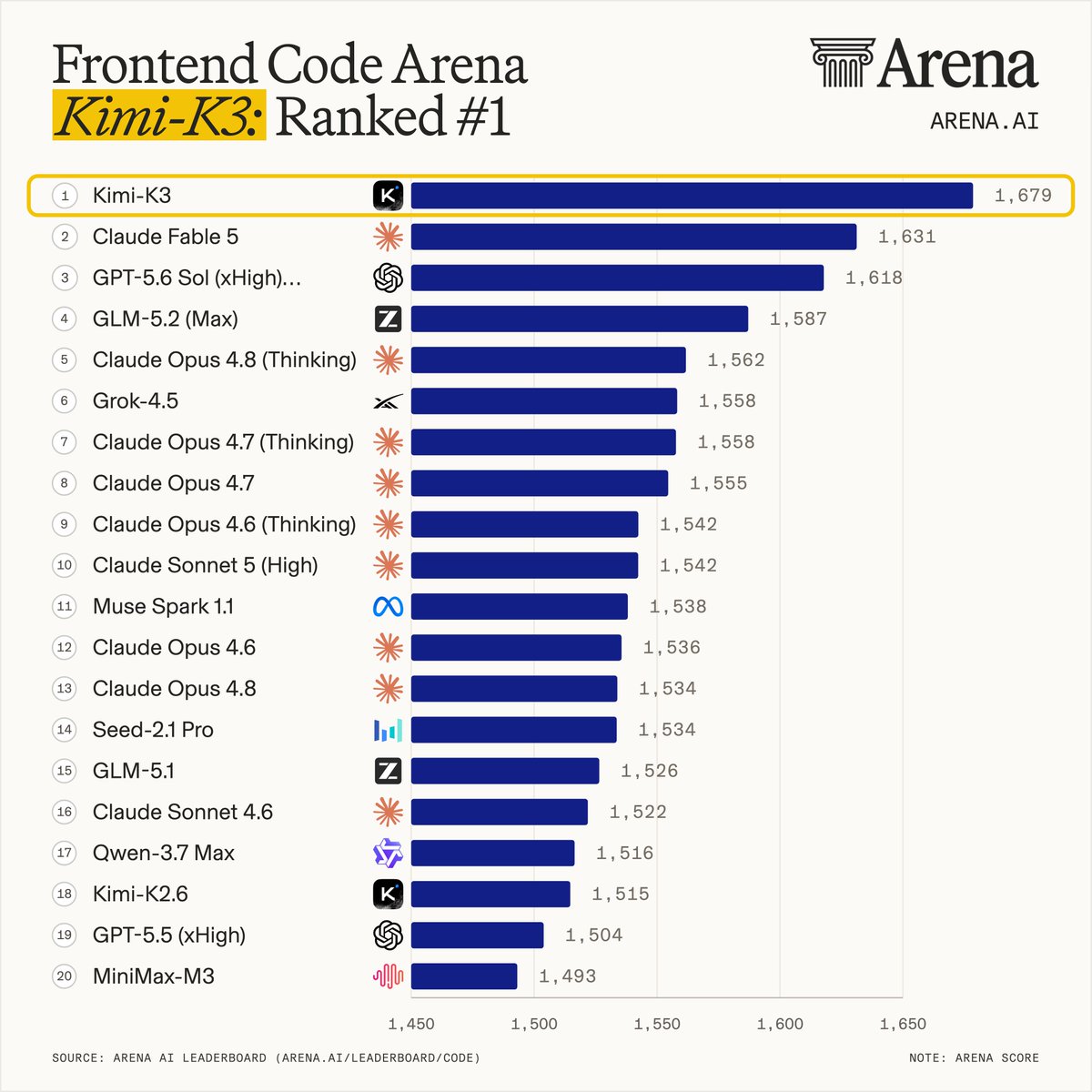
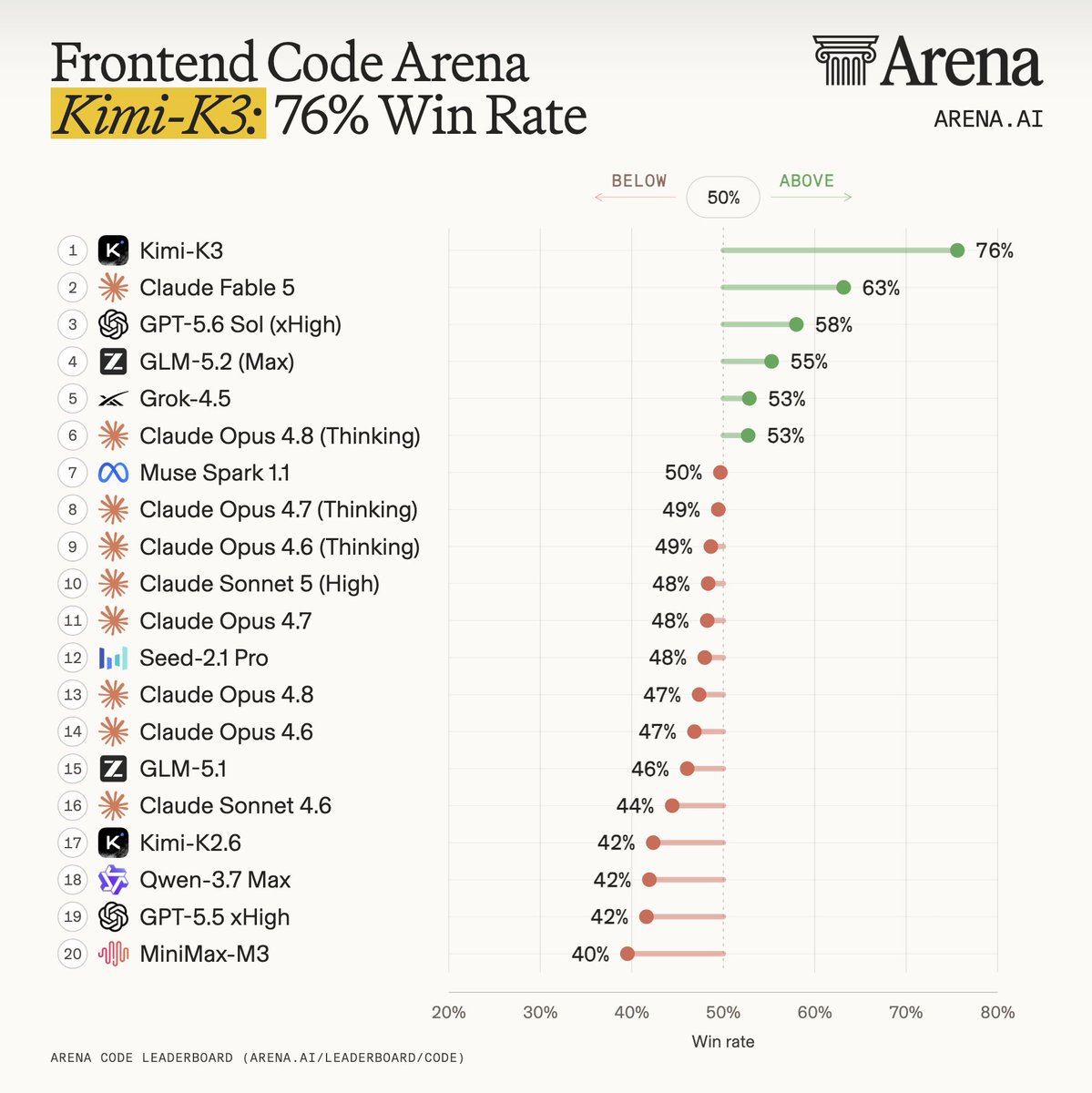
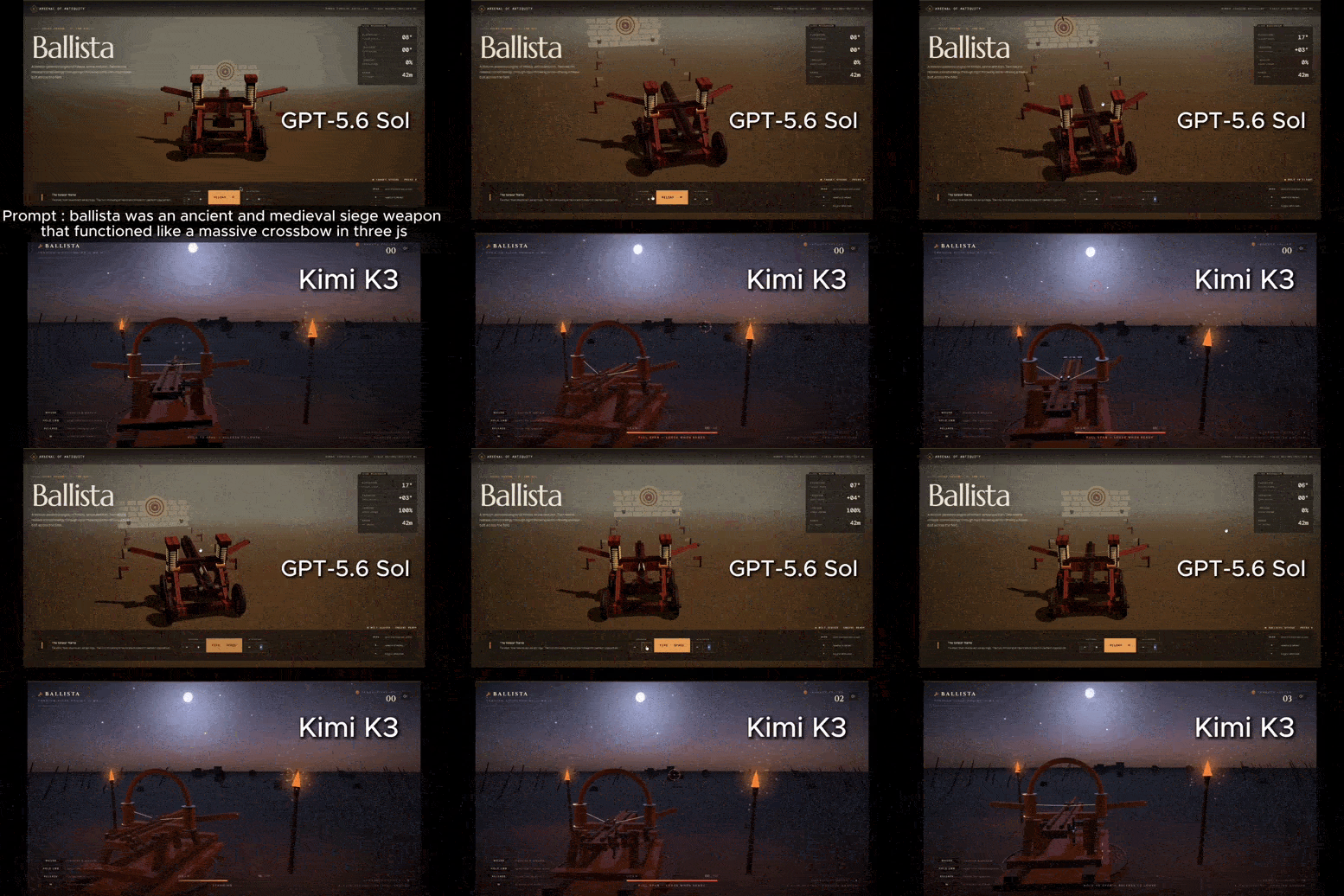
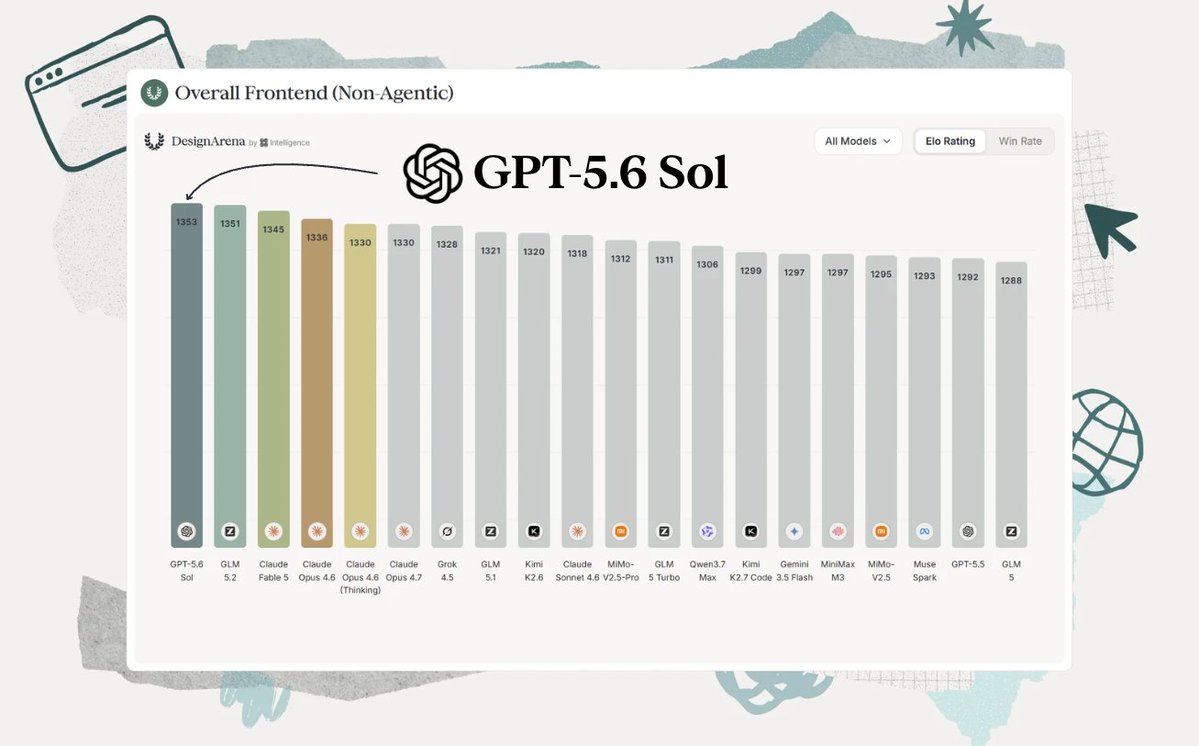
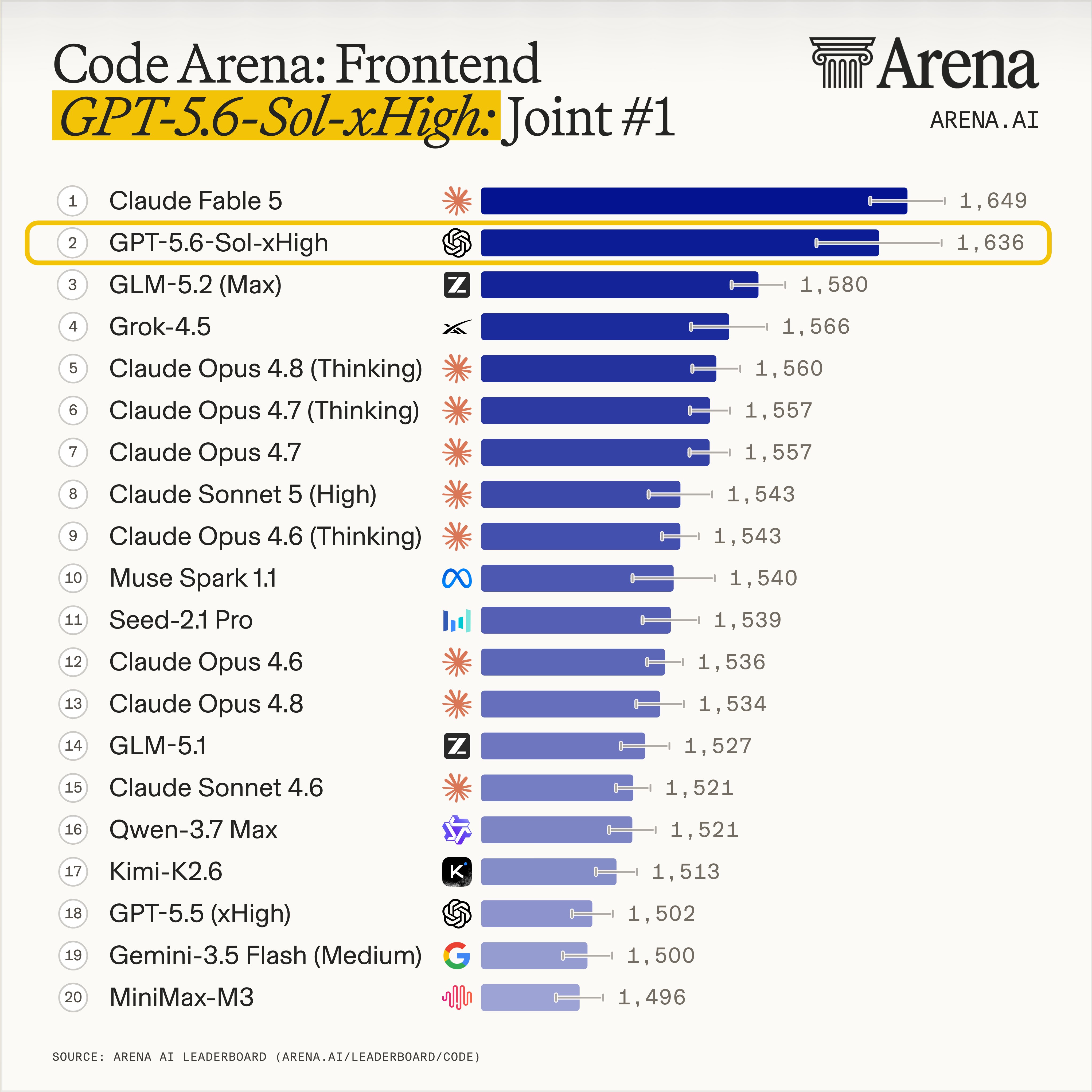
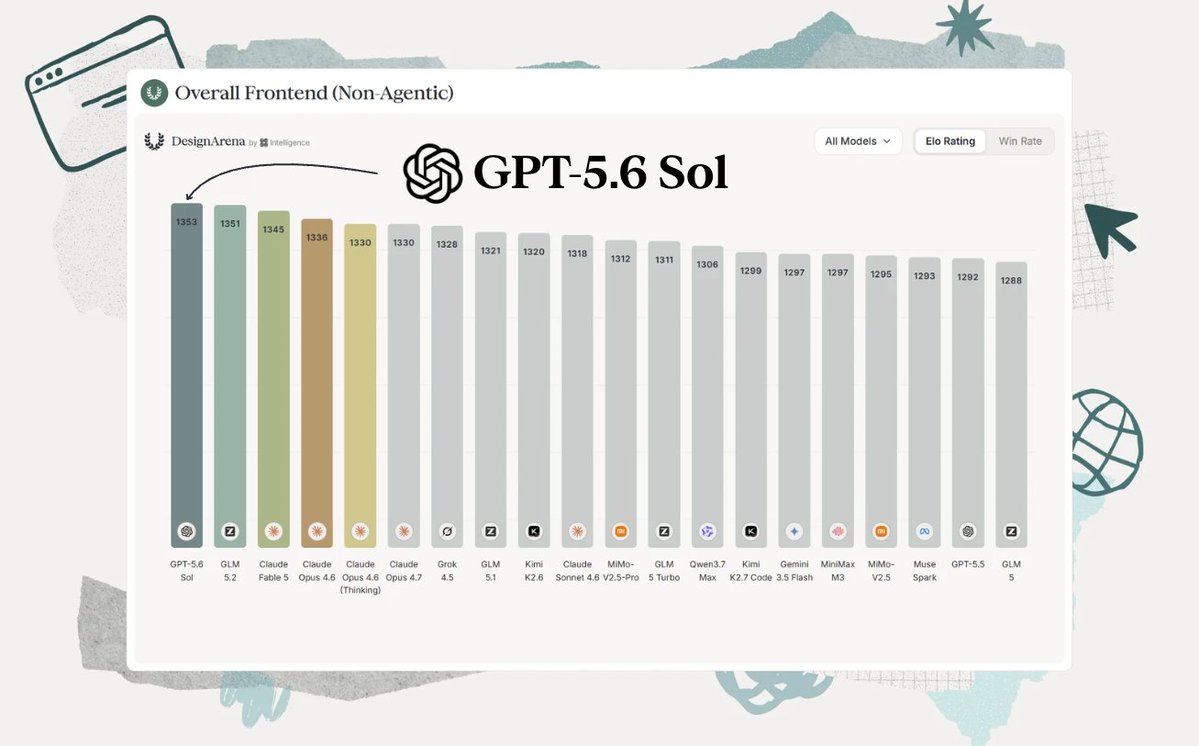
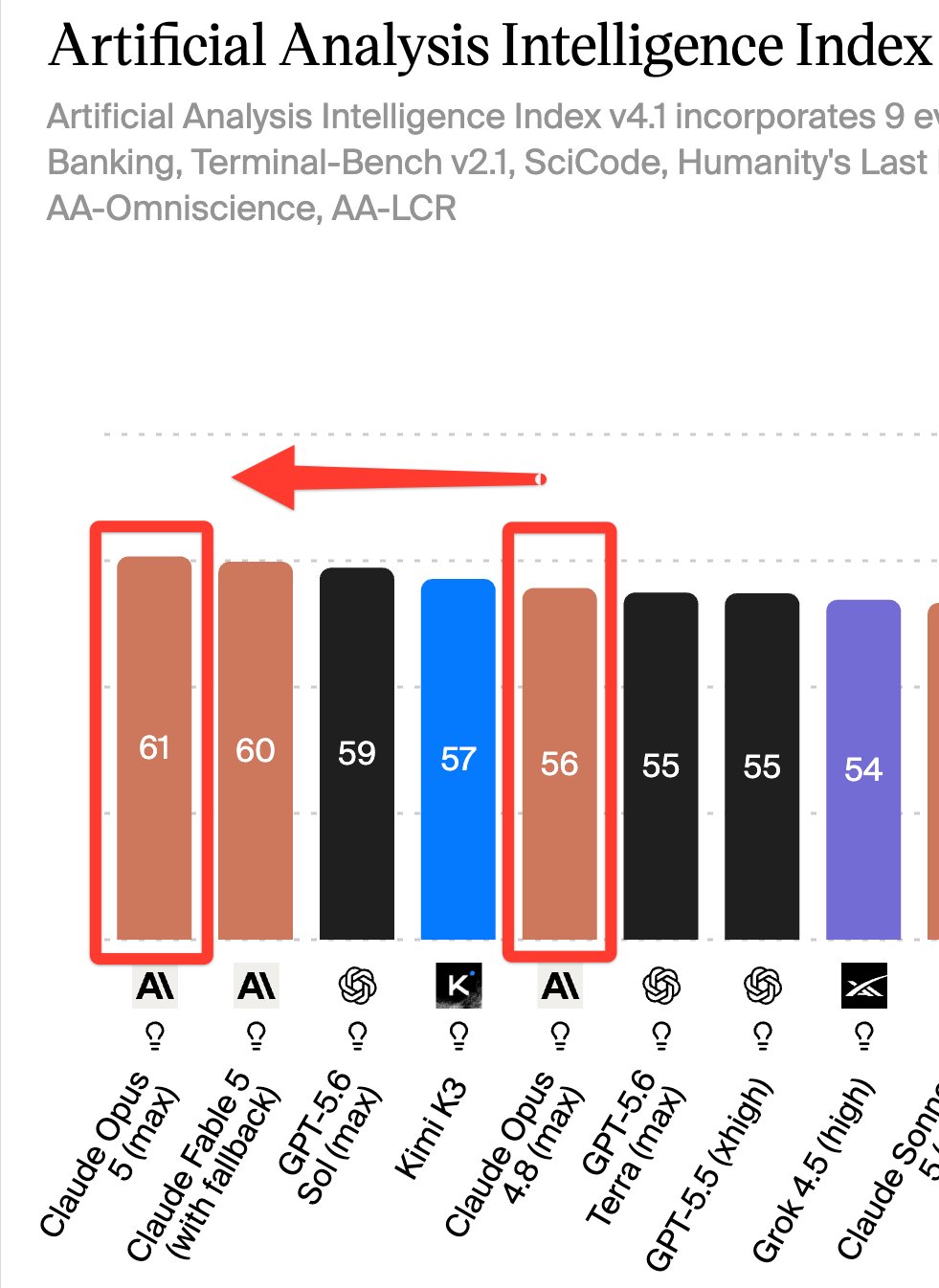
One week ago Opus 4.8 was losing to Kimi K3. Now Anthropic holds the top two spots on the leaderboard:
Just imagine how scary the upcoming Fable 5.1 is going to be.
They’ve made so many massive improvements in coding.
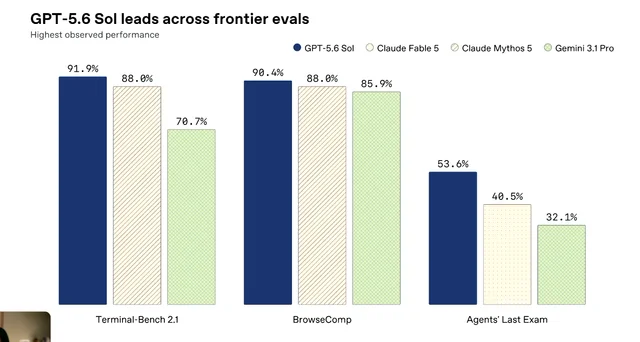
Opus 5 dominated in several tough coding benchmarks, like:
- ARC-AGI 3: Around 3× higher performance than previous leading models on novel abstract reasoning tasks.
- Frontier-Bench v0.1: 43.3% pass rate, more than double Opus 4.8’s score on complex terminal coding.
- CursorBench 3.2: Within 0.5% of Claude Fable 5 despite costing half as much.
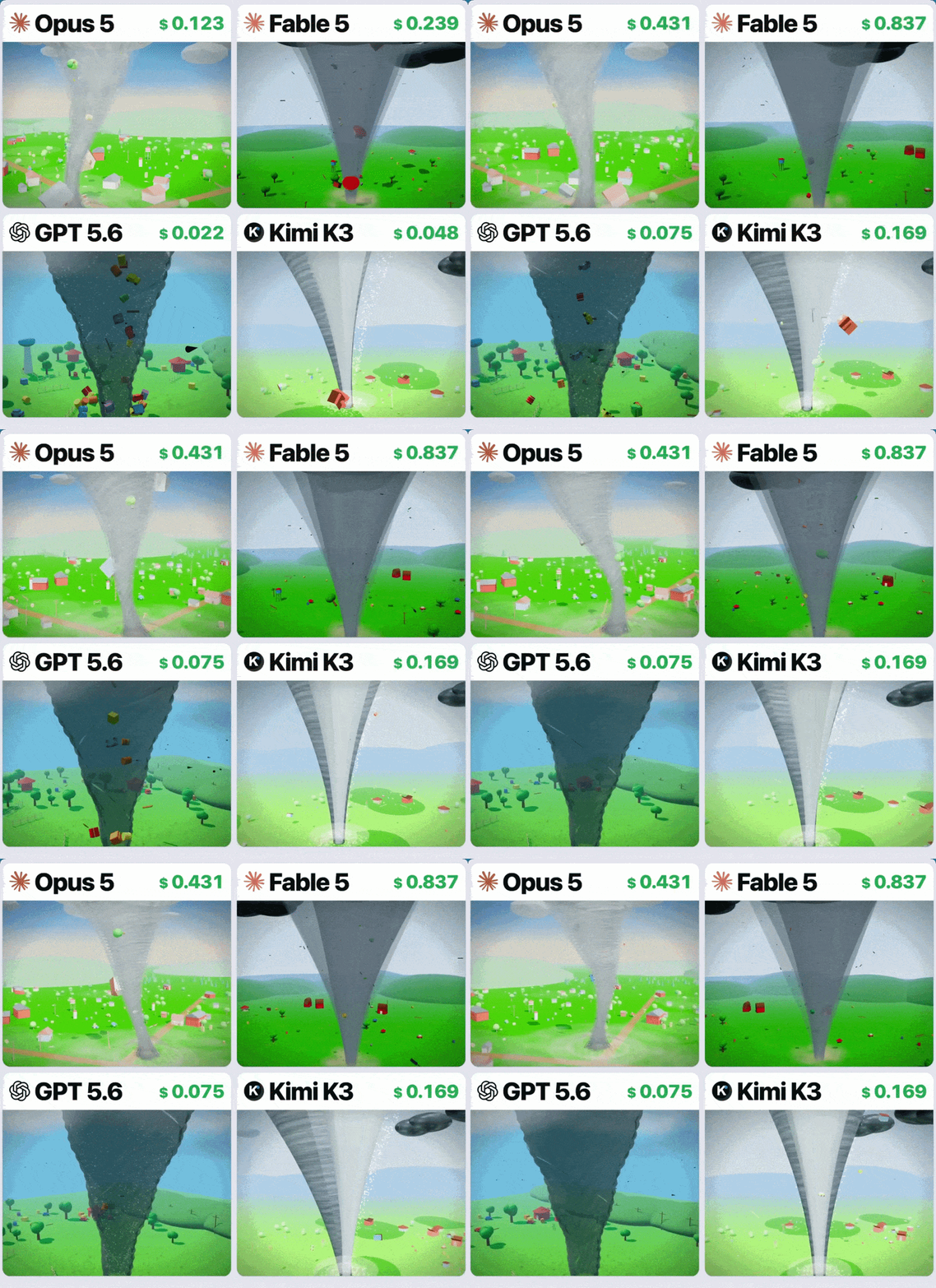
“Generate a tornado that sucks in a whole field” — Opus 5 displayed superior physics and design ability compared to other models:
Opus 5 plans before coding, understands large repositories, maintains consistency across files, and produces cleaner implementations that require fewer revisions.
It’s also now much more powerful in visual reasoning and UI generation.
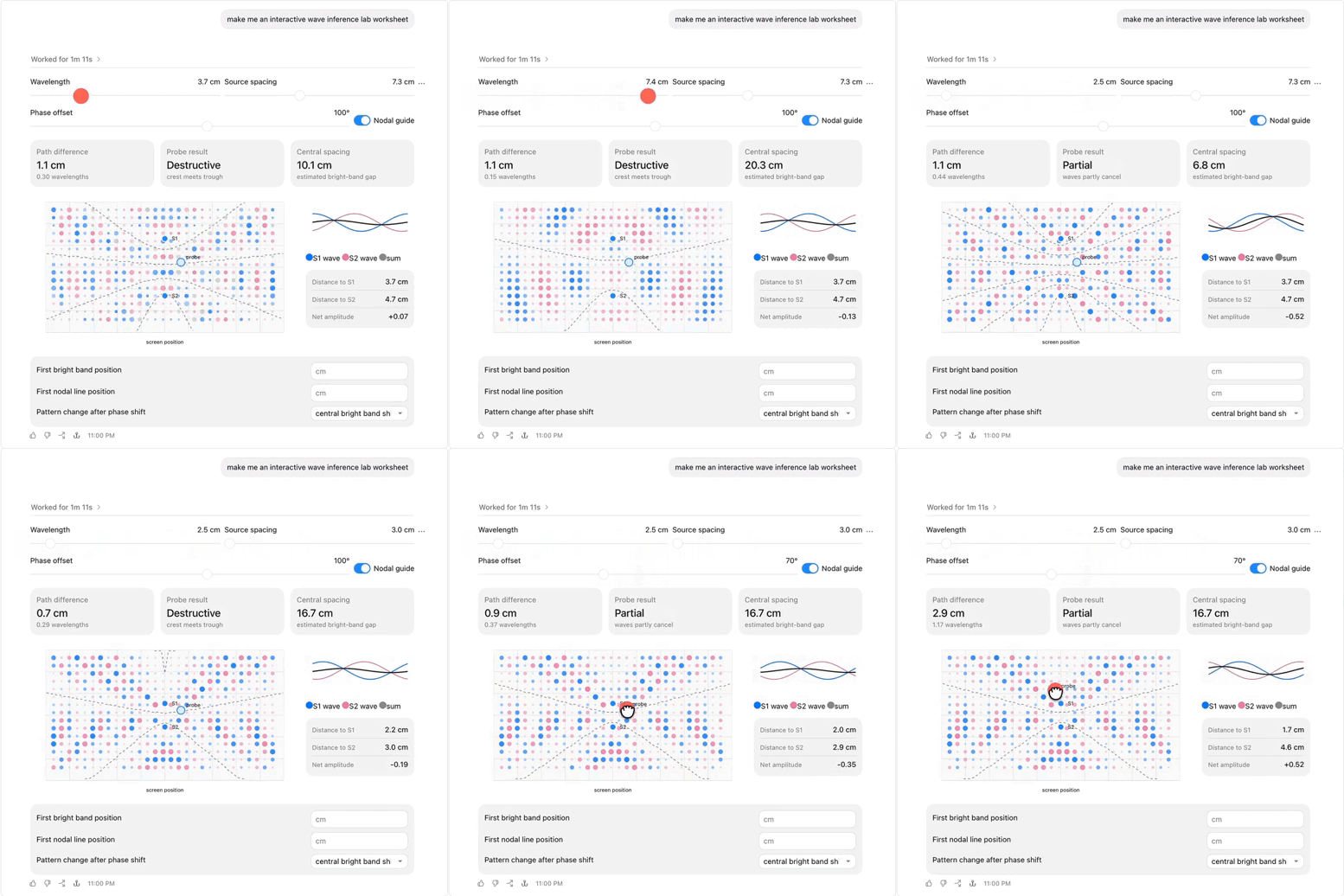
It can generate rich, interactive artifacts directly in chat, including:
- Interactive SVG and Canvas applications
- Scientific simulations
- Educational visualizations
- Data exploration tools
- More polished UI prototypes
Iterative design is noticeably better, too.
The model accepts feedback, updates layouts, and preserves styling with far fewer broken elements or visual artifacts than previous generations.
It also has incredible long-horizon ability now — and it’s so good at persisting at a task until it finally gets it right.
It doesn’t just give up when it faces the most difficult problems — it deploys several techniques to work through them.
Key capabilities that let it do this:
- Root-cause debugging: Finds and fixes underlying issues instead of applying temporary patches.
- Self-written tools: During testing, it built its own computer vision pipeline to analyze raw pixel geometry when standard tools weren’t available.
- Automatic self-verification: Checks branch states, reruns tests, and validates its own work before finalizing changes.
Prompts like “double-check your work” or “verify the output” become unnecessary because the model already does it automatically.
And now its tool usage just become so much more sophisticated.
We now have dynamic mid-conversation tool management when using Claude API with Opus 5.
You’re no longer locked in to fixed set of tools for an entire session — we can now:
- Add new tools between conversion turns
- Update existing tool definitions
- Remove tools when they’re no longer needed
- Preserve conversation context and prompt caching throughout the session
It’s a small API change with a big impact for anyone building AI agents or complex developer workflows.
This is hands-down one of the best coding models we’ve seen in a long time.