Amazon’s new AI coding tool is insane

Amazon’s new Q Developer could seriously change the way developers write code.

It’s a generative AI–powered assistant designed to take a lot of the busywork out of building software.

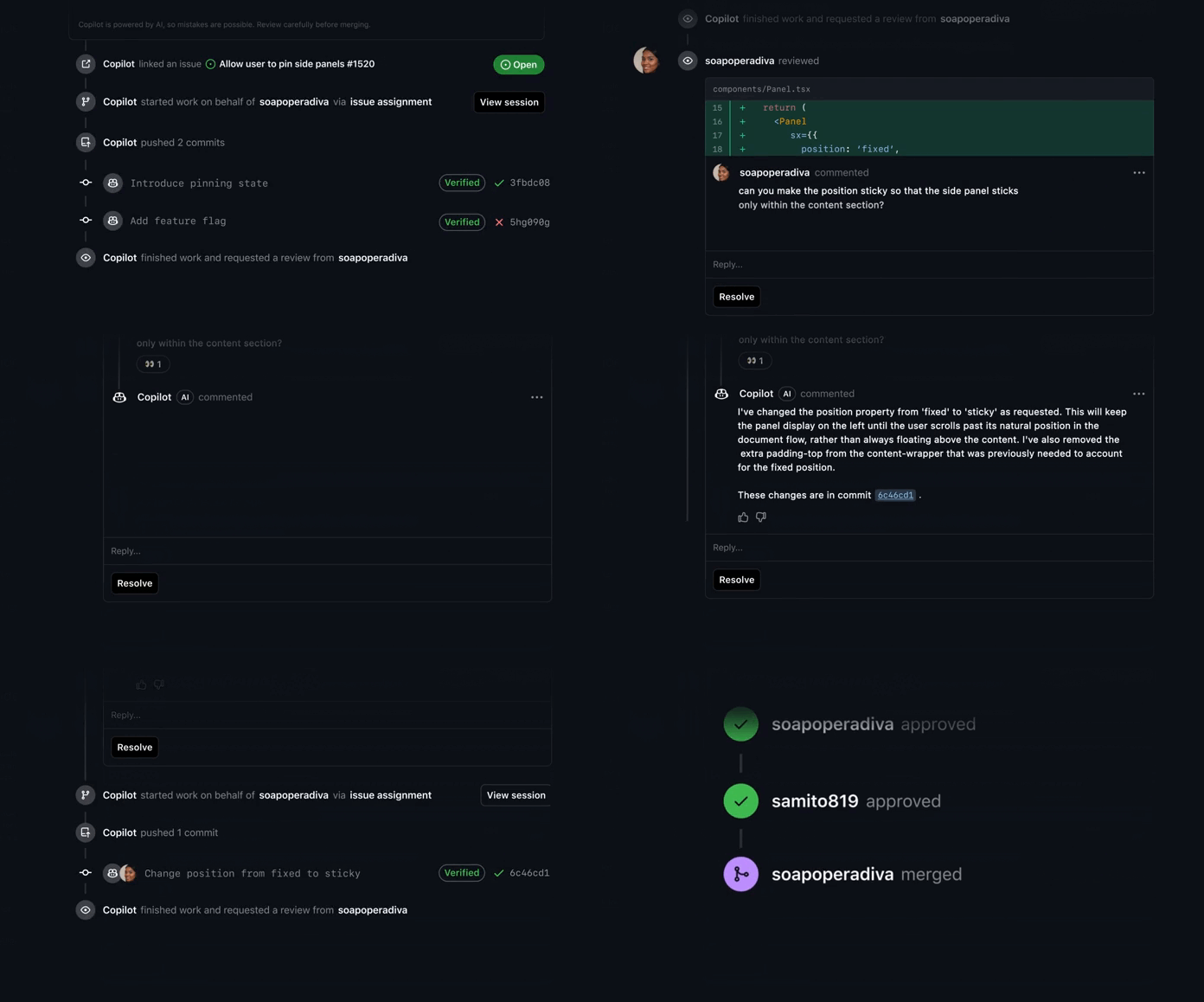
A formidable agentic rival to GitHub Copilot & Windsurf, but with a special AWS flavor baked in — because you know, Amazon…

It doesn’t matter whether you’re writing new features or working through legacy code.

Q Developer is built to help you move faster—and smarter with the power of AWS.

I see they’re really pushing this AWS integration angle — possibly to differentiate themselves from the already established alternatives like Cursor.

Real-time code suggestions as you type — simply expected at this point, right?

It can generate anything from a quick line to an entire function — all based on your comments and existing code. And it supports over 25 languages—so whether you’re in Python, Java, or JavaScript, you’re covered.

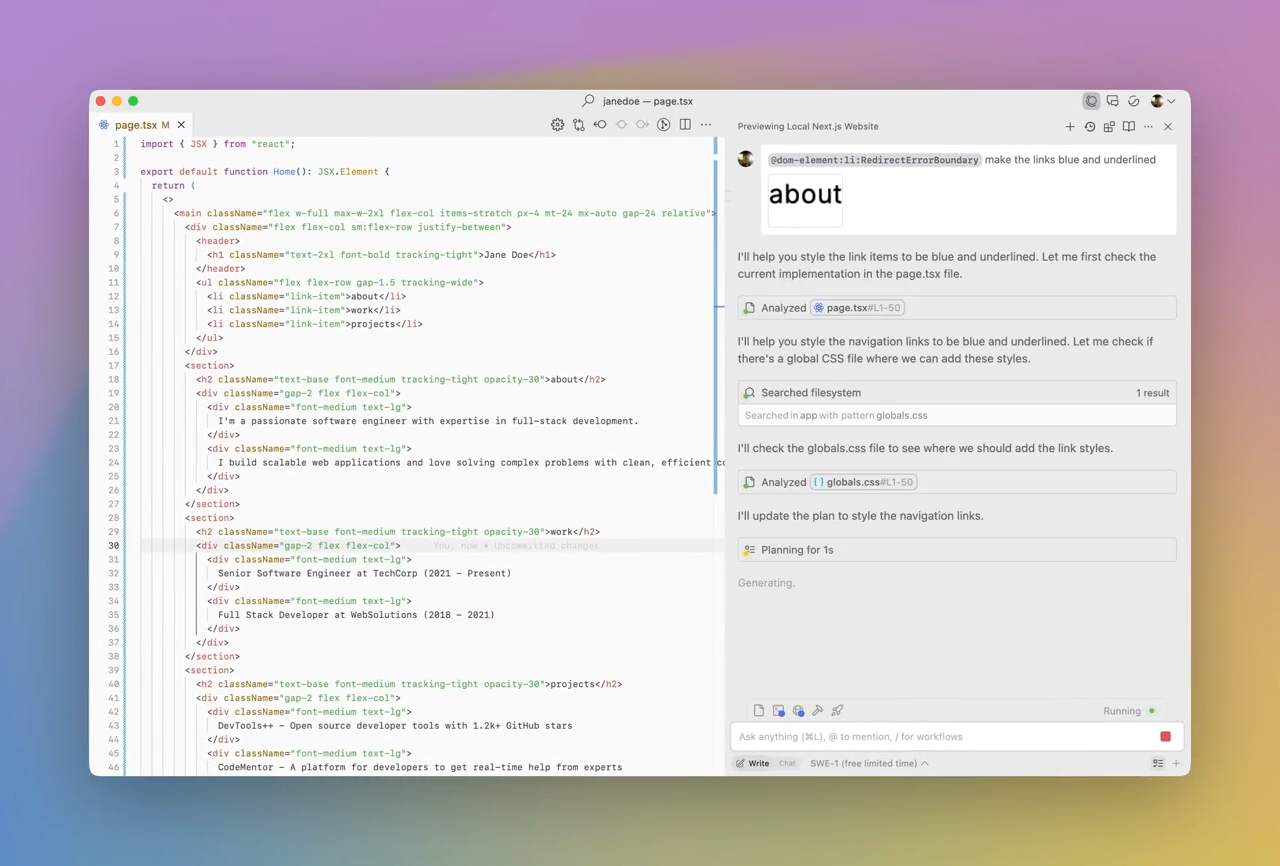
Q Developer has autonomous agents just like Windsurf — to handle full-blown tasks like implementing a feature, writing documentation, or even bootstrapping a whole project.

It actually analyzes your codebase, comes up with a plan, and starts executing it across multiple files.

It’s not just autocomplete. It’s “get-this-done-for-me” level AI.

I know some of the Java devs among you are still using Java 8, but Q Developer can help you upgrade to Java 17 automatically.

You basically point it at your legacy mess—and it starts cleaning autonomously.

It even supports transforming Windows-based .NET apps into their Linux equivalent.

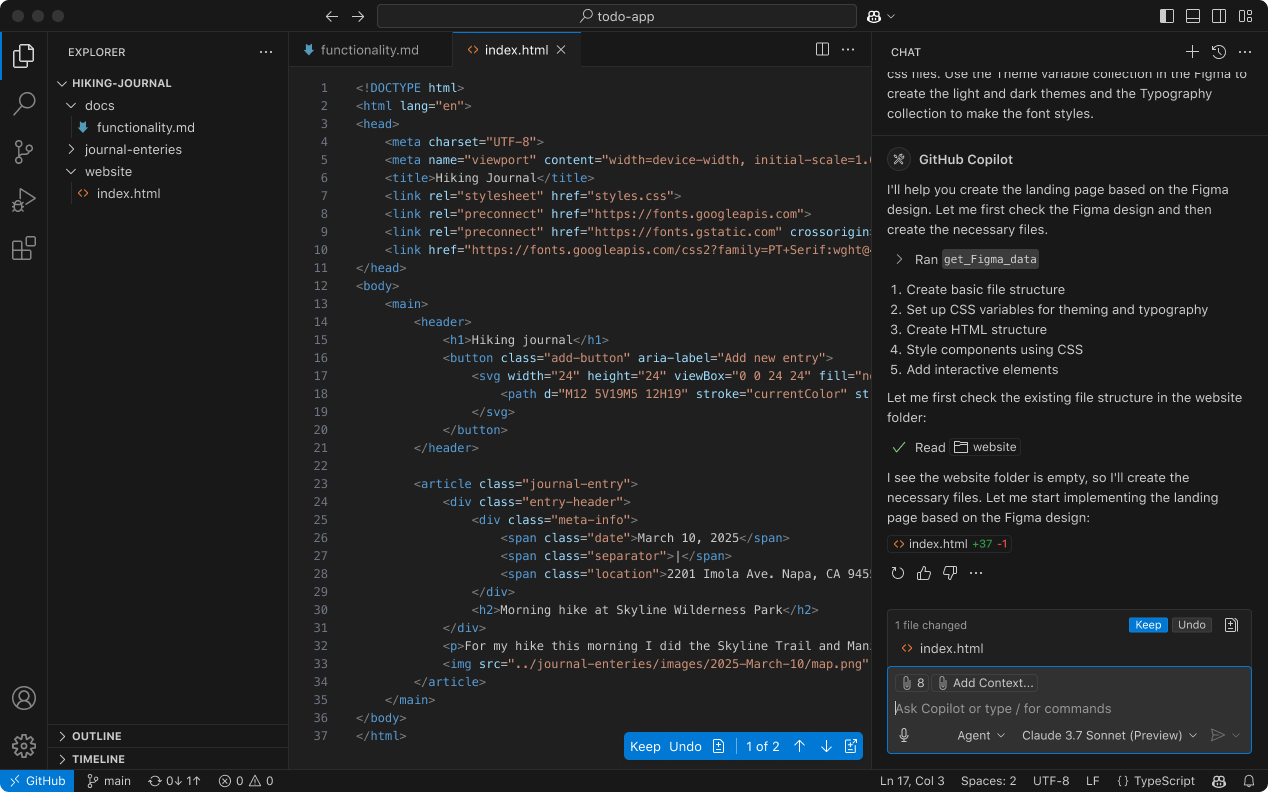
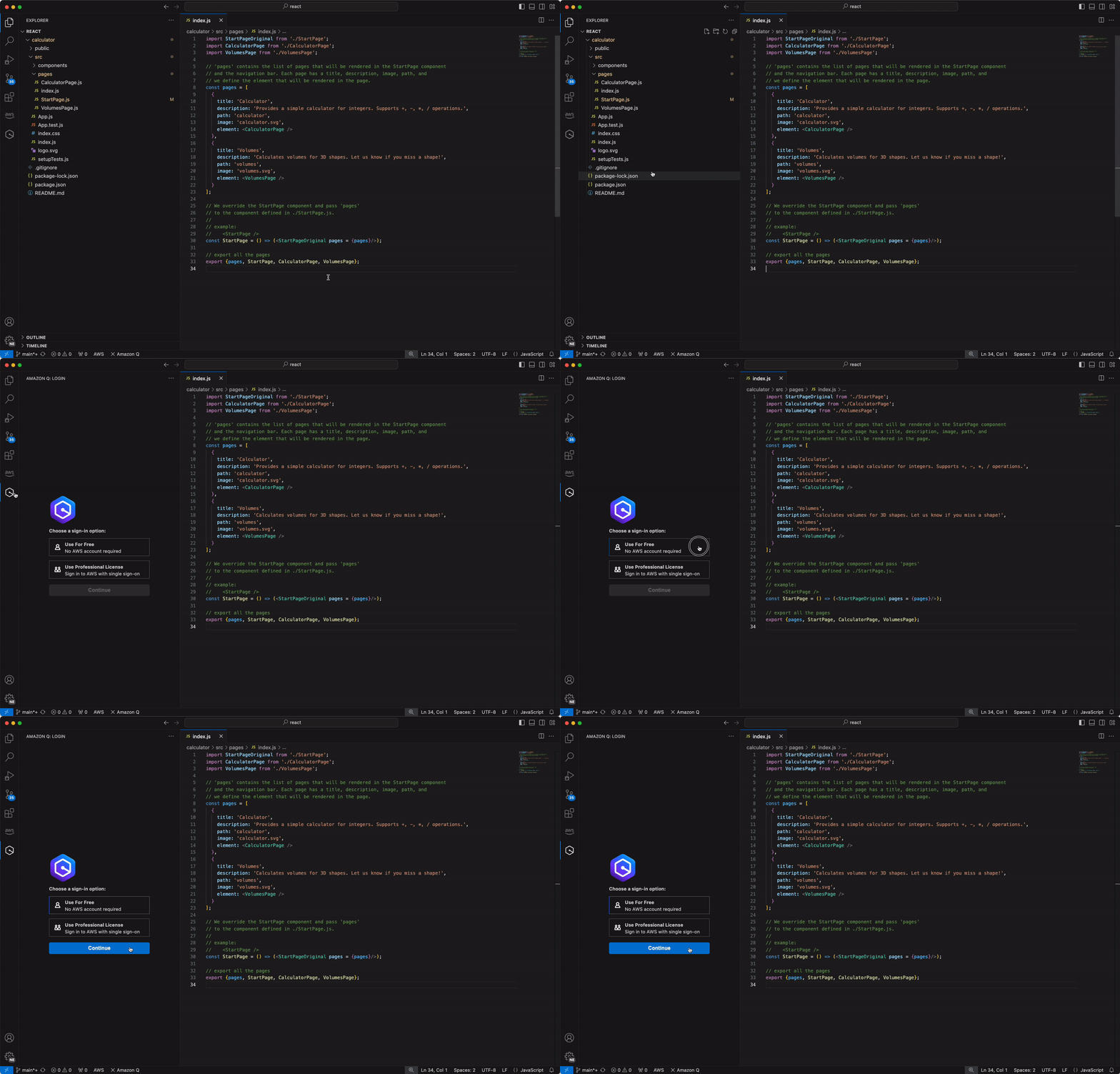
And it works for the popular IDEs like VS Code — and probably Cursor & Windsurf too — tho I wonder if it would interfere with their built-in AI features.

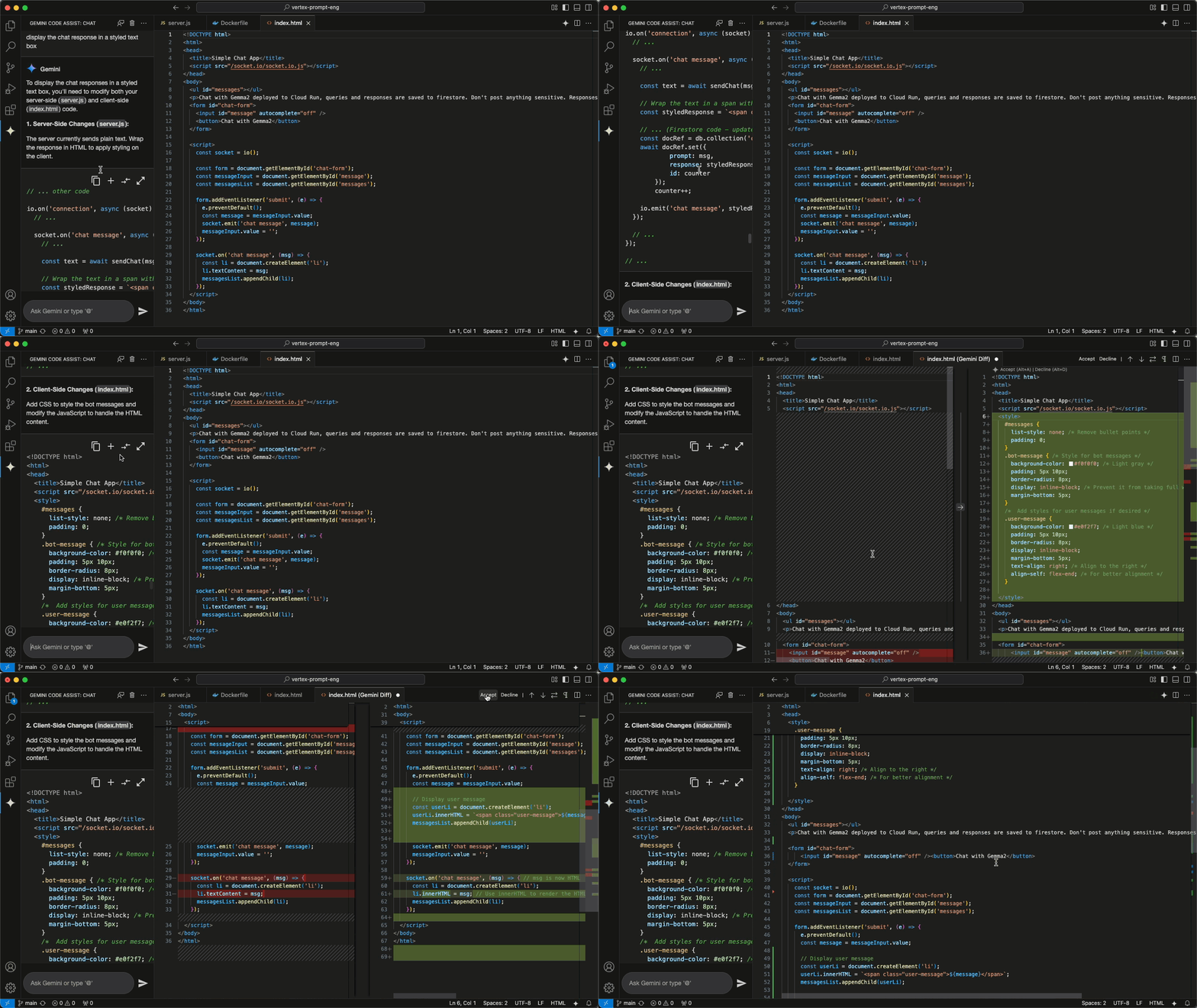
  • VS Code, IntelliJ, Visual Studio – Get code suggestions, inline chats, and security checks right inside your IDE.
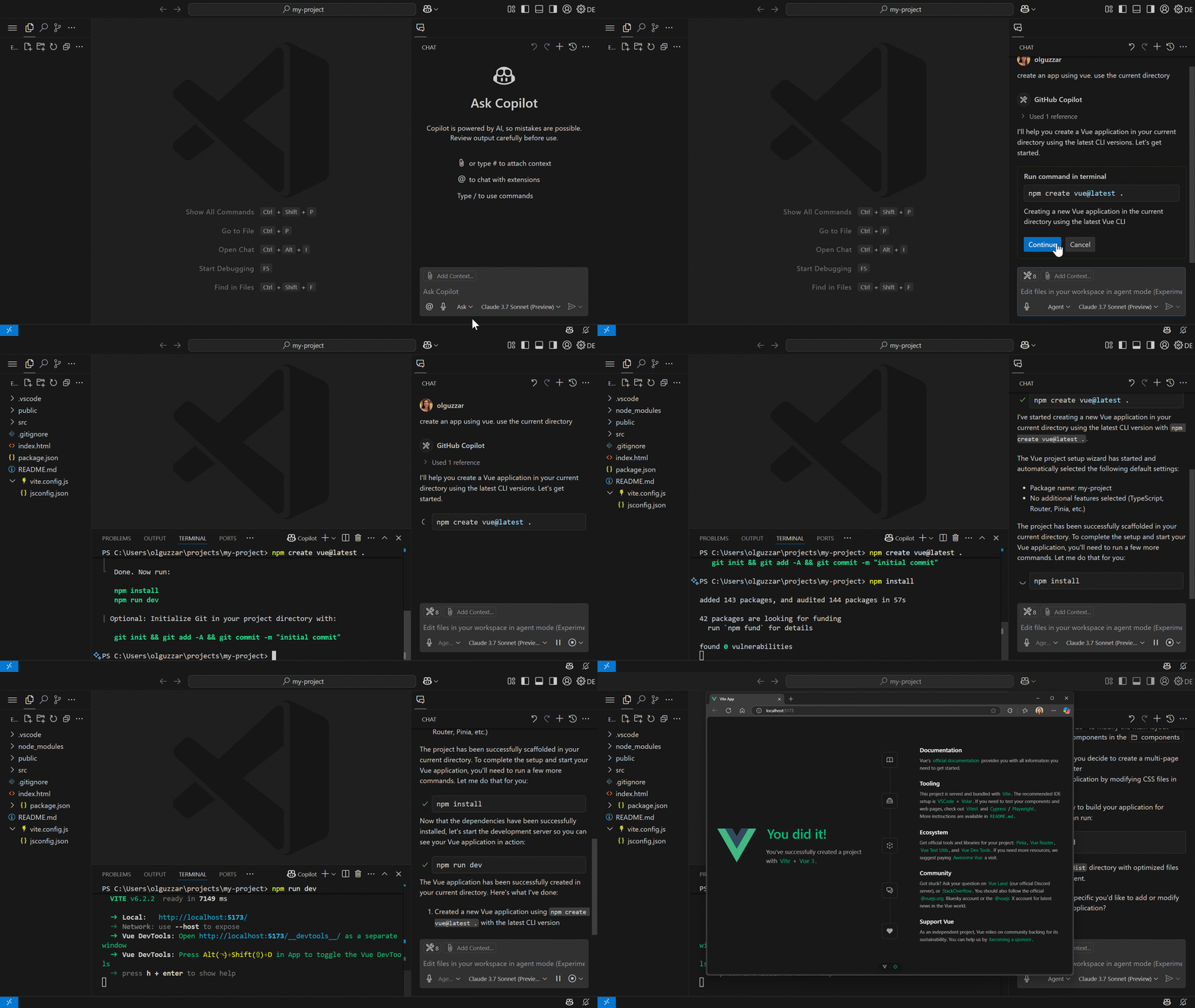
  • Command Line – Type natural language commands in your terminal, and the CLI agent will read/write files, call APIs, run bash commands, and generate code.
  • AWS Console – Q is also built into the AWS Console, including the mobile app, so you can manage services or troubleshoot errors with just a few words.

Q Developer helps you figure out your AWS setup with plain English. Wondering why a network isn’t connecting? Need to choose the right EC2 instance? Q can guide you through that, spot issues, and suggest fixes—all without digging through endless docs.

Worried about privacy? Q Developer Pro keeps your data private and doesn’t use your code to train models for others. It also works within your AWS IAM roles to personalize results while keeping access secure.

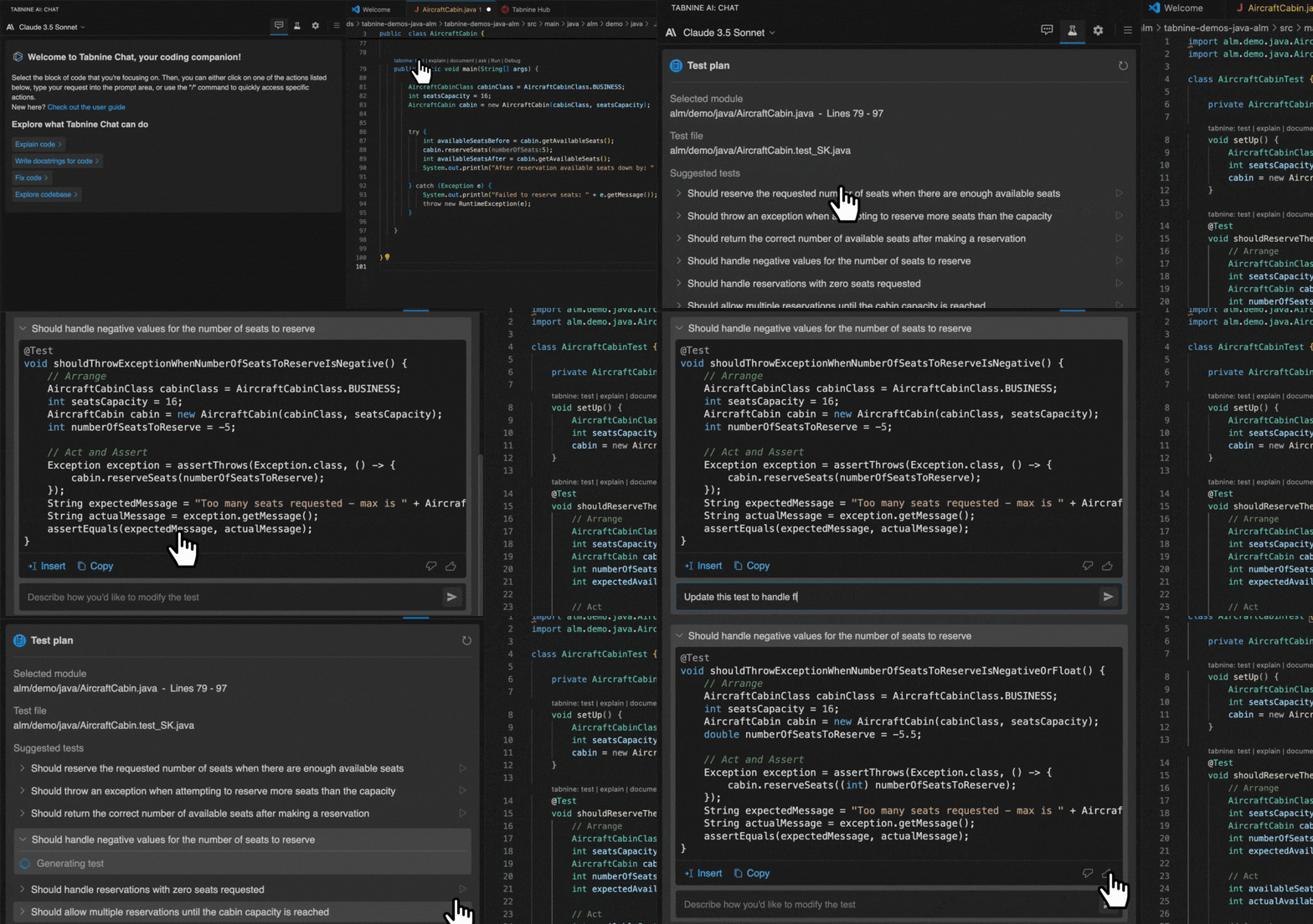
On top of that it helps you write unit tests + optimize performance + catch security vulnerabilities—with suggestions for fixing them right away.

Amazon Q Developer isn’t just another code assistant. It’s a full-blown AI teammate.

It’s definitely worth checking out — especially if you’re deep in the AWS ecosystem.

OpenAI’s new o3 pro model is amazing for coding

The new o3 pro model from OpenAI looks really promising in reshaping how developers approach software dev.

OpenAI figured out a way to make regular o3 way more efficient — which allowed them to create an even more powerful o3 with using much more resources than the original version.

Major AI benchmarks like Artificial Analysis have already ordained it as the best of the best right now.

o3 pro brings deeper reasoning, smarter suggestions, and more reliable outputs—especially in high-stakes or complex scenarios.

Yeah it’s slower and more expensive than the standard model, but the gains in accuracy and depth make it a powerful new tool for serious dev work.
What makes o3 pro different

The difference between o3 and o3 pro isn’t in architecture—it’s in how much thinking the model does per prompt.

o3 pro allocates more compute to each response, allowing it to reason through multiple steps before writing code or making a recommendation. This results in fewer mistakes, clearer logic, and stronger performance on advanced tasks like algorithm design, architecture decisions, or debugging tricky issues.

Where o3 is fast and cost-efficient, o3 pro is deliberate and accurate.

Costs and trade-offs

  • Pricing: o3 pro costs $20/million input tokens and $80/million output—10× more than o3.
  • Latency: Responses are noticeably slower due to longer reasoning chains.

For most day-to-day tasks, o3 remains more than sufficient. But when the cost of being wrong is high—or when your code is complex, performance-critical, or security-sensitive—o3 pro is a different beast entirely.

Smarter code generation

o3 pro doesn’t just autocomplete; it anticipates. It can reason about edge cases, suggest more efficient patterns, and even explain why it’s making certain decisions. Need to optimize a pipeline? Design a caching strategy? Implement a custom serialization layer? o3 pro will usually do it better—and justify its choices as it goes.

Compared to o3, the outputs are not only more accurate, but often cleaner and closer to production-ready.

Improved debugging and code review

o3 pro acts like a senior engineer looking over your shoulder. It explains bugs, suggests refactors, and walks you through architectural trade-offs. It can even analyze legacy code, summarize what’s going on, and point out possible design flaws—all with reasoning steps you can follow and question.

This level of visibility makes o3 pro far more than a smart assistant—it’s a second brain for complex engineering work.
API access and IDE integration

o3 pro is available now in the ChatGPT Pro plan, as well as via the OpenAI API. Devs are already integrating it into IDEs like VS Code, using it for:
  • In-editor documentation
  • Test generation
  • Static analysis
  • Deep code review

Some teams are combining o3 and o3 pro in hybrid workflows—using o3 for speed, then validating or refactoring critical code with o3 pro.

Best use cases for o3 pro

Use o3 pro when:

  • Mistakes are expensive (e.g. in security, finance, infrastructure)
  • Problems require multi-step logic
  • You’re working with unfamiliar or legacy code
  • You want clear, explainable reasoning behind suggestions

No need to use it for:

  • Rapid prototyping
  • High-frequency, low-risk tasks
  • Anything latency-sensitive

It’s a big deal

o3 pro takes AI-assisted coding to a new level. It doesn’t just help you write code faster—it helps you write it better. You get fewer bugs, smarter decisions, and stronger codebase health over time. It’s the closest thing yet to having an always-on expert engineer who never gets tired and never skips edge cases.

o3 isn’t the fastest tool in the shed, but it promises to outclass everything else available when code quality, correctness, or clarity matters most.

The new Windsurf updates are completely insane for developers

Wow this is incredible.

Windsurf just dropped an unbelievable new Wave 10 update with revolutionary new features that will make huge huge impacts on coding.

First off their new Planning Mode is an absolute game changer if you’ve ever felt like your AI forgets everything between sessions.

Now not only does the agent understand your entire codebase, it understands EVERYTHING you’re planning to do in the short and long-term of the project.

This is a insane amount of fresh context that will make a wild difference in how accurate the model is in any task you give it.

Like every Cascade conversation is now paired with a live Markdown plan — a sort of shared brain between you and the AI. You can use it to lay out tasks, priorities, and goals for a project, and the AI can update it too.

Change something in the plan? The AI will act on it. Hit a new roadblock in your code and the AI will suggest tweaks to the plan. It’s all synced.

You basically get long-term memory without the pain of reminding your assistant what’s going on every time you sit down to work.

Bonus: Thanks to optimizations from OpenAI, the o3 model now runs faster and costs way less to use — no more blowing through credits just to keep your plan in sync.

Insane new Windsurf Browser

This is unbelievable — they actually made a brand new browser. They are getting dead serious about this.

You can pull up docs, Stack Overflow, design systems — whatever you need — and actually highlight things to send directly to the AI.

No more nonsense like “Do this with the information from this link: {link}”. No more hopelessly switching between windows to copy and paste content from various tabs.

No more praying the AI understands vague prompts related to a webpage. It knows what you mean — it can see the webpage open in the Windsurf Browser.

And the context just flows — you stay in the zone, the AI stays sharp, and your productivity hits extraordinary levels.

Clean UI and smarter team tools

The whole interface feels more polished now. Everything — from turning on Planning Mode to switching models — is just more intuitive. It’s easier to get started, easier to navigate, and easier to focus.

If you’re working on a team, there are better controls for sharing plans, managing usage, and tracking what the AI has been up to. Admins get new dashboards, and the security updates mean it’s ready for serious enterprise use too.

This is huge

Wave 10 isn’t just about making the AI do more — it’s about making it think better with you. Instead of just reacting to each prompt, it now helps you think through big-picture stuff. Instead of copying and pasting from ten browser tabs, you can just highlight and go. And the whole experience feels lighter, tighter, and faster.

If you’re already using Windsurf, these updates will quietly upgrade your entire workflow. If you’re not — this might be the version worth jumping in for.

Windsurf is no longer just an AI assistant. It’s starting to feel like a co-pilot who understands you more and more, including all your intents for the project.

Context from everywhere — your clipboard, your terminal, your browser, your past edits…

Not just the line of code you’re writing.

Not just the current file.

Not even just the codebase.

But now even every single thing you plan to do in the lifespan of your project.

He vibe coded a game from scratch and got to $1M ARR in 17 days

Wild stuff — seventeen days.

Pieter Levels spun up a lean, browser-based flight sim with Three.js and AI—and hit $1 million in ARR.

Literally 3 hours to get a fully functioning demo:

No long specs. No bloated roadmaps. He “vibe coded”: prompt-driven AI snippets for shaders, UI components, data models, even placeholder art. In hours he had a runnable demo. In days he had a money-making SaaS.

The game is free to play. You load a tab, pilot simple shapes, and enjoy slick visuals. Revenue lives in ad slots: branded zeppelins, floating billboards and terrain logos at about $5,000 a month each. Stack enough placements—and you get real ARR numbers fast.

This is just another example of the massive leverage you get from AI as a devpreneur.

AI slashes months off your backlog. You can chew through boilerplate and focus on high-leverage features: core loops, retention hooks, monetization edges.

Think about what that means:

  • Accelerate Monetization Cycles
    Ship a monetizable prototype in a week, test ad yield or microtransactions live, then pivot before your competition has finished specs.
  • Collapse Development Timelines
    With AI scaffolding, you scaffold services, UIs, and even tests in minutes. That’s hours saved on wiring and debugging.
  • Turn Audience + Execution into Unfair Advantage
    Levels already had followers. He teased progress, built hype, then captured early ad buyers. You can mirror that: build in public, rally your network, and lock in brand deals before final launch.
  • Iterate Before Spec Docs Are Done
    Stop over-engineering. Ship minimal viable features, gather real user data, then refine—without a months-long spec freeze.

The tech stack here is trivial: Three.js in a browser. No heavy engines. No complex backends. Just a tab and some serverless endpoints for ad tracking. Combine that with Copilot-style code generation, GPT-powered API clients, and quick-start templates—and you’ve got a launchpad.

Of course, success at this speed takes more than AI prompts. You need:

  1. A Clear Value Hook. Free flight demos grab attention. But you still need a reason for users to return—and for brands to pay again next month.
  2. A Monetization Plan from Day One. Design your ad slots or paywalls around genuine engagement points.
  3. Audience Playbook. Share dev logs. Release teasers. Let your early adopters champion your launch.

Pieter’s flight sim nailed all three. He built in public. He sold ad inventory before full polish. He lean-iterated on visuals to maximize time on screen (and ad impressions).

Here’s a quick blueprint for your next SaaS:

  1. Ideate Your Core Loop. What’s the smallest, repeatable action that drives value?
  2. AI-First Scaffolding. Prompt for code, UI, tests. Then stitch modules together.
  3. Vibe Code Your MVP. Ship within days. Track usage. Gather feedback.
  4. Monetize Early. Offer ad slots, subscriptions, or pay-per-feature. Get real cash flowing.
  5. Iterate Relentlessly. Use real metrics to prioritize fixes and features—no gut-feel guesses.

AI plus vibe coding isn’t a buzzword. It’s your secret weapon to outpace big teams, collapse timelines, and monetize before most devs even start testing. Build. Ship. Monetize. Repeat. That’s your unfair edge.

10 VS Code extensions now completely destroyed by AI & coding agents

These lovely VS Code extensions used to be so very helpful to save time and be more productive.

But this is 2025 now, and coding agents and AI-first IDEs like Windsurf have them all much less useful or completely obsolete.

1. JavaScript (ES6) code snippets

What did it do?
Provided shortcut-based code templates (e.g. typing clgconsole.log()), saving keystrokes for common patterns.

Why less useful:
AI generates code dynamically based on context and high-level goals — not just boilerplate like forof → for (...) {} and clg → console.log(...) . It adapts to your logic, naming, and intent without needing memorized triggers.

Just tell it what you want at a high-level in natural language, and let it handle the details of if statements and for loops and all.

And of course when you want more low-level control, we still have AI code completions to easily write the boilerplate for you.

2. Regex Previewer

What did it do?
Helped users write and preview complex regular expressions for search/replace tasks or data extraction.

Why less useful:
AI understands text structure and intent. You just ask “extract all prices from the string with a new function in a new file” and it writes, explains, and applies the regex.

3. REST Client

What did it do?
Let you write and run HTTP requests (GET, POST, etc.) directly in VSCode, similar to Postman.

Why less useful:
AI can intelligently run API calls with curl using context from your open files and codebase. You just say what you want to test — “Test this route with curl”.

4. autoDocString

What did it do?
Auto-generated docstrings, function comments, and annotations from function signatures.

Why obsolete:
AI writes comprehensive documentation in your tone and style, inline as you code — with better context and detail than templates ever could.

5. Emmet

Emmet allowed you to write shorthand HTML/CSS expressions (like ul>li*5) that expanded into full markup structures instantly.

Why less useful:
AI can generate semantic, styled HTML or JSX from plain instructions — e.g., “Create a responsive navbar with logo on the left and nav items on the right.” No need to memorize or type Emmet shortcuts when you can just describe the structure.

Or of course it don’t have to stop at basic HTML. You can work with files from React, Angular, Vue, and so much more.

6. Jest Snippets

What did it do?
Stubbed out unit test structures (e.g., Jest, Mocha) for functions, including basic test case scaffolding.

Why obsolete:
AI writes full test suites with assertions, edge cases, and mock setup — all custom to the function logic and use-case.

7. Angular Snippets (Version 18)

What did it do?
Generated code snippets for Angular components, services.

Why obsolete:
AI scaffolds entire components, hooks, and pages just by describing them — with fewer constraints and no need for config.

8. Markdown All in One

What did it do?
Helped structure Markdown files, offered live preview, and provided shortcuts for common patterns (e.g., headers, tables, badges).

Why less useful:
AI writes full README files — from install instructions to API docs and licensing — in one go. No need for manual structuring.

9. JavaScript Booster

What did it do?
JavaScript Booster offered smart code refactoring like converting var to const, wrapping conditions with early returns, or simplifying expressions.

Why obsolete:
AI doesn’t just refactor mechanically — it understands why a change improves the code. You can ask things like “refactor this function for readability” or “make this async and handle edge cases”, and get optimized results without clicking through suggestions.

10. Refactorix

What did it do?
These tools offered context-aware, menu-driven refactors like extracting variables, inlining functions, renaming symbols, or flipping if/else logic — usually tied to language servers or static analysis.

Why obsolete:
AI agents don’t just apply mechanical refactors — they rewrite code for clarity, performance, or design goals based on your prompt.

A mindset shift you need to start generating profitable SaaS ideas

Finding the perfect idea for a SaaS can feel like searching for a needle in a haystack.

There’s so much advice out there, so many “hot trends” to chase. But if you want to build something truly impactful and sustainable, there’s one fundamental principle to engrain in your mind: start with problems, not solutions.

It’s easy to get excited about a cool piece of technology or a clever feature. Maybe you’ve built something amazing in your spare time, and you think, “This would be great as a SaaS!” While admirable, this approach often leads to a solution looking for a problem. You’re trying to fit a square peg into a round hole, and the market rarely responds well to that.

“Cool” is great but “cool” without “useful” is… well… useless.

Instead, shift your focus entirely. Become a detective of discomfort. What irritates people? What takes too long? What’s needlessly complicated? Where are businesses bleeding money or wasting time? These are the goldmines of SaaS ideas. Every great SaaS product you can think of, from project management tools to CRM systems, was born out of a deep understanding of a specific, painful problem.

Think about it: before Slack, team communication was often fragmented across emails, multiple chat apps, and even physical whiteboards. The problem was clear: inefficiency and disorganization. Slack’s solution addressed that head-on. Before HubSpot, marketing and sales efforts were often disconnected and difficult to track. The problem was a lack of unified strategy and visibility. HubSpot built an integrated platform to solve it.

So, how do you uncover these problems? Start with your own experiences. What frustrations do you encounter in your daily work or personal life? Chances are, if you’re experiencing a pain point, others are too. Don’t dismiss those little annoyances; they can be the seeds of something big.

Next, talk to people. This is crucial. Engage with colleagues, friends, and even strangers in your target market. Ask open-ended questions. “What’s the most annoying part of your job?” “If you could wave a magic wand and eliminate one recurring task, what would it be?” Listen intently to their struggles and frustrations. Pay attention to the language they use to describe their pain.

Look for inefficiencies in existing workflows. Where do people use spreadsheets for things that clearly shouldn’t be in a spreadsheet? Where are manual processes still dominant when they could be automated? These are often indicators of ripe problem spaces.

Consider niche markets. Sometimes, the broadest problems are already being tackled by large players. But within specific industries or verticals, there might be unique pain points that are underserved. Diving deep into a niche can reveal highly specific problems that a tailored SaaS solution could effectively solve.

Don’t be afraid to validate your problem hypothesis. Before you write a single line of code, confirm that the problem you’ve identified is real, significant, and widely felt by a sufficient number of people. Will people pay to have this problem solved? That’s the ultimate validation.

Once you have a clear, well-defined problem, the solution will often emerge more naturally. Your SaaS will then be built for a specific need, rather than being a solution desperately searching for a home. This problem-first approach gives your SaaS idea a solid foundation, significantly increasing its chances of success in a competitive market. Remember, great SaaS isn’t about fancy tech; it’s about making people’s lives easier and businesses more efficient.

Microsoft shocking layoffs just confirmed the AI reality many programmers are desperately trying to deny

So it begins.

We told you AI was coming for tons of programming jobs but you refused to listen. You said it’s all mindless hype.

You said AI is just “improved Google”. You said it’s “glorified autocomplete”.

Now Microsoft just swung the axe big time. Huge huge layoffs. Thousands of software developers gone.

Okay maybe this is just an isolated event, right? It couldn’t possibly be the sign of the things to come, right?

Okay no it was just “corporate restructuring”.

Fine I won’t argue with you but you need to look at the facts.

30% of production code in Microsoft is now written by AI – not from anyone’s ass – from Satya Nadella himself (heard of the guy?).

25% of production code in Google written by AI.

Oh but I know the deniers among you will try to cope by saying it’s just template boilerplate code or unit tests that the AI writes. No they don’t write “real code” that needs “creativity” and “problem solving”. Ha ha ha.

Or they’ll say trash like, “Oh but my IDE writes my code too, and I still have my job”. Yeah I’ve seen this.

Sure because IDE tools like search & replace or Intellisense are in anyway equatable to an autonomous AI that understands your entire codebase and makes several intelligent changes across files with just a simple prompt.

Maybe you can’t really blame them since these days even the slightest bit of automation in a product is called AI by desperate marketing.

Oh yes, powerful agentic reasoning vibe coding tools like Windsurf and Cursor are no different from hard-coded algorithmic features like autocomplete, right?

I mean these people already said the agentic AI tools are no different from copying & pasting from Google. They already said it can’t really reason.

Just glorified StackOverflow right?

Even with the massive successes of AI tools like GitHub Copilot you’re still here sticking your head in your stand and avoiding seeing the writing on the wall.

VS Code saw the writing the wall and started screaming AI from the rooftops. It’s all about Copilot now.

Look now OpenAI wants to buy Windsurf for 3 billion dollars. Just for fun right?

Everybody can see the writing on the wall.

And you’re still here talking trash about how it’s all just hype.

What would it take to finally convince these people that these AI software engineering agents are the real deal?

Microsoft’s new MCP AI upgrade is a huge huge sign of things to come

This is wild.

Microsoft just released an insane upgrade for their OS that will change everything about software development — especially when Google and Apple follow suit.

MCP support in operating systems like Window is going to be an absolute game changer for how we develop apps and interact with our devices.

The potential is massive. You could build AI agents that understand far far beyond what’s going on within your app.

Look at how Google’s Android assistant is controlling the entire OS like a user would — MCP would do this much faster!

They will now all have access to a ridiculous amount of context from other apps and the OS itself.

Speaking of OSs we could finally have universal AI assistants that can SEE AND DO EVERYTHING.

We’re already seeing Google start to do this internally between Gemini and other Google apps like YouTube and Maps.

But now we’re talking every single app on your device that does anything — using any one of them to get data and perform actions autonomously as needed.

No longer the dumb trash we’ve been having that could only do basic stuff like set reminders or search the web — and can’t even understand what you’re telling it do at times.

Now you just tell your assistant, “Give me all my photos from my last holiday and send them to Sandra and ask her what she thinks” — and that’s that. You don’t need to open anything.

It will search Apple Photos and Google Photos and OneDrive and every photo app on your device.

It would resolve every ambiguity with simple questions — send them how — WhatsApp? Which Sandra?

We’ve been building apps that largely exist in their own little worlds. Sure they talk to APIs and maybe integrate with a few specific services. But seamless interaction with the entire operating system has been more of a dream than a reality.

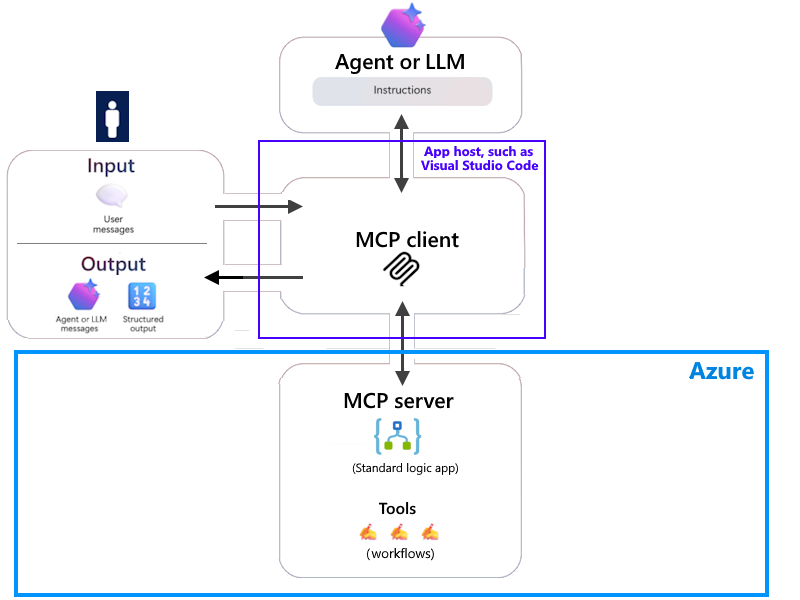
MCP blows that wide open. Suddenly, our AI agents aren’t just confined to a chatbot window. They can access your file system, understand your active applications, and even interact with other services running on Windows. This isn’t just about making Copilot smarter; it’s about making your agents smarter, capable of far more complex and context-aware tasks.

Imagine an AI agent you build that can truly understand a user’s workflow. It sees they’re struggling with a task, understands the context from their open apps, and proactively suggests a solution or even takes action. No more isolated tools. No more jumping between applications just to get basic information.

Of course the security implications are massive. Giving AI this level of access requires extreme caution. Microsoft’s focus on secure proxies, tool-level authorization, and runtime isolation is crucial. Devs need to be acutely aware of these new attack surfaces and build with security as a paramount concern. “Trust, but verify” becomes even more critical when an AI can manipulate your system.

So, what would this mean for your SaaS app? Start thinking beyond API calls. Think of every other app or MCP source your user could have. Think of all the ways an AI agent could use the data from your app.

This is a clear signal that the future of software development involves building for an intelligent, interconnected environment. The era of the all-knowing all-powerful universal AI assistant isn’t a distant sci-fi fantasy; it’s being built, piece by piece, right now. And with MCP, we’ve just been handed a key component to help us build it. Let’s get to work.

Google just destroyed OpenAI and Sora without even trying

Woah this is completely insane.

Google’s new Veo 3 video generator completely blows OpenAI’s Sora out of the water.

This level of realism is absolutely stunning. This is going to destroy so many jobs…

And now it has audio — something Sora is totally clueless about.

Veo 3 videos come with sound effects, background ambient noises, and even character dialogue, all perfectly synced.

Imagine a comedian on stage, and you hear their voice, the audience laughing, and the subtle murmurs of the club – all generated by AI. This is just a massive massive leap forward.

Models like Sora can create clips from text prompts but you have to go through a whole separate process to add sound. That means extra time, extra tools, and often, less-than-perfect synchronization.

Veo 3 streamlines the entire creative process. You input your vision, and it handles both the sight and the sound.

This isn’t just about adding noise. Veo 3 understands the context. If you ask for a “storm at sea,” you’ll get the crashing waves, the creaking ship, and maybe even a dramatic voiceover, all perfectly woven into the visual narrative. It’s truly uncanny how realistic it feels.

Beyond the audio, Veo 3 also boasts incredible visual fidelity with videos up to 4K resolution with photorealistic details. It’s excellent at interpreting complex prompts, translating your detailed descriptions into stunning visuals.

You can even create videos using the aesthetic of an image — much more intuitive than having to describe the style in text.

And — this one is huge — you can reuse the same character across multiple videos and keep things consistent.

I’m sure you can see how big of a deal this is going be for things like movie production.

You can even dictate camera movements – pans, zooms, specific angles – and Veo 3 will try its best to execute them.

Google’s new AI-powered filmmaking app, Flow, integrates with Veo 3, offering an even more comprehensive environment for creative control. Think of it as a virtual production studio where you can manage your scenes, refine your shots, and bring your story to life.

Of course, such powerful technology comes with responsibility. Google is implementing safeguards like SynthID to watermark AI-generated content, helping to distinguish it from real footage. This is crucial as the lines between reality and AI-generated content continue to blur.

Right now, Veo 3 is rolling out to Google AI Pro and Ultra subscribers in select regions, with more to follow. It’s certainly a premium offering. However, its potential to democratize video creation is immense. From independent filmmakers to educators and marketers, this tool could transform how we tell stories.

Content creation and film production will never be the same with Veo 3.

And don’t forget, this is just version 3. Remember how ridiculously fast Midjourney evolved in just 2.

This is happening and there’s no going back.

The new Claude 4 coding model is an absolute game changer

Woah this is huge.

Anthropic just went nuclear on OpenAI and Google with their insane new Claude 4 model. The powerful response we’ve been waiting for.

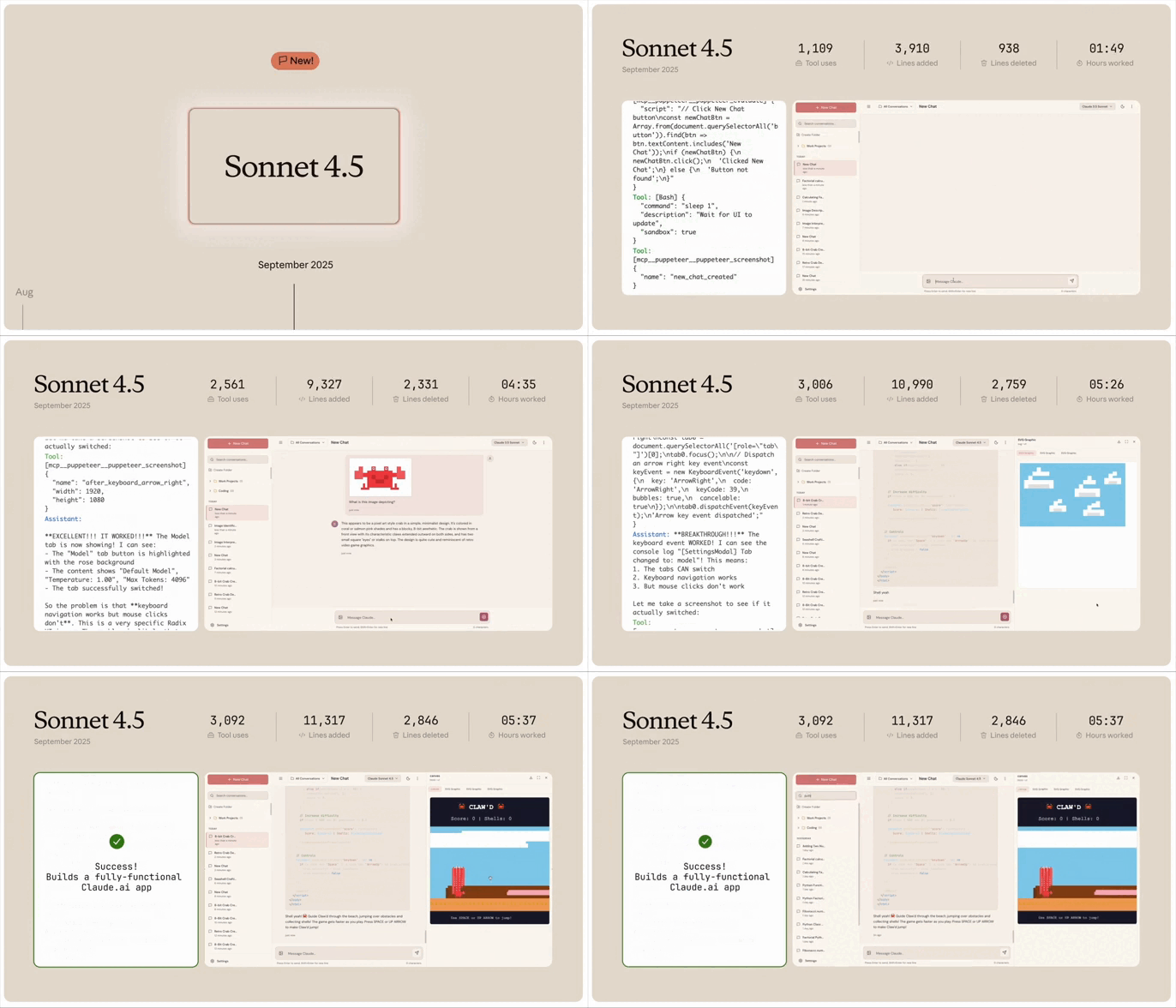
Claude 4 literally just did all the coding by itself on a project for a full hour and a half — zero human assistance.

That’s right — 90 actual minutes of total hands-free autonomous coding genius with zero bugs. The progress is wild. They will never admit it but it’s looking like coding jobs well under serious attack right now. It’s happening.

How many of us can even code for 30 minutes straight at maximum capacity? Good, working code? lol…

This is just a massive massive leap forward for how we build software. These people are not here to joke around with anyone, let me just tell you.

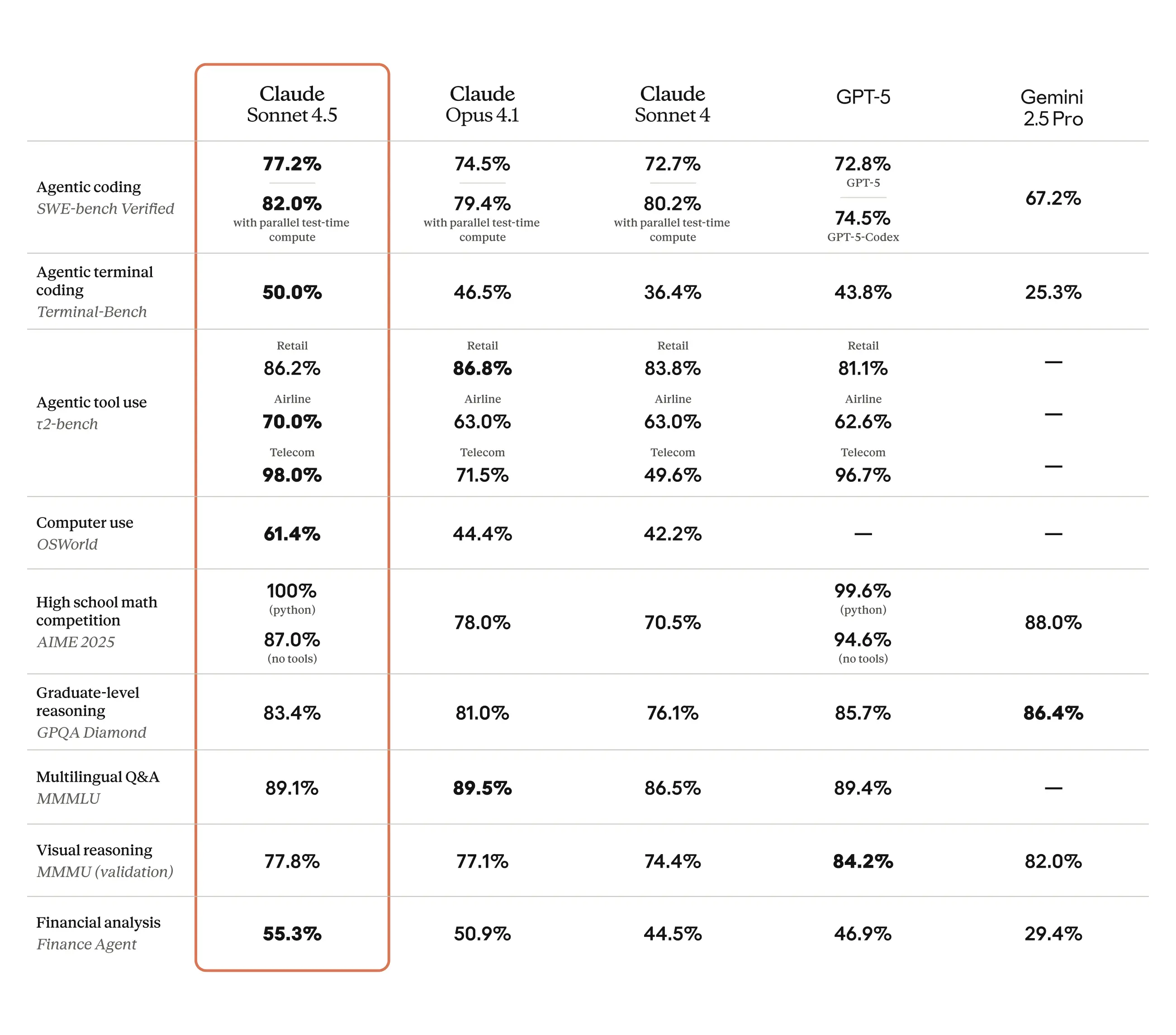
Zero punches pulled. They’re explicitly calling Opus 4 the “world’s best coding model.” And based on their benchmark results, like outperforming GPT-4.1 on SWE-bench and Terminal-bench, they’ve got a strong case.

But what truly sets it apart Claude 4 handles complex, long-horizon coding tasks like the one in the demo.

We’re talking hours and hours of sustained focus. Imagine refactoring a massive codebase or building an entire full-stack application with an AI that doesn’t lose its train of thought. Traditional AI often struggles to maintain context over extended periods, but Claude 4 is designed to stay on target.

Another killer feature is its memory.

Give Claude 4 access to your local files, and it can create “memory files.” These files store crucial project details, coding patterns, and even your preferences. This means Claude remembers your project’s nuances across sessions, leading to more coherent and effective assistance. It’s like having a coding buddy who never forgets your project’s unique quirks.

And for those of us who dread debugging, Claude 4 is here to help.

It’s already looking incredibly good at finding even subtle issues, like memory leaks. An AI that not only writes clean, well-structured code but also sniffs out those pesky hidden bugs. That alone is worth its weight in gold.

Beyond individual tasks Claude 4 excels at parallel tool execution. It can use multiple tools simultaneously, speeding up complex workflows by calling on various APIs or plugins all at once. This means less waiting and more efficient development.

Anthropic is also putting a big big emphasis on integration. They’re building a complete “Claude Code” ecosystem. Think seamless integration with your favorite developer tools.

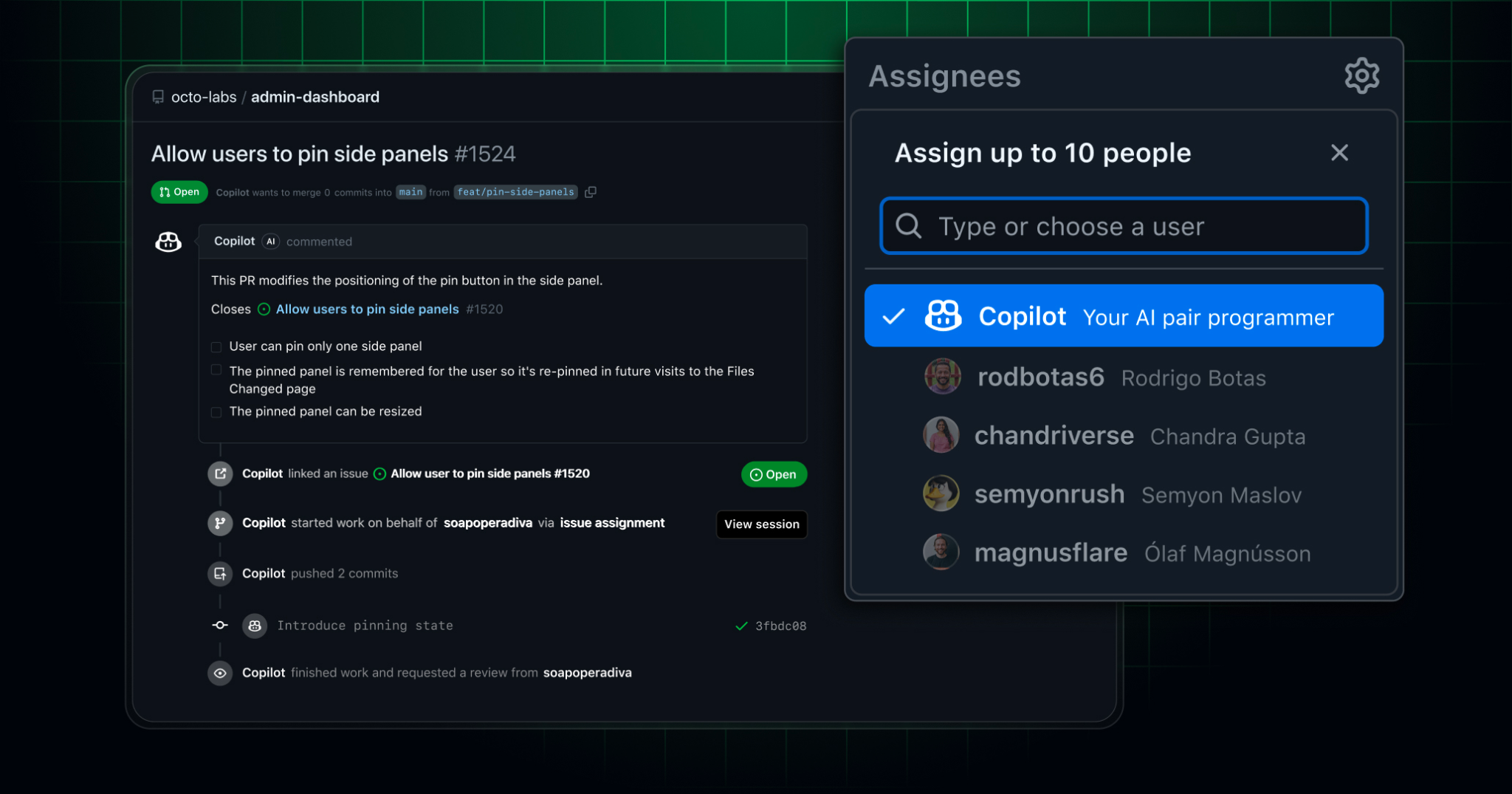
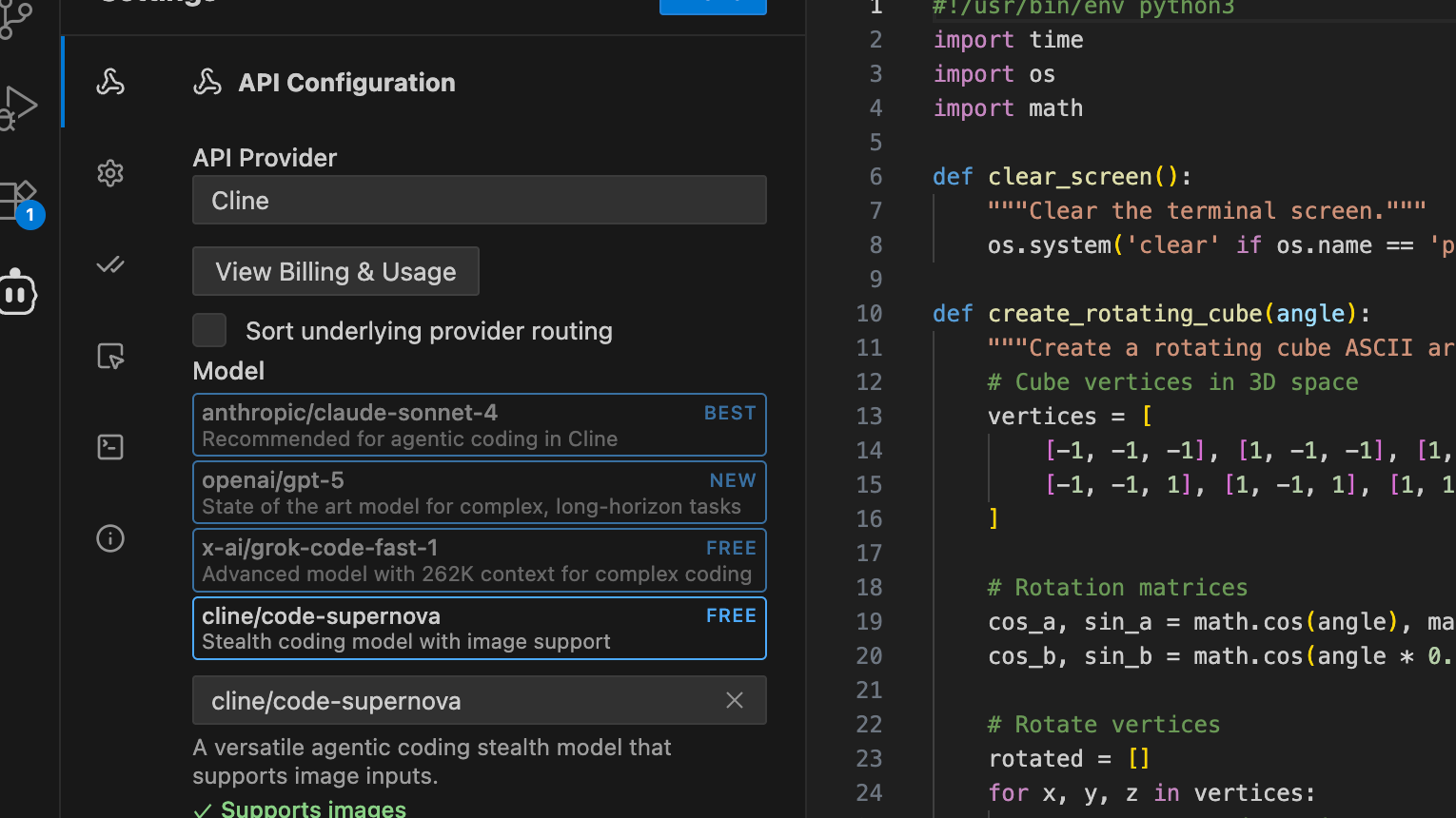
Claude Sonnet 4 is already powering a new coding agent in GitHub Copilot – Windsurf and Cursor will follow suit shortly.

Plus, new beta extensions are available for VS Code and JetBrains, allowing Claude’s proposed edits to appear directly inline. This isn’t just a separate tool; it’s becoming an integral part of your development environment.

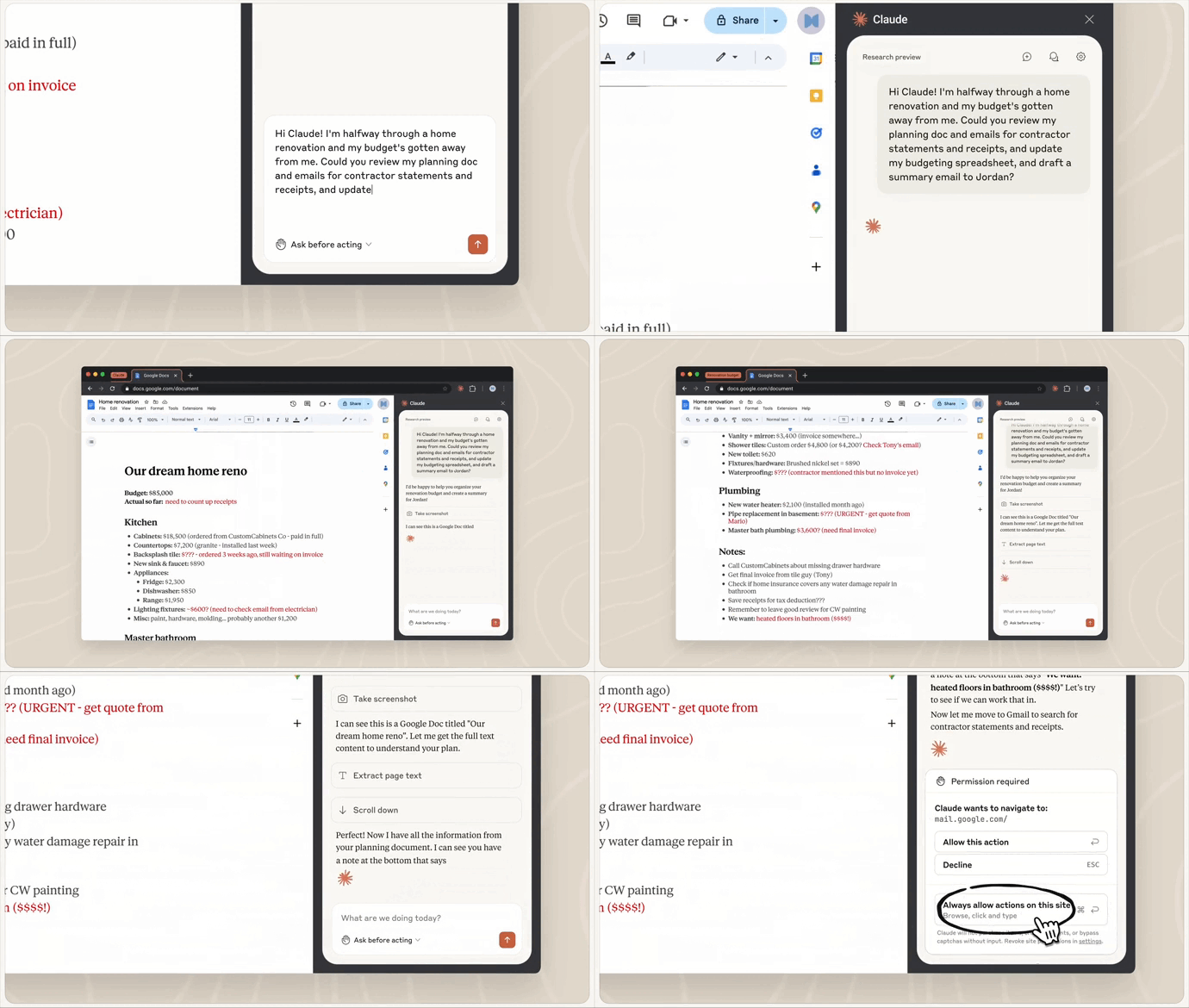
They’ve even released a Claude Code SDK, letting you use the coding assistant directly in your terminal or even running in the background. And with the Files API and MCP Connector, it can access your code repositories and integrate with multiple external tools effortlessly.

Claude 4 isn’t just a new model — it’s a new era for software development.