
This is such an essential Claude Code skill to have in every coding workflow.
The To Spec skill massively elevates your development speed — especially when it comes to fleshing out a detailed, well-structured, and unambiguous set of requirements for a new feature or system.
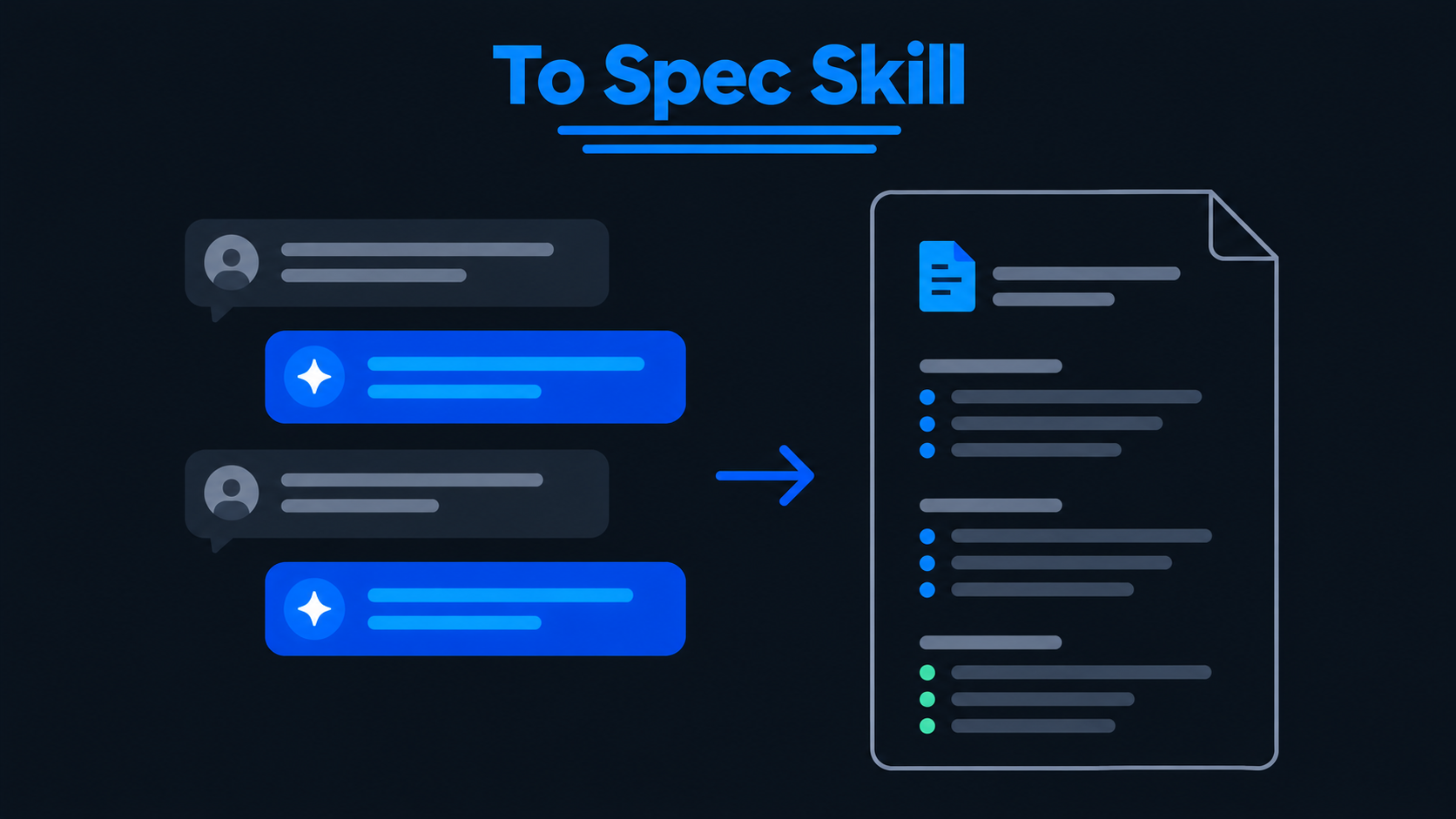
It turns your conversations with AI coding agents directly into well-defined specifications that other agents can use to build your features.
And it even goes beyond this to handle other parts of the software dev lifecycle.
Five things that make it so special:
1. Future-proof specs that don’t crumble after refactoring
Unskilled AI-generated plans sometimes tell you exactly which files to edit — which makes the plans tightly coupled to your exact implementation.
Like if you’re adding subscription upgrades to your app. An AI might write:
Update src/services/subscriptionService.ts to handle upgrades.
But what if you move billing into another module? That instruction becomes useless.
To Spec avoids unnecessary file paths and code snippets. Instead, it records the actual planned high-level decisions:
Give users their upgraded features immediately and charge them only for the remaining billing period.
Now you can reorganize your code in the future without rewriting the spec.
The skill still includes exact schemas or data structures when you’ve already agreed on them and they make things clearer.
2. Rock-solid tests that survive code changes
Before writing your spec, To Spec suggests which parts of your feature you should test. It calls these testing boundaries.
Imagine you’re building an online checkout system that handles:
- Discounts and promo codes.
- Taxes and shipping fees.
- Payments and final totals.
An unskilled agent might test every small function separately. But when you change those functions, your tests could break even if checkout still works perfectly.
Instead, To Spec might suggest testing through the checkout API. Give it a cart, address, and discount code. Then check the final price.
The skill asks you to approve this testing approach first. It also prefers as few testing boundaries as possible, ideally one.
Now you can change your internal code without constantly fixing tests. Other AI agents also know exactly what to test.
3. A blissful end to endless AI questions
Here’s one of my favorite features.
To Spec explicitly tells the AI:
Do NOT interview the user; just synthesize what you already know.
Imagine you’ve spent thirty minutes deciding that:
- Admins can manage users.
- Editors can change content.
- Viewers can only read.
Then you ask for a spec, and the AI asks, “What roles should your app support?”
Frustrating, right?
To Spec takes those decisions straight from your conversation instead.
You make decisions during planning. The skill records them afterward.
No repeating yourself. No reopening questions you’ve already answered.
4. Crystal-clear specs that speak your codebase’s language
AI can build the wrong thing simply because it misunderstands your project’s terms.
Imagine your shopping app uses:
- Cart for items someone hasn’t bought.
- Order for completed purchases.
You’re adding a feature to save carts for later.
An AI might write:
Customers can save unfinished Orders.
But Orders only exist after checkout! That mistake could send the AI down the wrong path.
To Spec checks files like GLOSSARY.md and Architectural Decision Records (ADRs) to learn your project’s terms and technical rules.
So it writes:
Customers can save their Carts and return to them later.
Now the next AI agent knows exactly what you mean.
5. Effortless handoffs that keep AI agents moving
Most AI-generated specs sit in chat until you copy them into your issue tracker.
To Spec can publish them directly to:
- GitHub Issues.
- Linear.
- Local Markdown files under .scratch/.
Say you’ve finished planning a team invitation feature.
The skill can create the issue and add the ready-for-agent label, so another AI agent can pick it up and start planning the implementation.
You save yourself the copy-and-paste work. And the next agent gets the decisions it needs without another long explanation.
The bigger picture
The magic of To Spec isn’t simply writing specs. It’s making sure your decisions survive the journey from planning to implementation.
Less repetition, fewer misunderstandings, stronger tests, and smoother handoffs. That’s what makes it worth using.