

OpenAI just completely transformed the software development ecosystem with their new Codex Chrome extension.
They just unlocked a whole new world of possibilities for what you can accomplish — now that it has access to context from your real browser.
Now it can see your active session and use all those crucial developer services you’re signed in to — which it could never do before an empty sandboxed browser.
Codex can now operate seamlessly across your codebases, repositories, APIs, browsers, and developer tools to work on the most complex goals that need data from all these different environments.

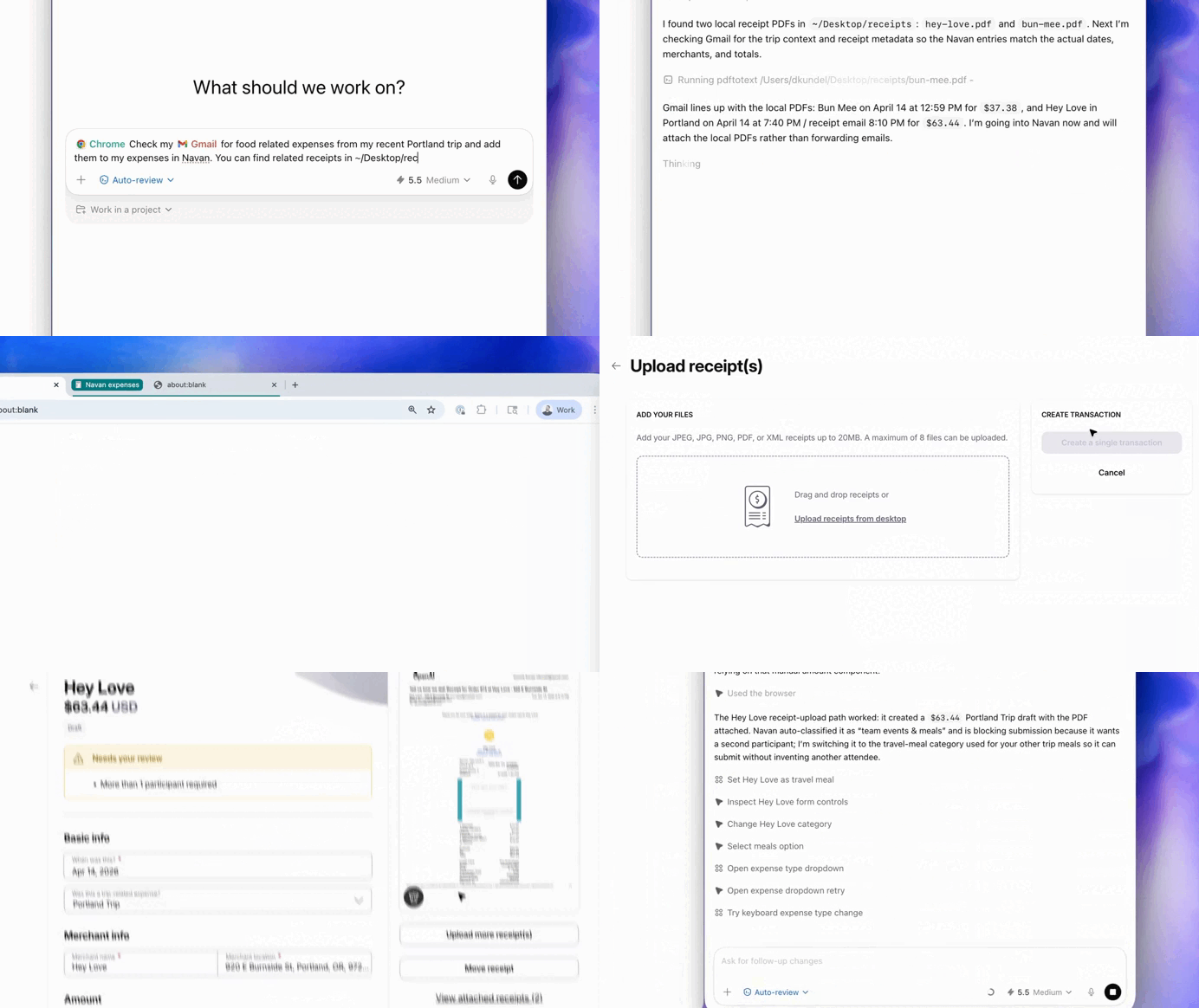
1. Powerful signed-in state access
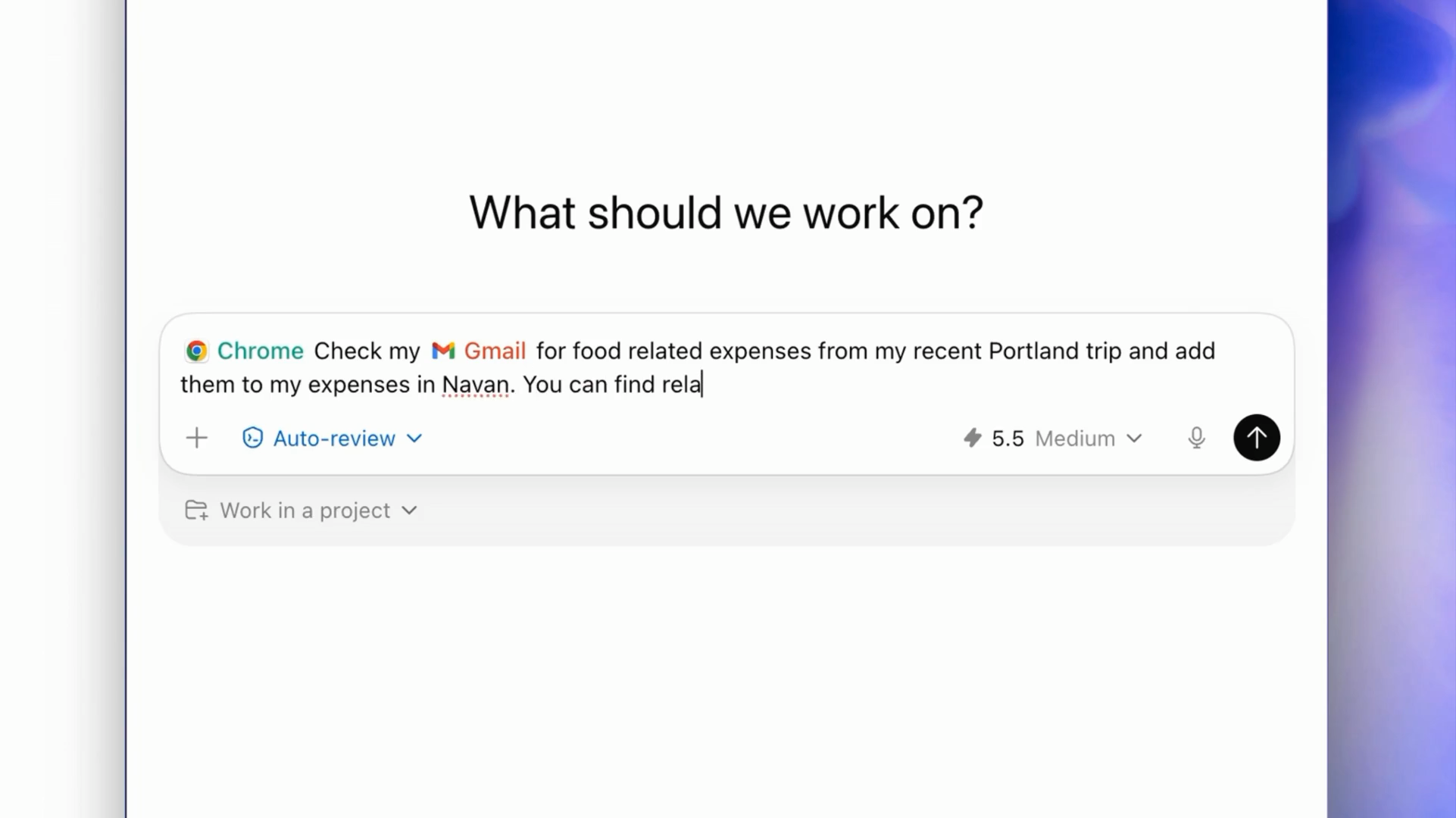
One of the biggest advantages of the Codex Chrome extension is its access to your real signed-in browser state.
Unlike traditional web crawlers or sandboxed browsers, Codex operates inside your active Chrome profile using your existing sessions, cookies, and authenticated accounts.
Why does that matter?
Because most real work happens behind login screens.
You could tell Codex:
“@Chrome open Salesforce and update the status of my last three leads.”
And it can do it because it’s operating as you inside the browser.
This allows Codex to handle workflows like:
- Triaging emails in your actual inbox
- Updating Jira or Salesforce records
- Pulling information from internal dashboards
- Accessing private company wikis without public APIs
Most AI systems struggle with authenticated enterprise environments. The Codex extension changes that by turning the browser itself into an execution layer for AI agents.
2. Intelligent three-tier execution model
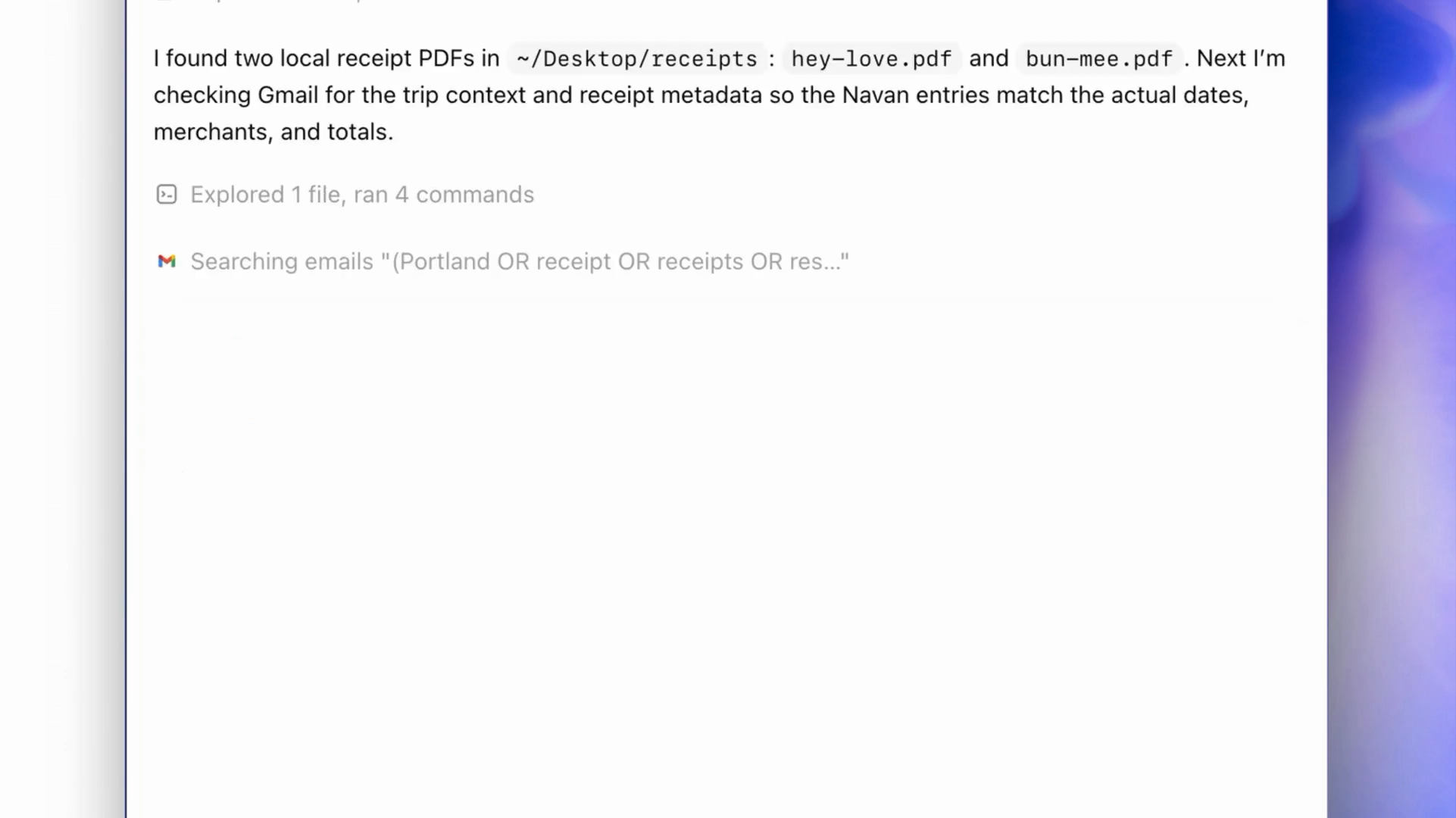
At the center of the system is dynamic tool switching.
When you ask Codex to do something, it automatically decides which tool is best — using a built-in priority stack:
Tier 1: Plugins and APIs
If a dedicated integration exists — such as GitHub, Jira, or Gmail — Codex uses the API first.
This is the fastest and most stable option because APIs provide structured, deterministic access. Instead of visually navigating interfaces, Codex can directly update tickets, review pull requests, or retrieve information.
OpenAI’s approach makes it clear that browser automation is not the default. It’s the fallback when APIs are unavailable or insufficient.
Tier 2: Chrome extension
When a task requires authenticated browser access, Codex escalates to Chrome.
This allows it to operate inside real logged-in sessions:
- Internal dashboards
- CRMs
- Admin tools
- Enterprise web apps
- Sites without usable APIs
Rather than running in an isolated sandbox, Codex works within your existing browser state, including cookies and SSO sessions. This solves one of the biggest limitations of current AI agents: most enterprise workflows happen inside web interfaces, not clean APIs.
Tier 3: In-app browser
For local development environments like localhost:3000 or static previews, Codex stays inside its own browser sandbox.
This keeps developers’ personal Chrome sessions clean while providing safer isolation for testing and debugging workflows.
Together, these three layers allow Codex to choose the least invasive and most reliable path for completing work.
3. Multi-tab background operations

One of the most interesting parts of the extension is how it handles browser automation.
Unlike traditional automation tools that take over your screen, Codex works in the background using task-specific Chrome tab groups.
This enables real parallelism.
Codex can:
- Open multiple documentation pages simultaneously
- Compare services or APIs
- Validate workflows across tabs
- Research information in parallel
And it does this while users continue working normally in their own tabs.
OpenAI also made the process reviewable. After completing a task, Codex leaves its tab groups open so users can inspect what it did, what pages it accessed, and how it reached conclusions.
That auditability could become important for enterprise adoption.
4. Integrated DevTools access
For developers, the biggest feature may be Chrome DevTools integration.
Codex can now interact directly with browser internals, giving it visibility into:
- DOM structure
- Console errors
- Network requests
- Performance traces
- Lighthouse audits
This dramatically changes debugging workflows.
For example, Codex can:
- Detect a failing UI interaction
- Inspect the DOM
- Identify the underlying JavaScript or CSS issue
- Trace the related source code
- Suggest a fix in the IDE
Instead of relying on screenshots or copied console logs, the AI can directly observe the browser state in real time.
This pushes Codex beyond autocomplete into autonomous debugging and testing.
5. Persistent goals With /goal
The extension launched alongside a new persistent /goal system that enables longer-running autonomous tasks. (mindstudio.ai)
Rather than stopping after every action, Codex can continue working toward a high-level objective across multiple steps.
For example:
“Find the bug in the staging login flow and update the Jira ticket.”
Codex can then:
- Navigate the staging app
- Switch tabs
- Inspect DevTools
- Review logs
- Open Jira
- Update the issue
- Continue iterating until the task is complete
This persistent execution model moves Codex closer to a true software agent rather than a step-by-step assistant.
6. Human-in-the-loop security
Giving AI access to authenticated browser sessions creates obvious security risks, so OpenAI implemented permission-on-demand controls.
Codex must explicitly request permission before:
- Accessing new domains
- Reading browser history
- Uploading files
- Downloading files
Users can approve actions once, permanently allow domains, or block access entirely.
OpenAI also warns that websites should be treated as untrusted input because malicious pages could attempt prompt injection attacks against the agent.
The bigger picture
The real significance of the Codex Chrome extension is not that it can click buttons in a browser.
It’s that OpenAI is building a system capable of fluidly moving between APIs, browsers, DevTools, IDEs, and long-running workflows.
The browser is becoming more than a user interface.
It’s becoming an execution environment for AI agents.