
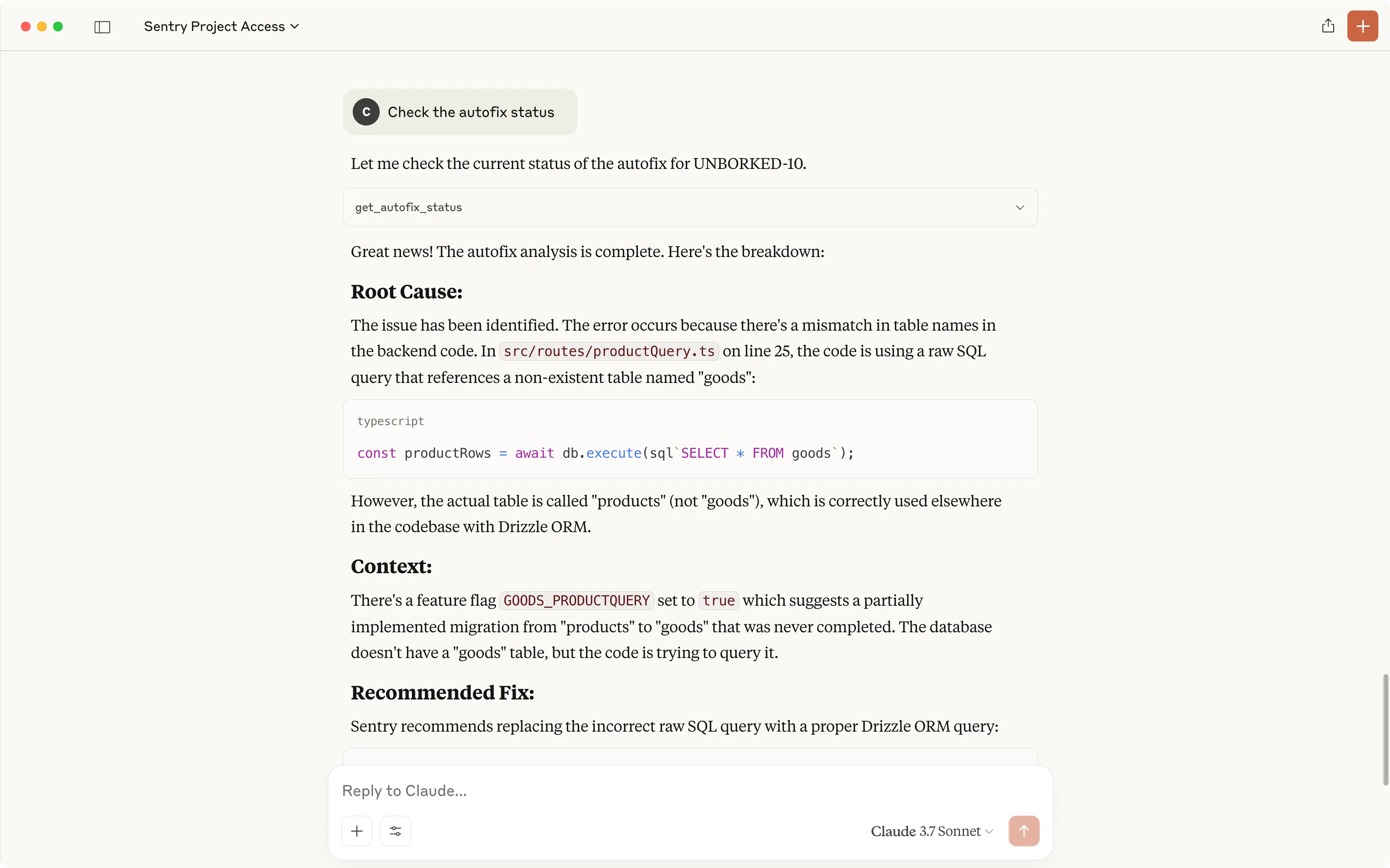
MCP is changing everything for software development…
But many devs are still very far from using it to its true potential.
There are several MCP servers out there to massively extend your coding agent’s abilities and dramatically transform your dev experience.
Real docs on demand, control your entire cloud infrastructure, automate browsers, and so much more.
1. Improve code accuracy: Context7
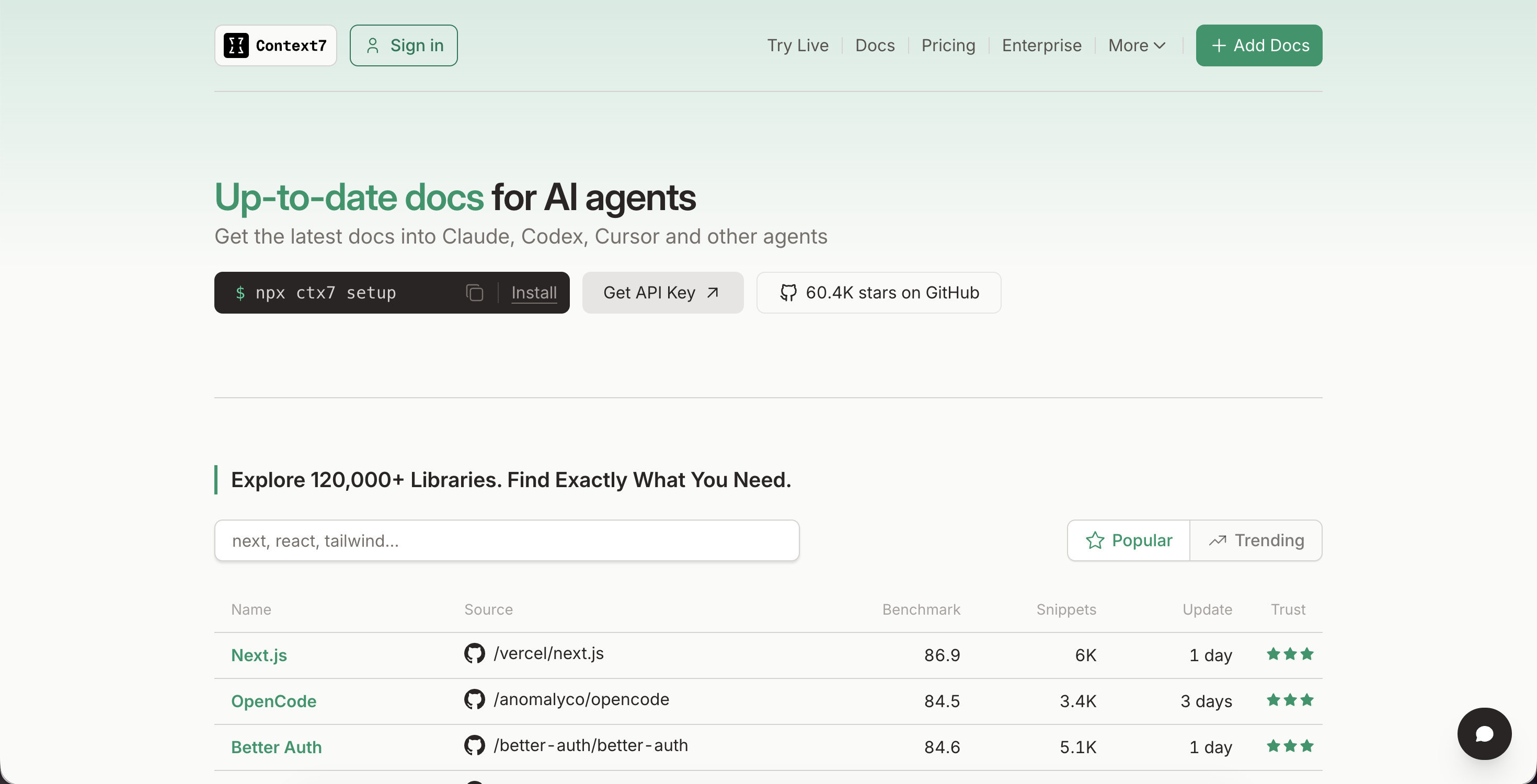
Version-aware code docs on demand.
Say goodbye to hallucinated code examples.
Key Features:
- Fetches real documentation from official sources, tailored to your exact framework and version.
- Works via prompts (e.g.,
use context7) or direct library IDs (e.g.,/vercel/next.js). - Available via MCP server, CLI commands, and editor skills/plugins.
- Compatible with Cursor, Claude Code, Gemini, and 30+ MCP clients.
Use it for: Auto-fetching precise docs and examples while you build—no tab-switching required.
Get Context7: LINK
2. Interact with databases: Supabase MCP
Turn your agent into a Supabase-native teammate—with safety rails.
Key Features:
- Granular permissions: configurable read-only mode and scoped feature/project flags.
- Connects your AI assistant directly to manage database tables, run queries, fetch configs, and perform administrative operations.
- Type-safe tool schema support with static client validation and inferred types.
- Integrated with Claude Code, Cursor VS Code, and other MCP clients.
Use it for: Daily dev, schema exploration, and shipping faster—without giving the AI total access.
Get Supabase MCP: LINK
3. Manage cloud services: Google Cloud MCP
Natural language cloud control.
Manage your GCP environment directly using official Google Cloud Model Context Protocol tools.
Key Features:
- Inspect and operate on GCP resources using natural language.
- Supports: Cloud operations, Cloud Storage, Observability (logs/metrics/traces), and Backup DR.
- Secured via your active local credentials, impersonation support, and built-in command blocklists.
- Easy setup for Claude Code, Gemini CLI, Claude Desktop, etc.
Use it for: Querying logs, managing storage, running workflows, or exploring your cloud setup in chat—securely.
Get Google Cloud MCP: LINK
4. Identity management and security: Auth0 MCP
Securely manage your Auth0 tenant with AI.
Key Features:
- Supports creating apps, managing users, deploying Actions, inspecting logs, and more.
- Built-in support for tool-level allowlisting and read-only mode.
- Hardened auth with device flow, plus DEBUG tool for troubleshooting.
- Production-ready with security-first design.
Use it for: Handling Auth0 without clicking through a dashboard—while keeping things safe and scoped.
Get Auth0 MCP: LINK
5. Browser automation – Puppeteer MCP
Control a live browser session from your AI IDE.
Key Features:
- Automate clicks, typing, navigation, JS execution, screenshots.
- Can attach to existing Chrome sessions.
- Built with TypeScript and modeled after Anthropic’s puppeteer server.
- Still experimental, but already functional.
Use it for: Demos, scrapers, or showing agents how your site actually behaves.
Get Puppeteer MCP: LINK
6. CI/CD and DevOps: GitHub MCP
Bring your GitHub repos directly into your AI IDE for issue triage, PR workflows, and CI/CD debugging.
Key Features:
- Runs in local mode or via hosted OAuth.
- Granular controls — enable only repos, issues, pull requests, or actions you need.
- Read-only toggle for safety.
- Integrates with Dependabot, CodeQL, and GitHub Actions workflows.
- Works seamlessly with Claude Code, VS Code, Cursor, and other MCP clients.
Use it for: Streamlining repo management with AI-powered issue triage, PR summaries, and CI/CD diagnostics in one place.
Get GitHub MCP: LINK
7. Monitoring & Testing — Sentry MCP
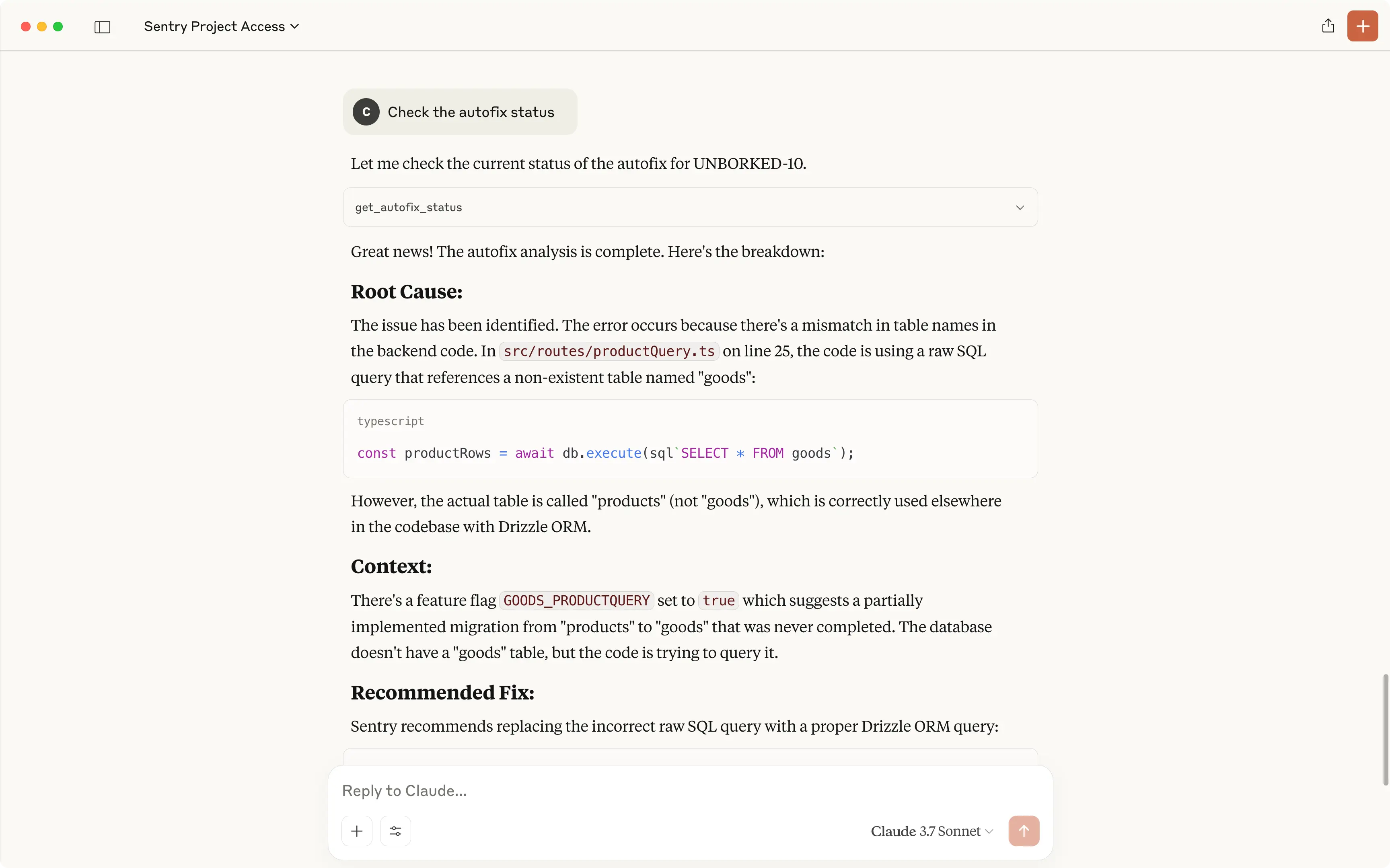
See a bug → analyze it → fix it — all in one flow, inside your AI IDE.
Key Features:
- Analyze Sentry issues, stack traces, and debugging context.
- List and manage projects, orgs, and DSNs via prompt.
- Use Sentry Seer to auto-suggest fixes for production issues.
- Supports remote hosting via the official Sentry endpoint or local setup.
- Works across Claude Code, Antigravity, Cursor, and other MCP clients.
Use it for: Debugging and fixing real issues without leaving your AI chat window.
Get Sentry MCP: LINK