
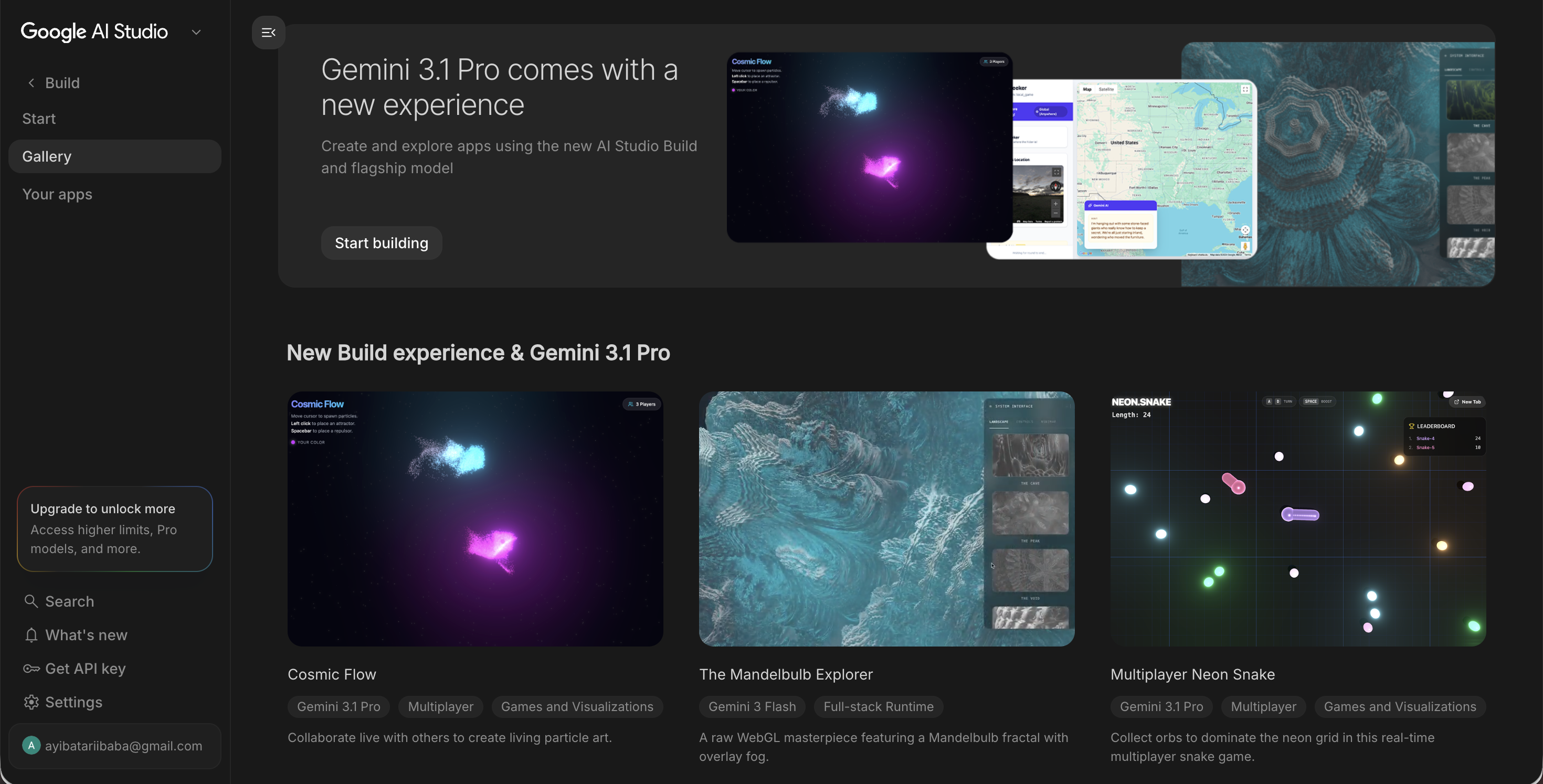
Google AI Studio just keeps ascending toward unbelievable heights…
From a simple prompt playground for basic AI testing…
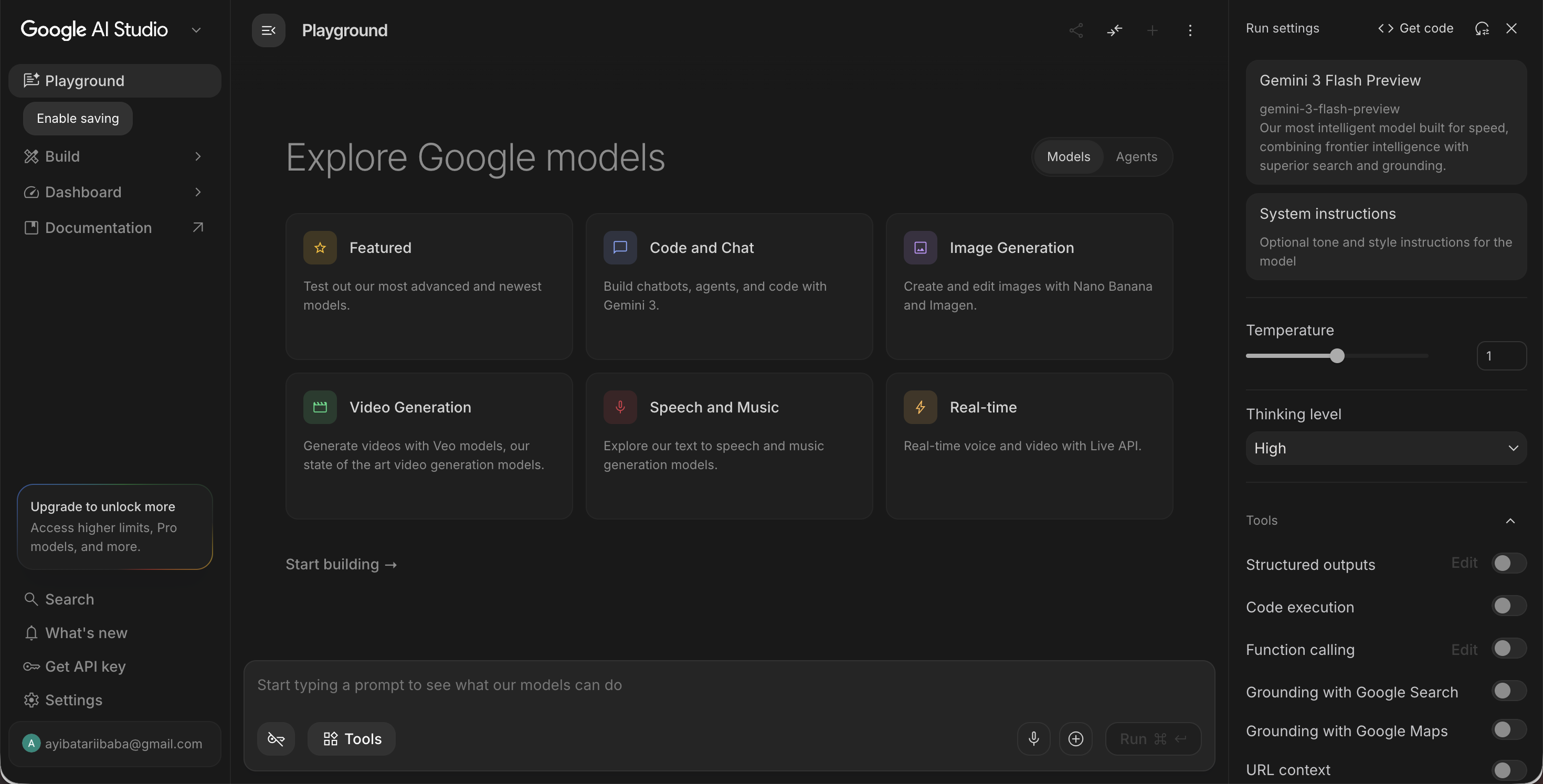
To a practical development environment for building apps, interfaces, and AI-powered products faster.
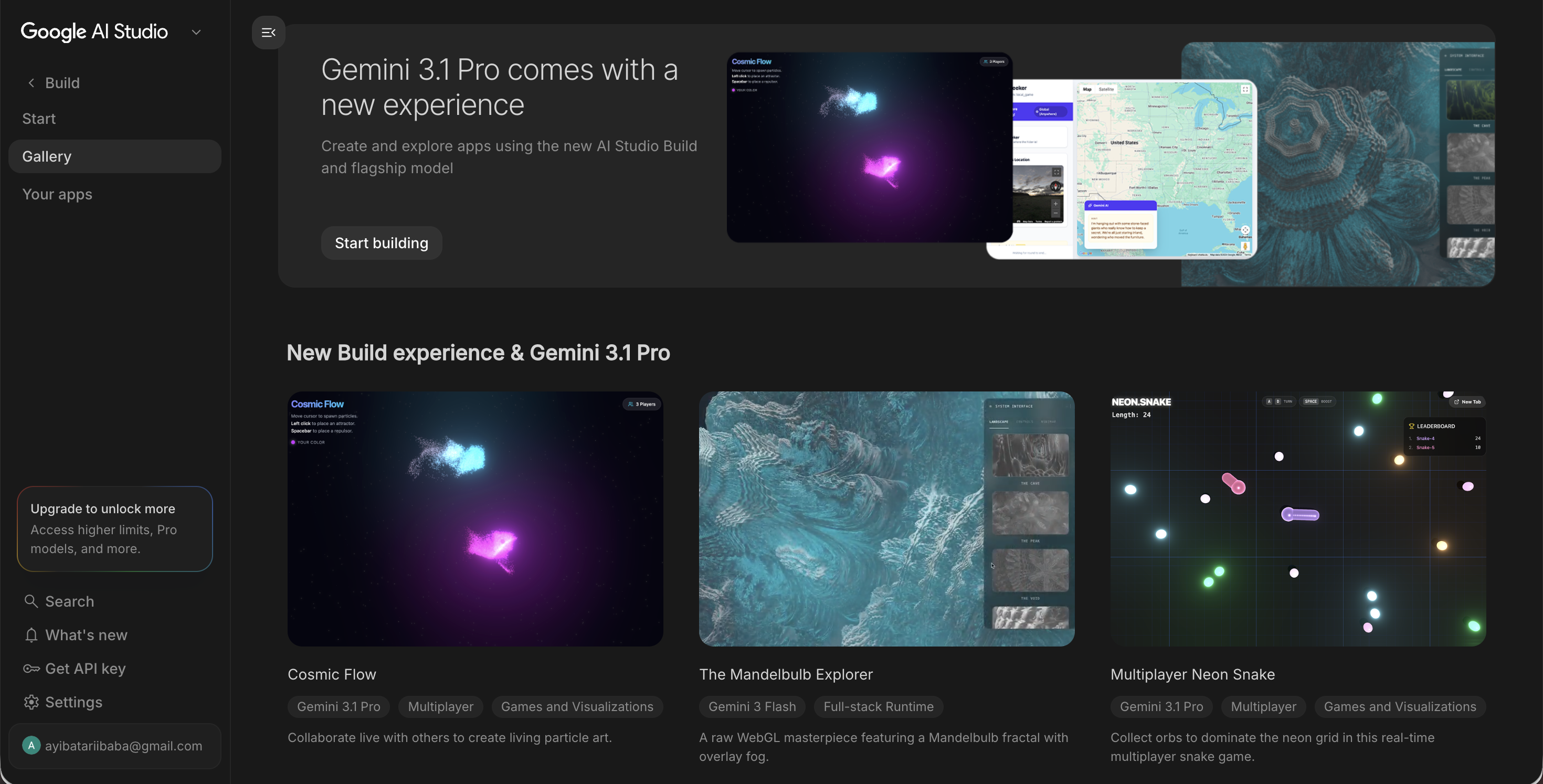
With incredible features like prompt autocomplete, visual editing, and integrated sophisticated image generation, we developers can now rapidly move from idea to prototype faster than ever.
1. Tab Tab Tab: Prompt autocomplete
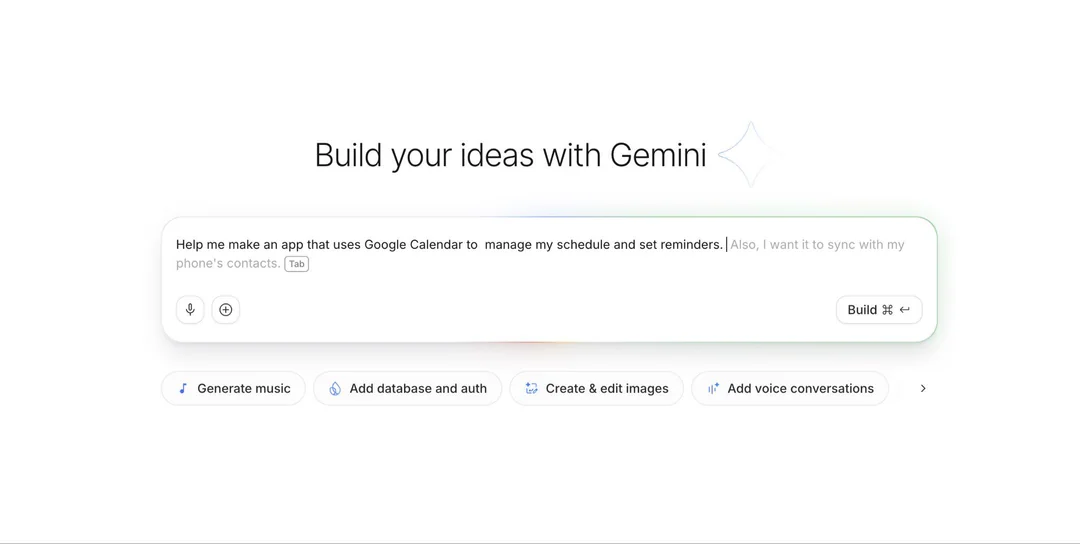
The “tab tab tab” prompt autocomplete feature helps developers expand rough ideas into stronger prompts instantly. Instead of writing a detailed prompt from scratch, a developer can start with something like:
“Create a clean SaaS dashboard with analytics cards…”
AI Studio can then suggest layout details, styling direction, responsiveness, components, and user flows.
This turns prompting into something closer to code autocomplete. It speeds up brainstorming, UI generation, front-end scaffolding, and MVP creation. Developers can quickly generate a React-style structure, landing page, dashboard, or app layout, then export and customize the code further.
For solo founders and indie hackers, this is especially useful because it reduces the time spent on boilerplate HTML, CSS, and basic UI structure.
2. Design previews
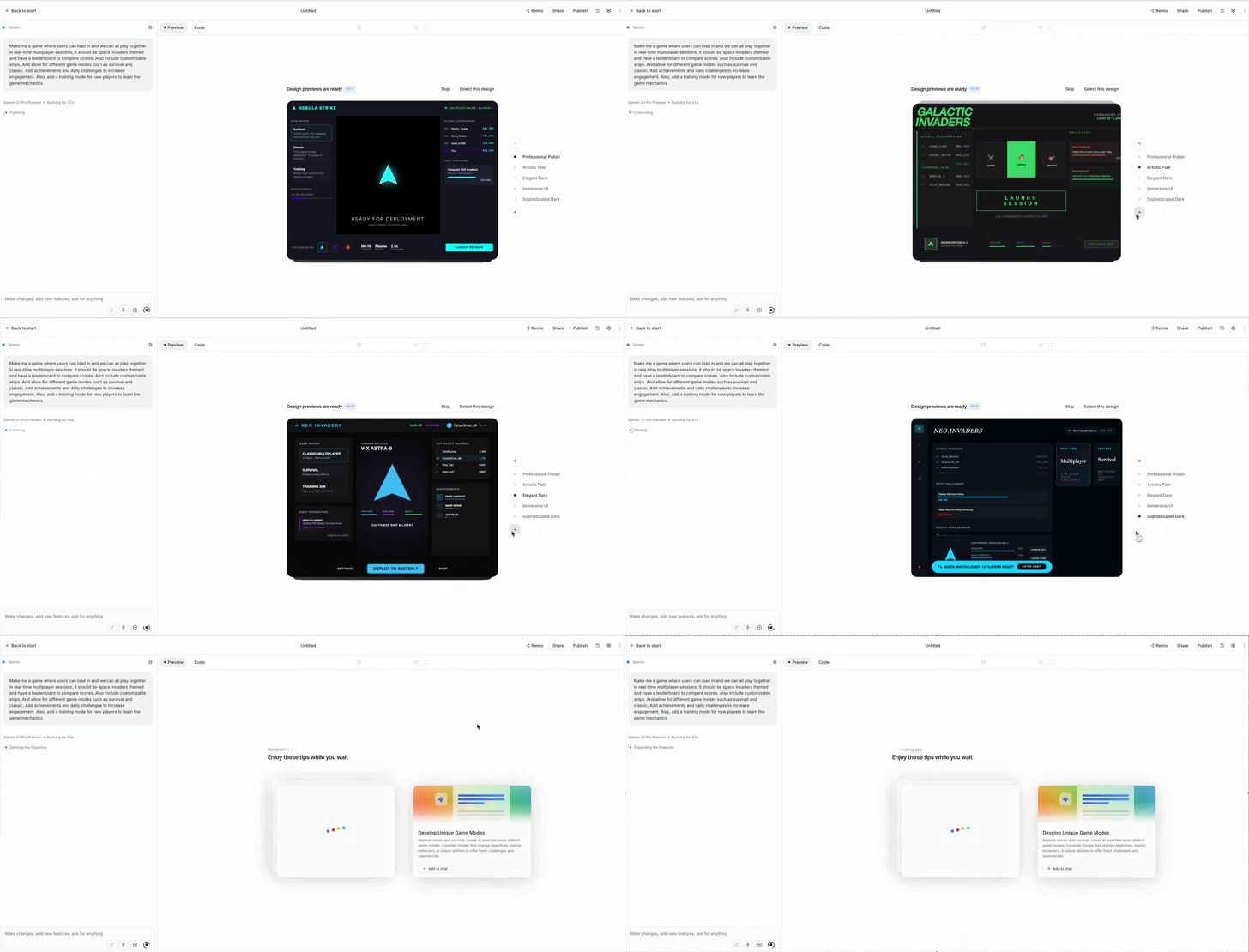
Design previews let developers choose the visual direction of an app before it’s finished.
In Google AI Studio’s vibe coding experience, Gemini can now generate custom themes while your app is being created.
Within seconds, developers can compare different looks and pick the one that best fits the product: minimal, playful, premium, futuristic, enterprise-ready, or creator-focused.
For SaaS builders this means landing pages, dashboards, and MVPs no longer have to start with a generic “AI-generated” look. You can establish a stronger visual identity from the beginning, then refine the code later.
3. Edit mode and annotation
Edit mode makes transforms AI studio from a chatbot into a full-blown visual development tool.
With annotation, developers can draw directly on the app interface. They can circle a section, mark an area, or point to a component and write notes such as:
“Make this bigger,” “move this to the top,” or “reduce the spacing here.”
The AI interprets the visual instruction and updates the app accordingly.
This is a major improvement because many UI changes are easier to show than explain. Instead of writing long prompts to describe a design problem, developers can communicate visually.
This brings AI Studio closer to tools like Figma, but with code generation and AI assistance built in.
4. Integrated image generation with Nano Banana
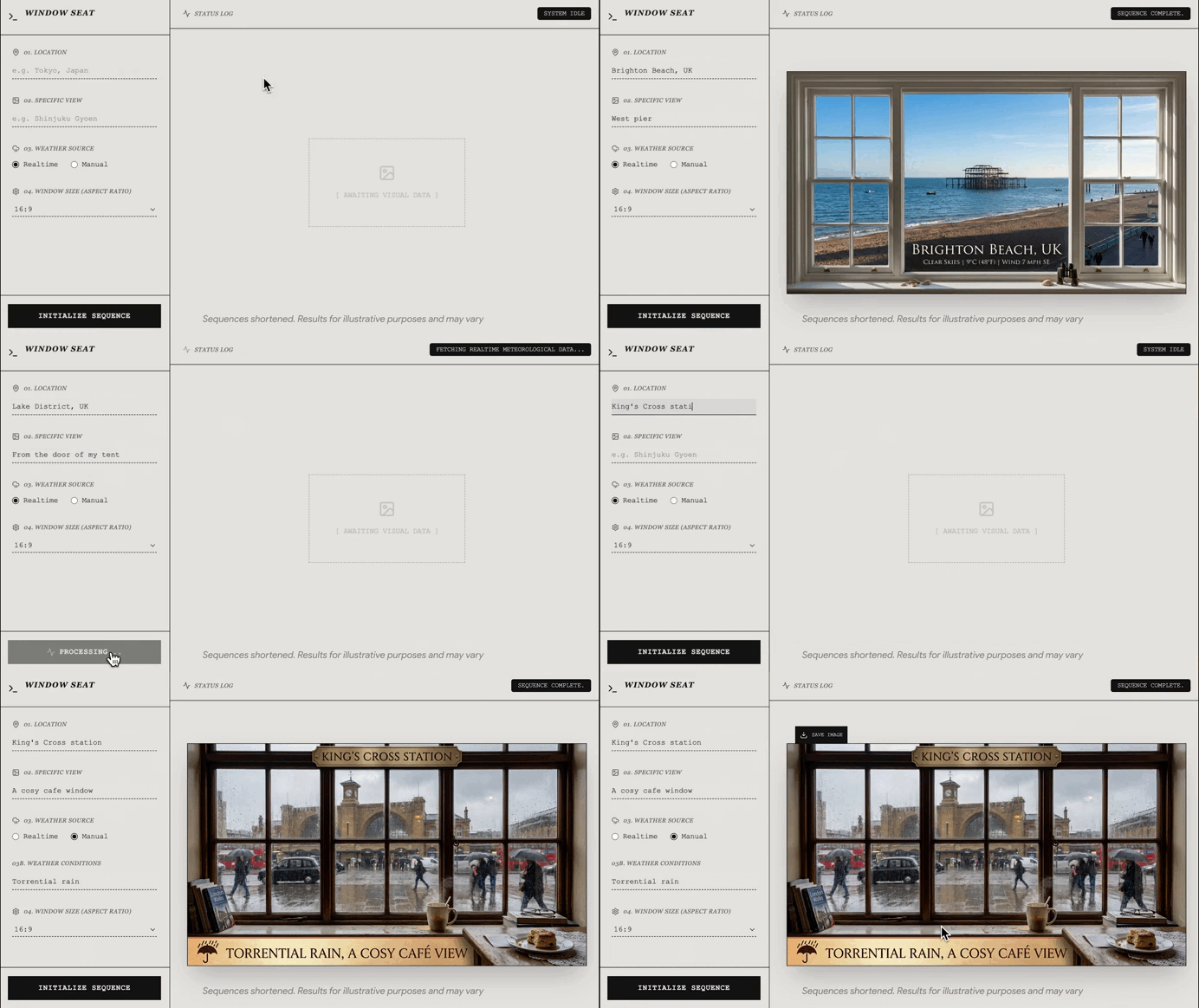
Nano Banana integration solves one of the most common developer problems: creating visual assets.
AI Studio can now generate custom images, logos, icons, illustrations, and UI graphics while the app is being built. This removes the need to search for placeholder images, icon packs, or temporary “programmer art.”
Even better, the generated assets can maintain a consistent aesthetic across the project. Colors, style, tone, and visual language can remain aligned from the landing page to icons and illustrations.
For developers building SaaS products this means they can create beautiful marketing pages and more polished MVPs without needing a designer at the earliest stage.
These features compress the product-building workflow. Developers can prompt an idea, preview the design, annotate changes, directly edit components, generate matching assets, and export code.
That makes Google AI Studio increasingly useful for rapid prototyping, MVP development, SaaS landing pages, and front-end experimentation. It helps developers spend less time fighting boilerplate and more time turning ideas into working products.