
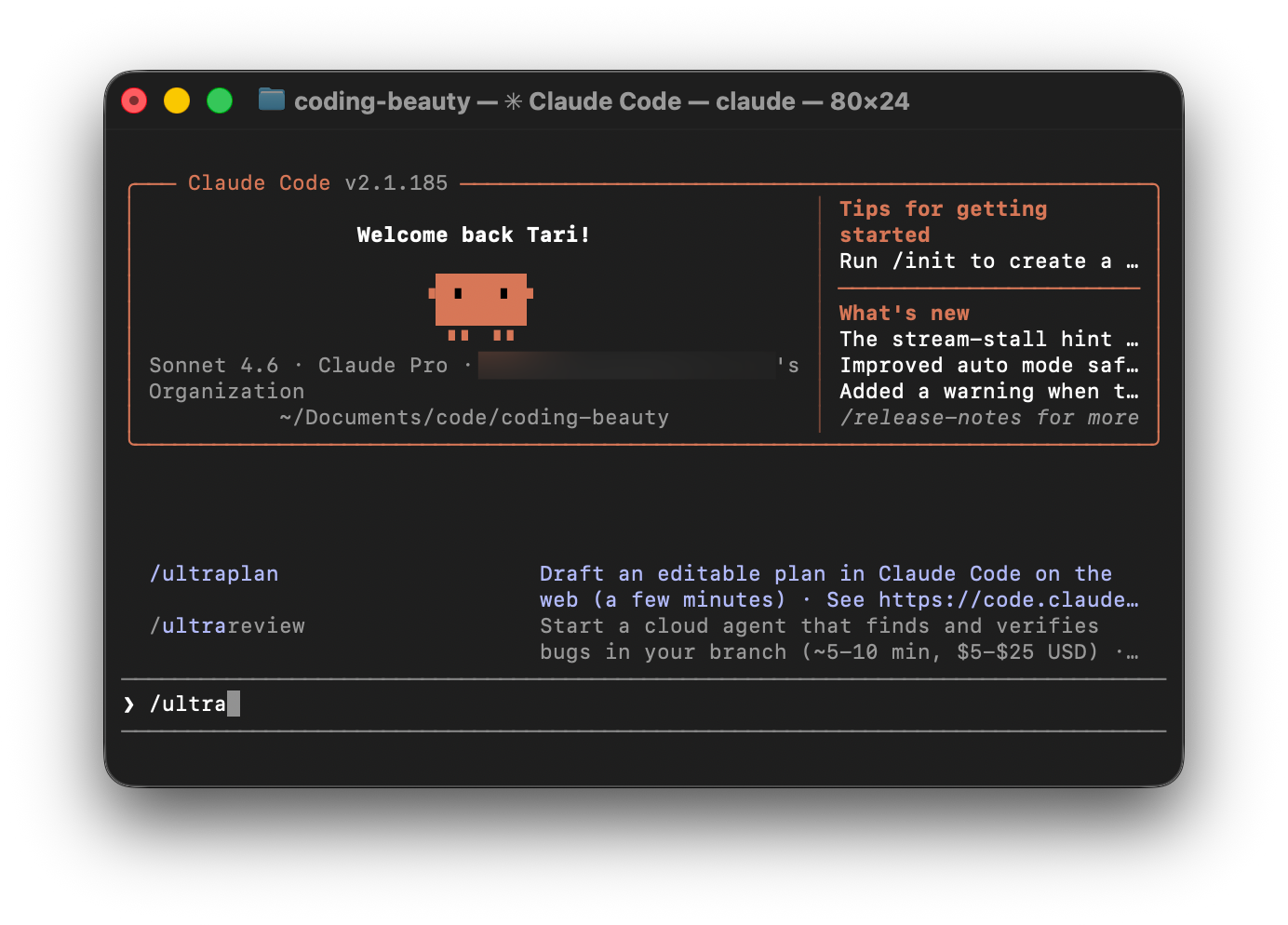
Claude Code Ultraplan takes software development to a whole different level.
Many developers are still only interested in using AI to generate code and nothing else.
This might work fine for simple changes — but when it comes to the massive, complicated, high-value codebase changes that really make the most of AI coding? It’s a recipe for disaster.
That’s why Claude Code is packed with sophisticated features like Ultraplan — to cleanly separate the intensive planning and design process — from the actual code implementation.
Claude Code Ultraplan is a cloud-powered, multi-agent development workflow that unblocks your local terminal by generating and critically debating alternative architectural strategies in parallel, producing a hyper-specific, locked-down blueprint that completely eliminates AI drift so the code is generated flawlessly on the very first try.
And this is quite different from the normal Plan Mode in Claude Code.
Ultraplan doesn’t keep you locked insid`e a terminal — it moves architectural planning to the cloud and presents the results in an interactive browser workspace.
Enabling a workflow that seamlessly handles complex refactors, enormous migrations, and large-scale feature development.
Let’s check out 5 things that make Claude Code Ultraplan so essential in modern AI-powered development.
1. Blazing fast parallel cloud processing & exploration
Planning happens in parallel.
And unlike traditional AI planning that runs locally, Ultraplan performs its analysis in Anthropic’s cloud.
This lets Claude investigate multiple aspects of your project simultaneously with state-of-the-art models, and decide on the best possible plan of action.
For example, if you ask Claude to migrate an authentication system from sessions to JWT, it can explore dependencies, affected API endpoints, middleware, database changes, frontend updates, and migration risks in parallel before assembling a unified implementation strategy.
Because this work happens remotely, large architectural analyses complete much faster than if they had been done sequentially — while also producing a much more comprehensive implementation plan.
2. Review and modify plans intuitively like a pull request
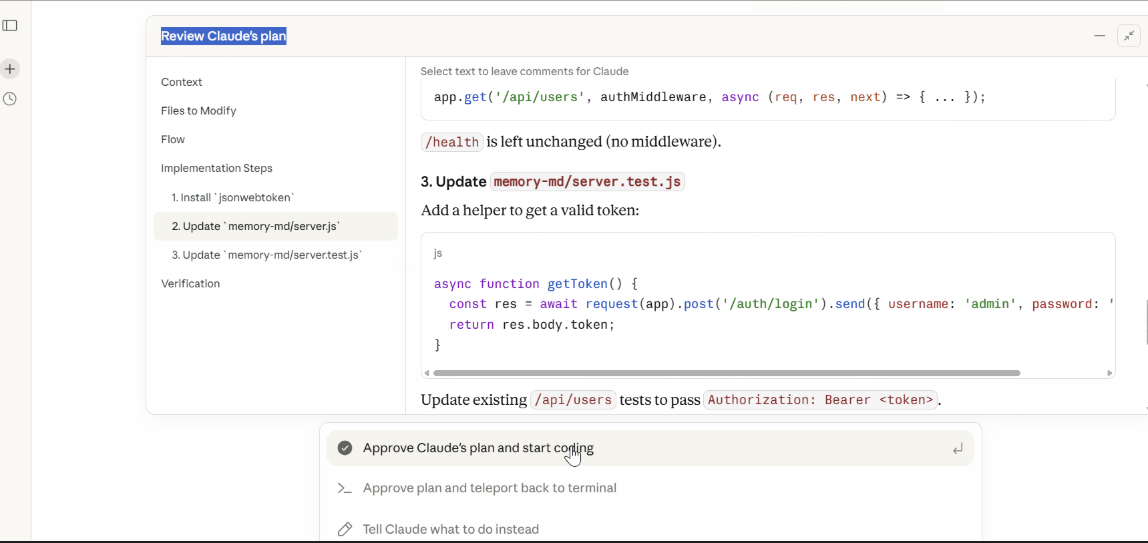
The browser becomes your review workspace.
Rather than scrolling through hundreds of lines of text in a terminal, Ultraplan presents the proposed architecture in an interactive browser document.
You can leave inline comments on specific sections — like requesting an endpoint remain backwards-compatible — and Claude updates only the relevant portion of the plan instead of regenerating everything.
The interface also supports quick reactions for lightweight feedback and automatically generates an outline sidebar, making it easy to jump directly to database migrations, frontend changes, or infrastructure updates in large implementation plans.
The experience feels much closer to reviewing a design document or pull request than chatting with an AI in a CLI.
3. Your CLI stays free
Your terminal never gets blocked.
Since planning runs entirely in the cloud, your local terminal isn’t occupied while Claude analyzes the repository.
You can continue writing code, running tests, switching Git branches, or debugging while Ultraplan works in the background.
The CLI simply displays a planning status indicator until the architecture document is ready to review.
This eliminates one of the biggest workflow interruptions common with long-running AI coding sessions.
4. Choose where the actual code gets written
Once you’ve finalized the implementation plan, Ultraplan lets you decide where execution happens.
You can execute the plan entirely in Anthropic’s cloud, where Claude generates the implementation and prepares a structured GitHub pull request for review.
Alternatively, you can send the approved plan back to your local Claude Code session and execute the changes within your own development environment using your existing tools, credentials, and security policies.
This flexibility allows teams to balance cloud convenience with local control.
5. Built-in architecture diagrams
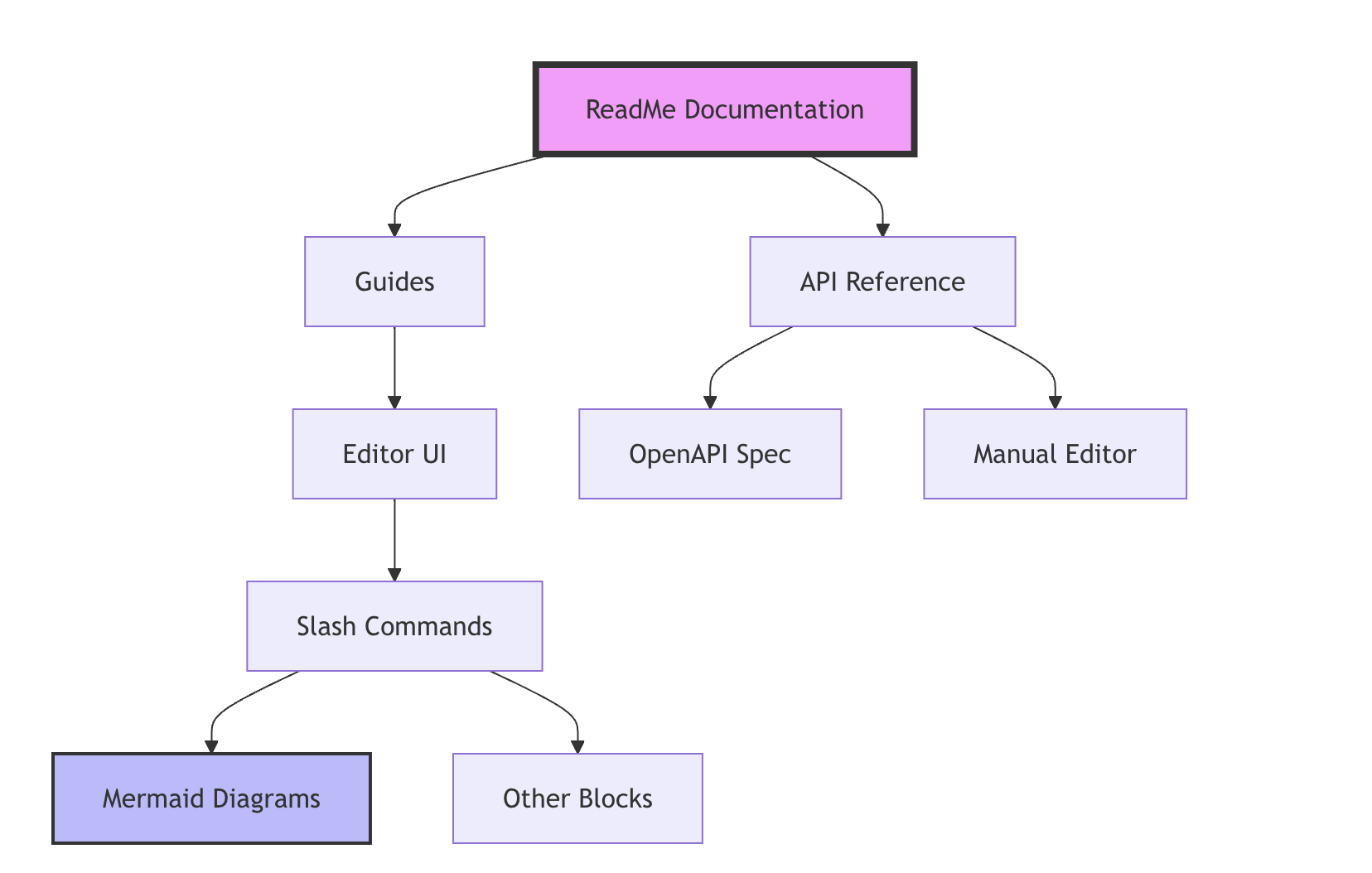
Large software migrations are difficult to understand from text alone.
Ultraplan addresses this by rendering live Mermaid diagrams directly alongside the implementation plan.
These visualizations can illustrate project structure, component dependencies, service interactions, and data flows before any code is modified, making it easier to validate architectural decisions and identify potential issues early.
A better way to build
Ultraplan combines cloud-scale analysis, collaborative browser reviews, visual architecture diagrams, and flexible execution options to help developers think through complex changes before implementation begins.
For teams working on enterprise applications, major migrations, or large refactors, this planning-first approach will prove just as valuable as the code Claude eventually writes.