
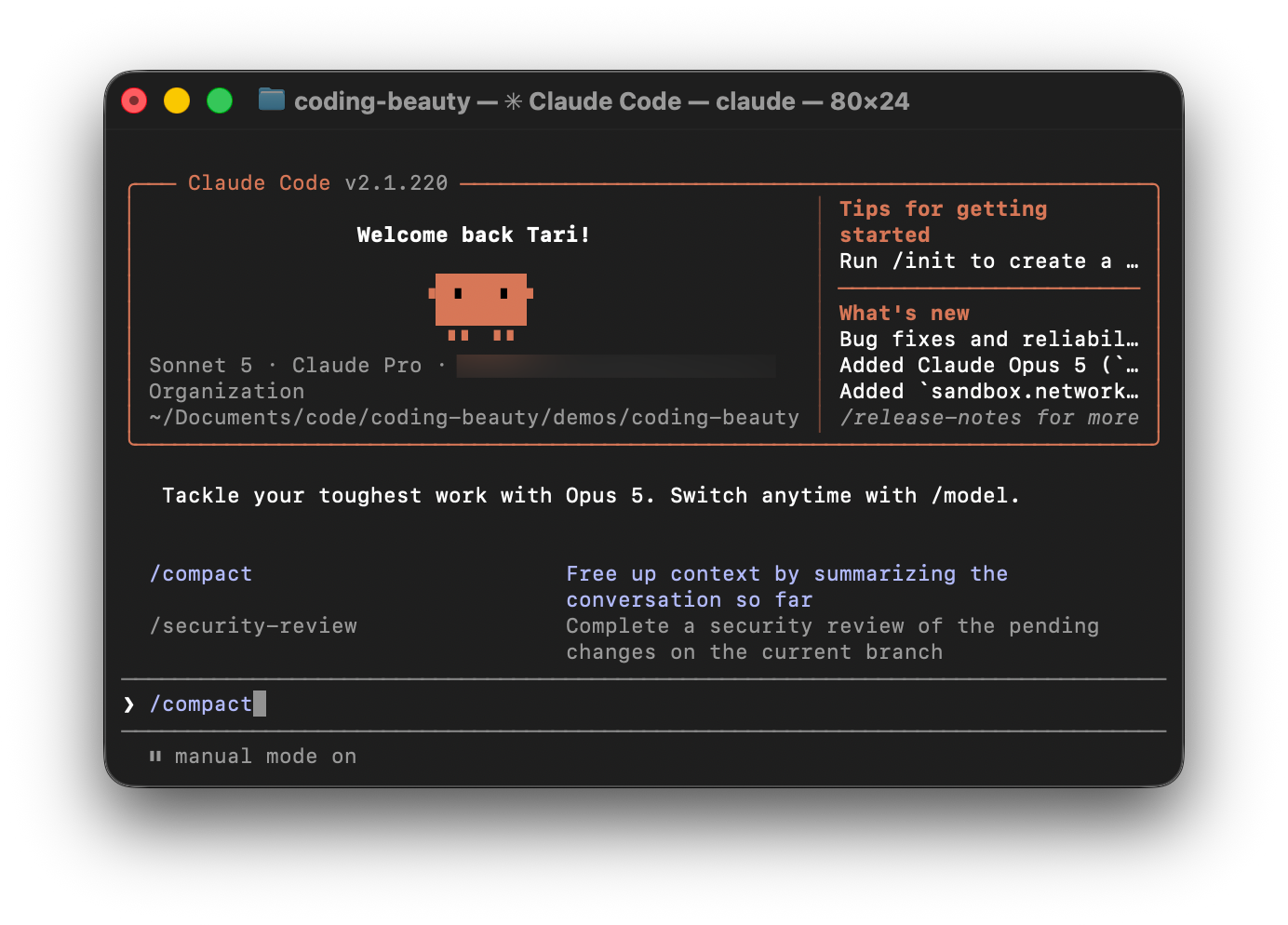
Many developers think giving Claude Code more context automatically means greater accuracy.
But that’s completely wrong.
In reality too much context can actually work against you — especially bloated context — having all sorts of irrelevant, redundant, and outdated information.
You need to be aware of features and techniques that keep your context as high-quality as possible — to ensure equally high-quality code.
One such feature we have in Claude Code is the frequently ignored /compact command.
/compact doesn’t just make your conversation history smaller.
It completely transforms the core context structure to give the agent a deeper understanding of your codebase and goals.
Many AI tools simply truncate old messages when context windows become full — Claude Code treats compaction as a state-preservation system designed to keep long-running coding sessions as coherent as possible.
Sophisticated features like deterministic file rehydration and custom compaction take this from simple summarization to the ultimate boundary between an agent that actually finishes the job and one that collapses under its own weight.
The /compact command is Claude Code’s built-in context management system.
Running:
/compactcompresses the current conversation into a smaller working state so the session can continue without storing an excessive amount of low-value context.
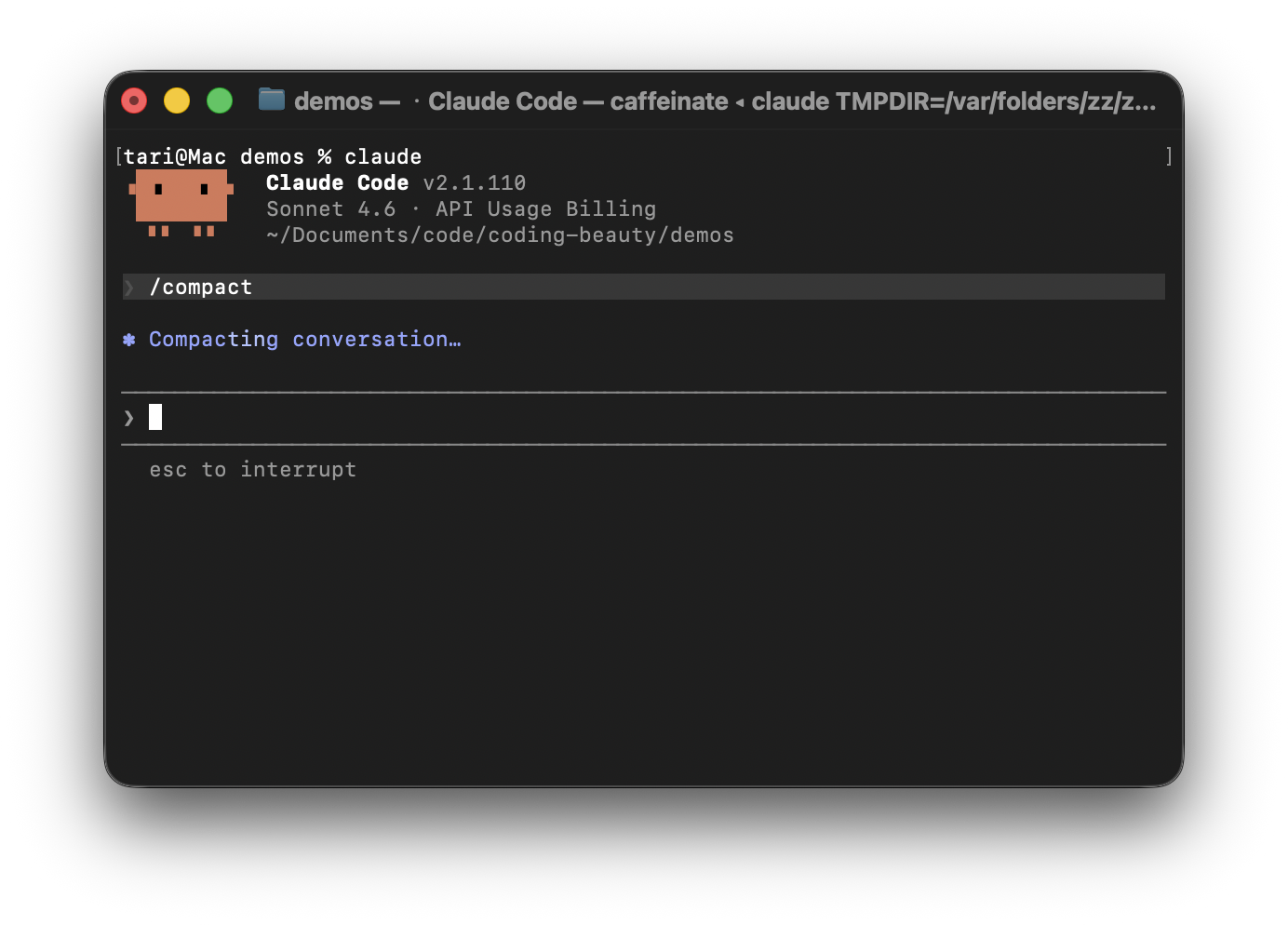
Instead of carrying thousands of messages, tool calls, terminal outputs, and discussions forward indefinitely, Claude creates a advanced condensed representation of the project and current task.
Many AI chat tools handle full context windows by either truncating old messages or generating generic summaries.
The problem is that important decisions disappear.
Claude Code approaches compaction differently. Instead of just producing a simple text-derived recap, it tries creating a reconstruction-grade working state.
This specialized summary preserves:
- The current goal
- Important technical decisions
- Problems already solved
- Current implementation progress
- Immediate next steps
Instead of remembering:
We implemented authentication, two bugs were fixed after several tries.
Claude tries to preserve the crucial details that really matter in the overall software engineering process and timeline.
Authentication was moved into middleware to avoid duplicating validation logic across route handlers.
That’s the difference between remembering outcomes and preserving reasoning.
And it doesn’t just “summarize” like normal text. Traditional summarization works poorly for coding.
A standard summary might remember the high-level story — like “we fixed an auth bug” — but it wipes out the exact code, leaving the AI with total amnesia about what the file actually looks like.
Claude Code solves this through rehydration.
When you compact your history, the CLI throws away the “clutter” (thousands of lines of conversational back-and-forth) to free up memory.
But immediately after wiping the slate clean, it silently re-reads your active files directly from your local disk back into its short-term memory.
The messy chat history gets compressed, but the fresh code is instantly placed right back in front of Claude’s eyes, allowing it to resume working with zero loss of momentum.
Claude Code actually manages context at three different layers.
Microcompaction
The system continuously removes low-value information such as:
- Build logs
- Dependency installation output
- Large terminal responses
Auto-compaction
When context usage becomes too high, Claude can automatically compact the session and continue working.
Manual compaction
This is the user-controlled version and is best used at logical boundaries:
- Completing a feature
- Finishing a refactor
- Solving a bug
- Switching tasks
Custom compaction
You don’t have to let Claude decide everything.
You can provide instructions directly:
/compact Focus on API changes/compact Preserve database schema decisionsThese hints help Claude prioritize what survives compression.
For long-term project memory, use CLAUDE.md.
This file can contain architectural principles, coding standards, and project rules that should persist regardless of how many times the conversation is compacted.
The 60% rule
Many users wait until Claude warns them that the context window is nearly full.
That’s usually too late.
A better approach is to compact proactively at around 60–70% context utilization.
At that point:
- Earlier decisions are still highly accessible
- The conversation remains organized
- Claude can create a cleaner, more accurate working state
Think of compaction as preventative maintenance rather than emergency cleanup.