
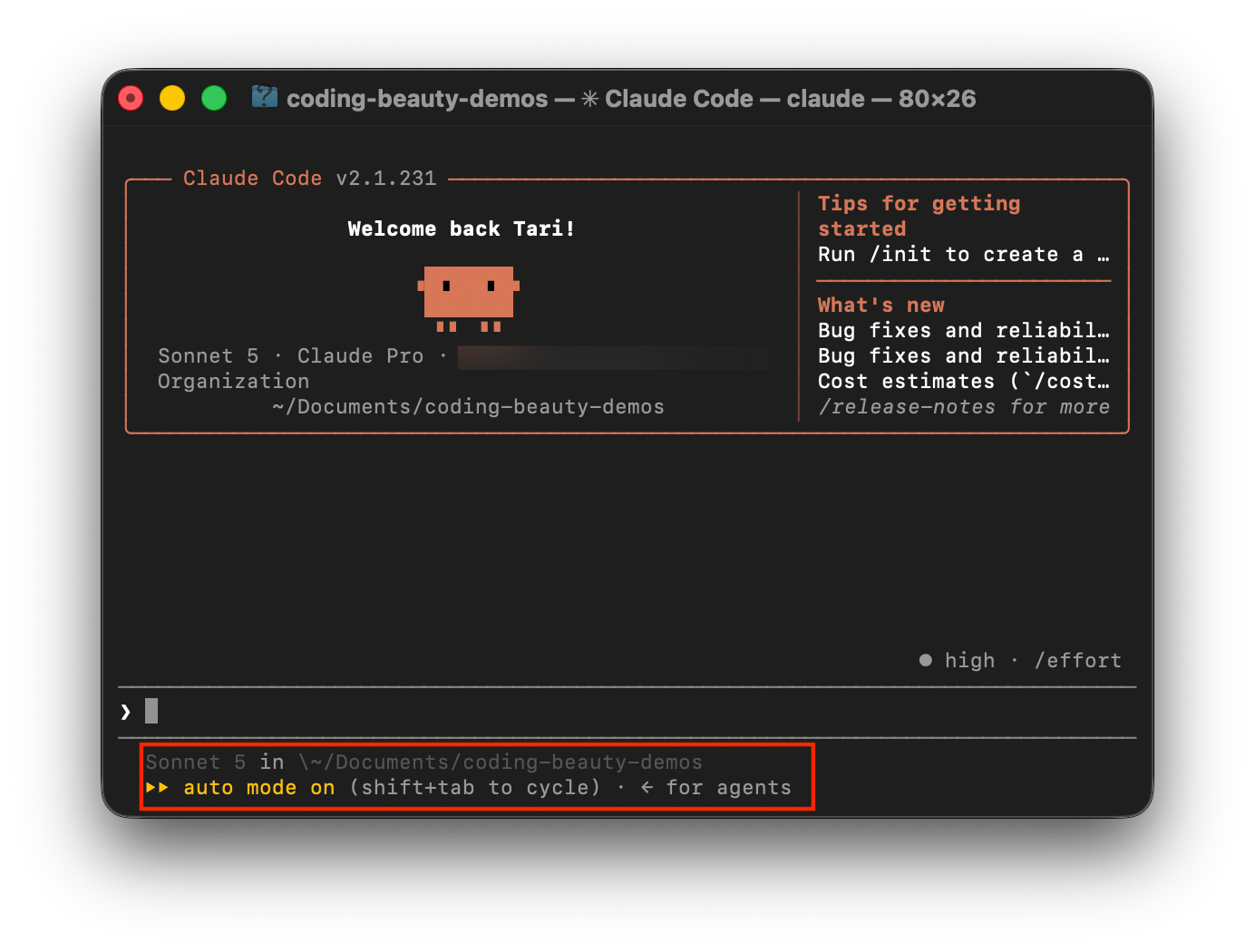
Claude Code can explore your entire codebase, edit hundreds of files, run dozens of commands, and handle all sorts of tasks in the background.
This autonomy is useful, but it also creates a simple problem: keeping track of what’s happening.
How much are you using? What exactly is running in the background? Is your Claude Code setup even working properly?
Fortunately, Claude Code has several slash commands that give you visibility into your sessions. Here are seven worth knowing.
1. /status — Check your current setup
When you want a quick overview of your Claude Code environment, run:
/status
This opens status information about your current setup, including details such as the Claude Code version, model, account, and connectivity.
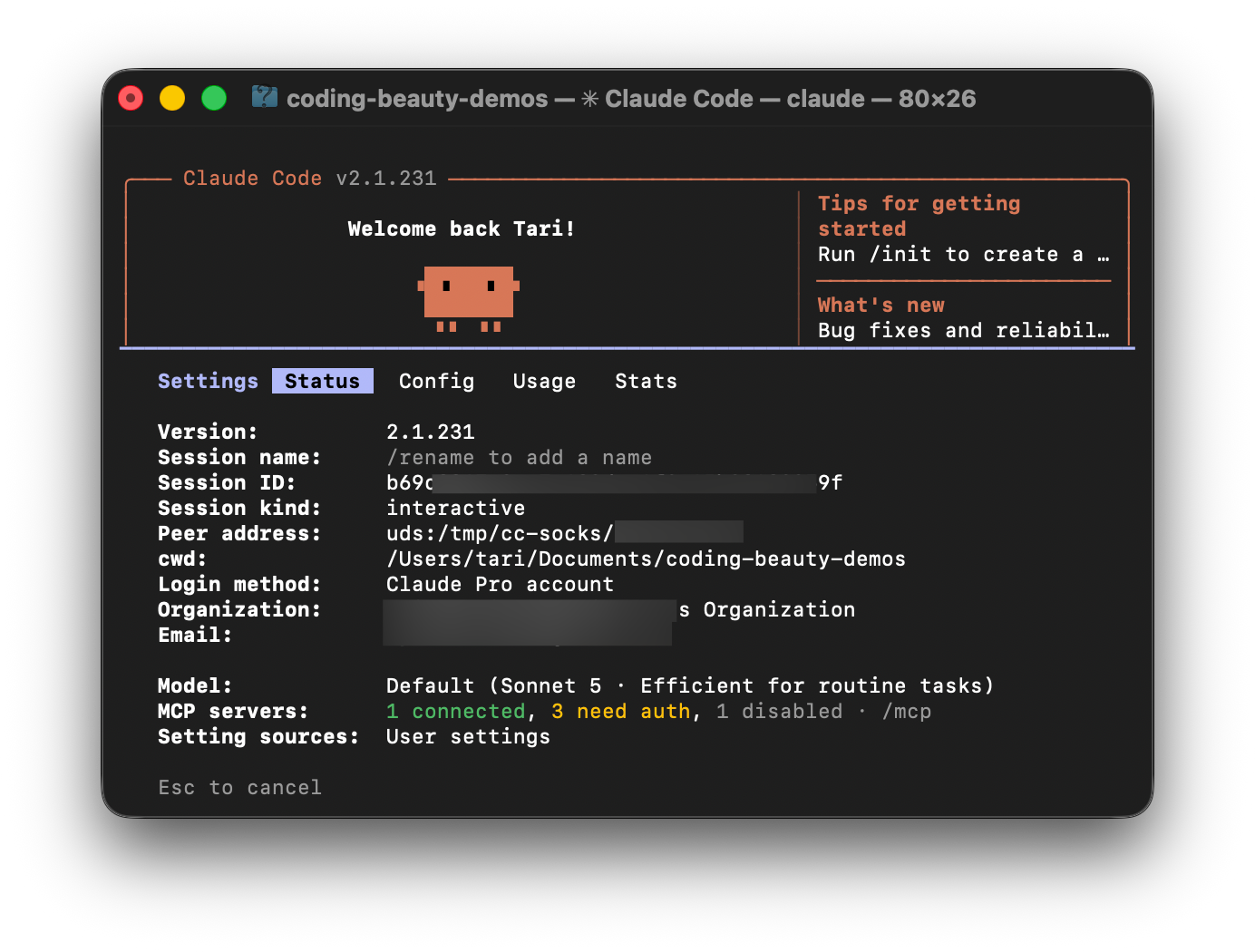
It’s especially useful after changing models, updating Claude Code, or switching environments. Before debugging your project, it can be worth confirming exactly what setup you’re working with.
2. /usage — Monitor your usage
Claude Code sessions can become surprisingly large. An agent might inspect dozens of files, run tests repeatedly, and iterate on a problem before finishing.
Run:
/usage
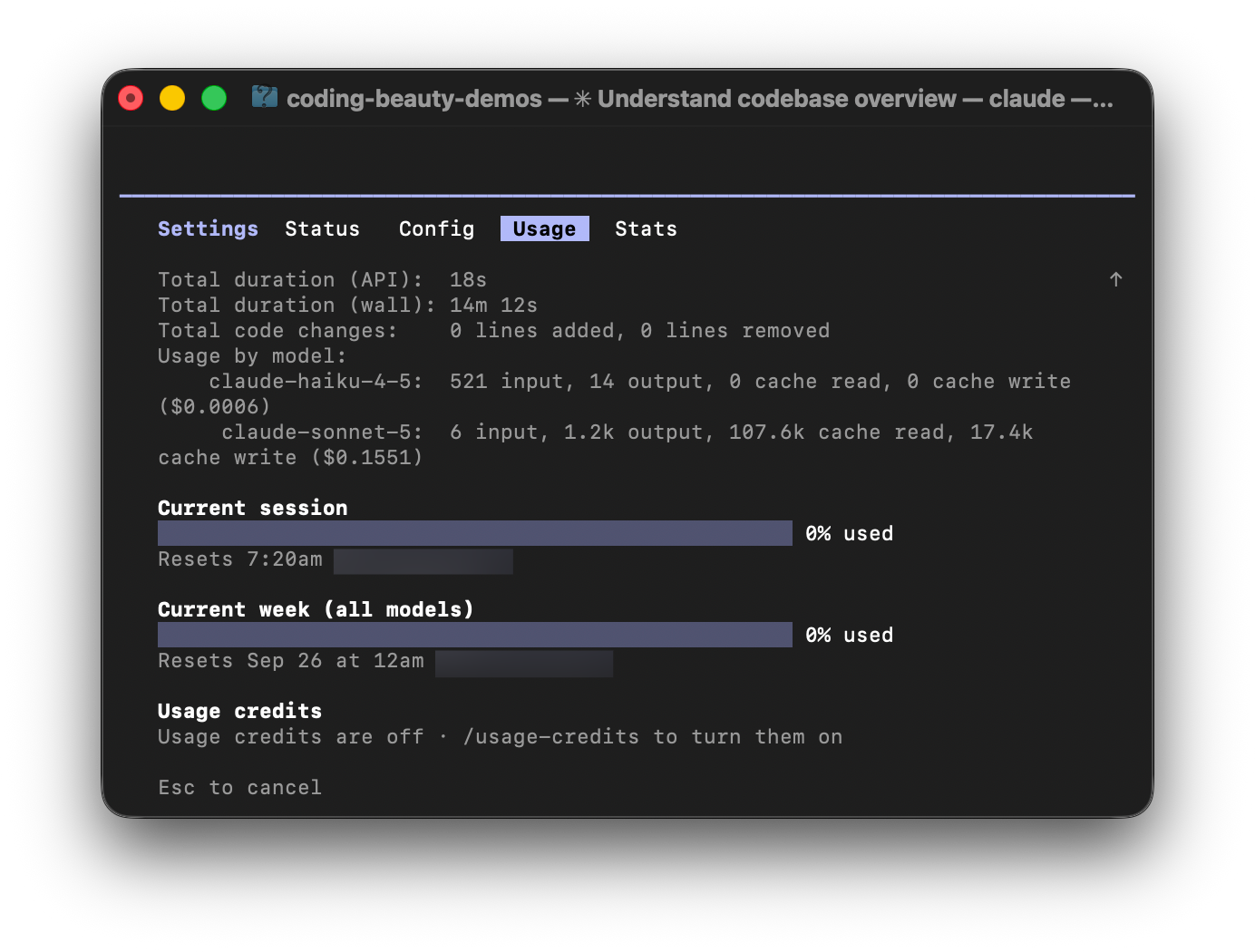
to see information about your Claude Code usage, limits, costs, and activity.
This gives you a better idea of how much you’re consuming during longer sessions instead of discovering it only when you approach a limit.
Claude Code also supports /cost as an alias for /usage, so older workflows that use /cost still work.
3. /tasks — See what’s running
Claude Code can perform work in the background while you continue with other things.
To see that work, run:
/tasks
This displays background tasks associated with your session and lets you manage them.
It becomes especially useful when you start using Claude Code more like an agent than a chatbot. If you have multiple processes running and can’t remember what Claude started, /tasks gives you a quick overview.
It’s like small task manager inside Claude Code.
4. /statusline — Keep useful information visible
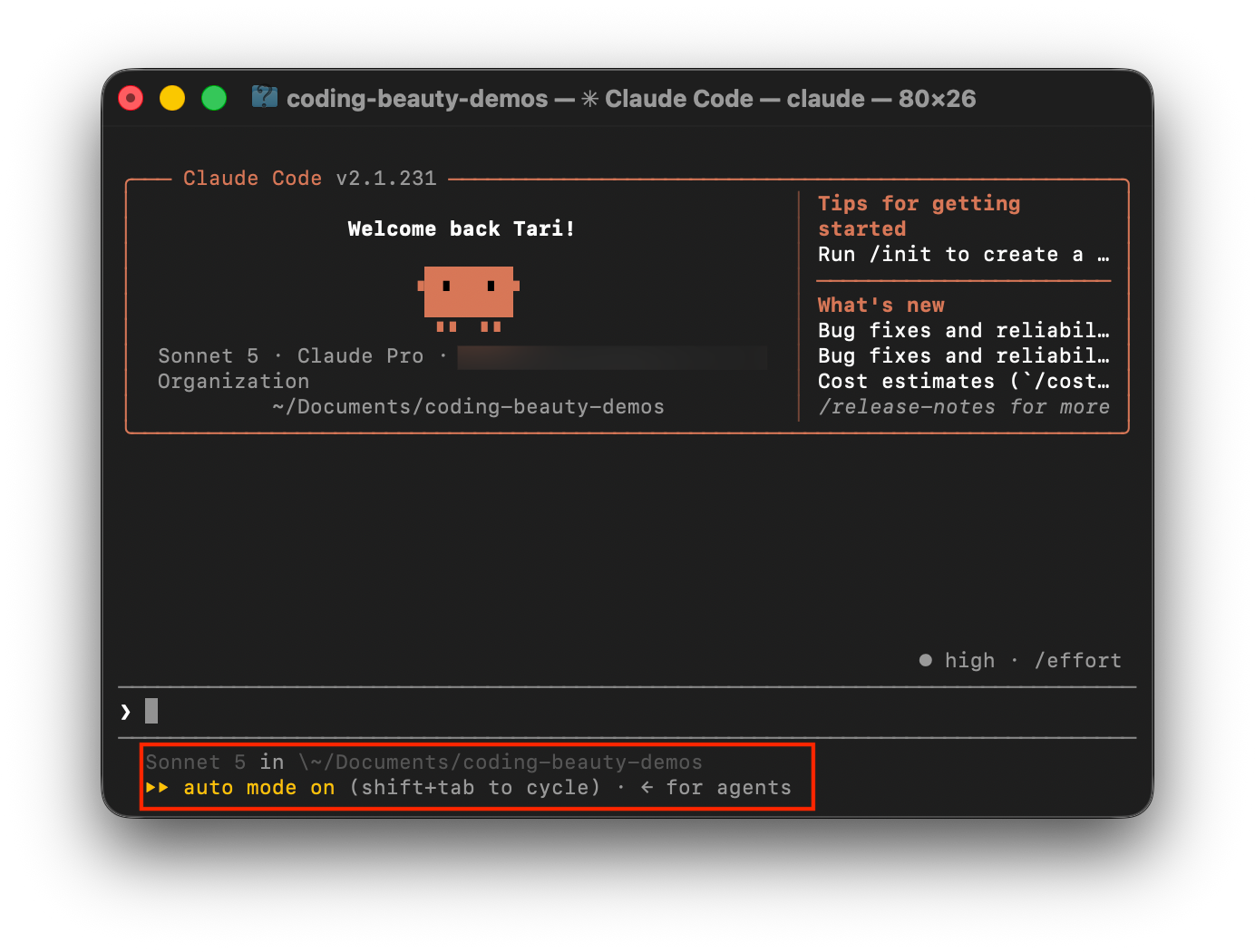
Some information is useful enough that you shouldn’t need to repeatedly ask for it.
That’s where /statusline comes in.
It lets you configure Claude Code’s terminal status line so important session information remains visible while you work.
Rather than interrupting your workflow to check your environment, you can keep the details you care about directly in your terminal.
It’s a small feature, but good monitoring often works best when you barely have to think about it.
5. /stats — Review your usage patterns
Run:
/stats
to jump into statistics about your Claude Code activity.
In current versions, /stats is an alias for /usage that opens its statistics view.
It’s useful when you want to step back from an individual session and understand your broader usage patterns rather than focusing only on what Claude is doing right now.
6. /insights — Understand how you work
/usage tells you how much you’re using Claude Code. /insights helps you understand how you’re using it.
Run:
/insights
to generate an analysis of your Claude Code sessions, including your projects, interaction patterns, and areas where you commonly encounter friction.
For frequent Claude Code users, this can reveal recurring habits: what you delegate, where you get stuck, and how your agent-assisted workflow is evolving.
7. /doctor — Check Claude Code’s health
Sometimes your code isn’t the problem. Your setup is.
Run:
/doctor
to diagnose your Claude Code installation and configuration.
It checks for potential problems with the environment and settings, helping you identify issues that could cause unexpected behavior.
So before spending half an hour debugging a mysterious Claude Code problem, try /doctor.
More autonomy needs more visibility
The more work you hand to coding agents, the more important it is to be able to easily keep track of everything.
Commands like /status, /usage, /tasks, /statusline, /stats, /insights, and /doctor don’t write code for you.
Instead, they help you understand what Claude Code is doing, what’s running, how much you’re using, and whether everything is working correctly.
And as coding agents become more autonomous, this information becomes increasingly valuable.