
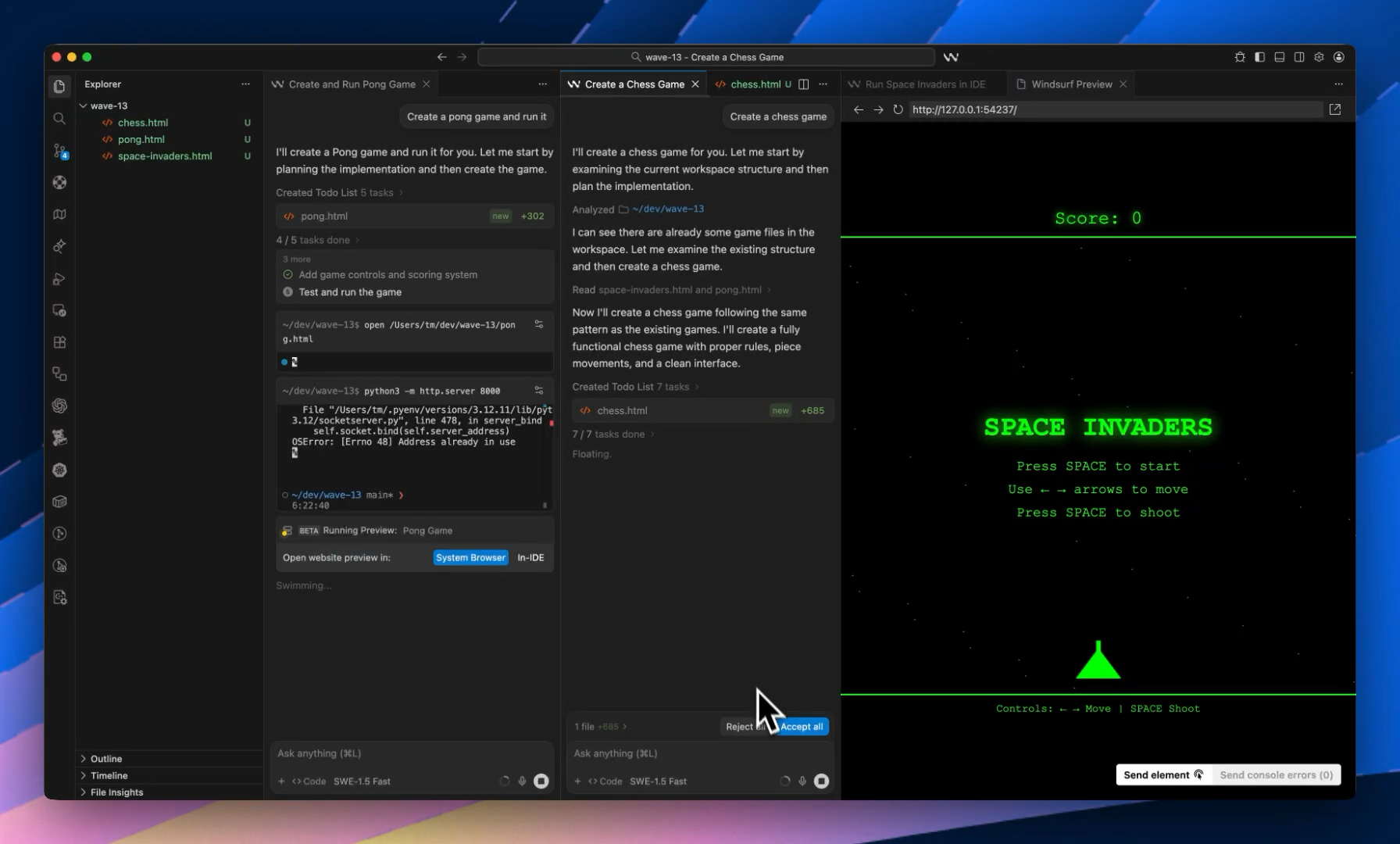
Windsurf Wave 13 is a major update to the Windsurf IDE.
And it’s all about 1 thing:
Do more work in parallel with less chaos.
New features to help you develop with greater ease and speed.
A faster, stronger default model
Wave 13 makes SWE-1.5 broadly available.
It becomes the default model in the editor.
Windsurf also offers a free SWE-1.5 option for a limited window.
That means more users can run deeper, multi-step tasks without instantly hitting limits.
This matters because agent workflows are hungry.
They need long reasoning chains.
They need many tool calls.
They need follow-through.
Better default capability changes what people attempt.
Real isolation with Git worktrees
Parallel agents create a real problem:
They collide.
Two sessions touch the same file.
One overwrites the other.
Or you get conflicts.
Or you waste time merging.
Wave 13’s fix is simple and powerful.
It adds Git worktree support.
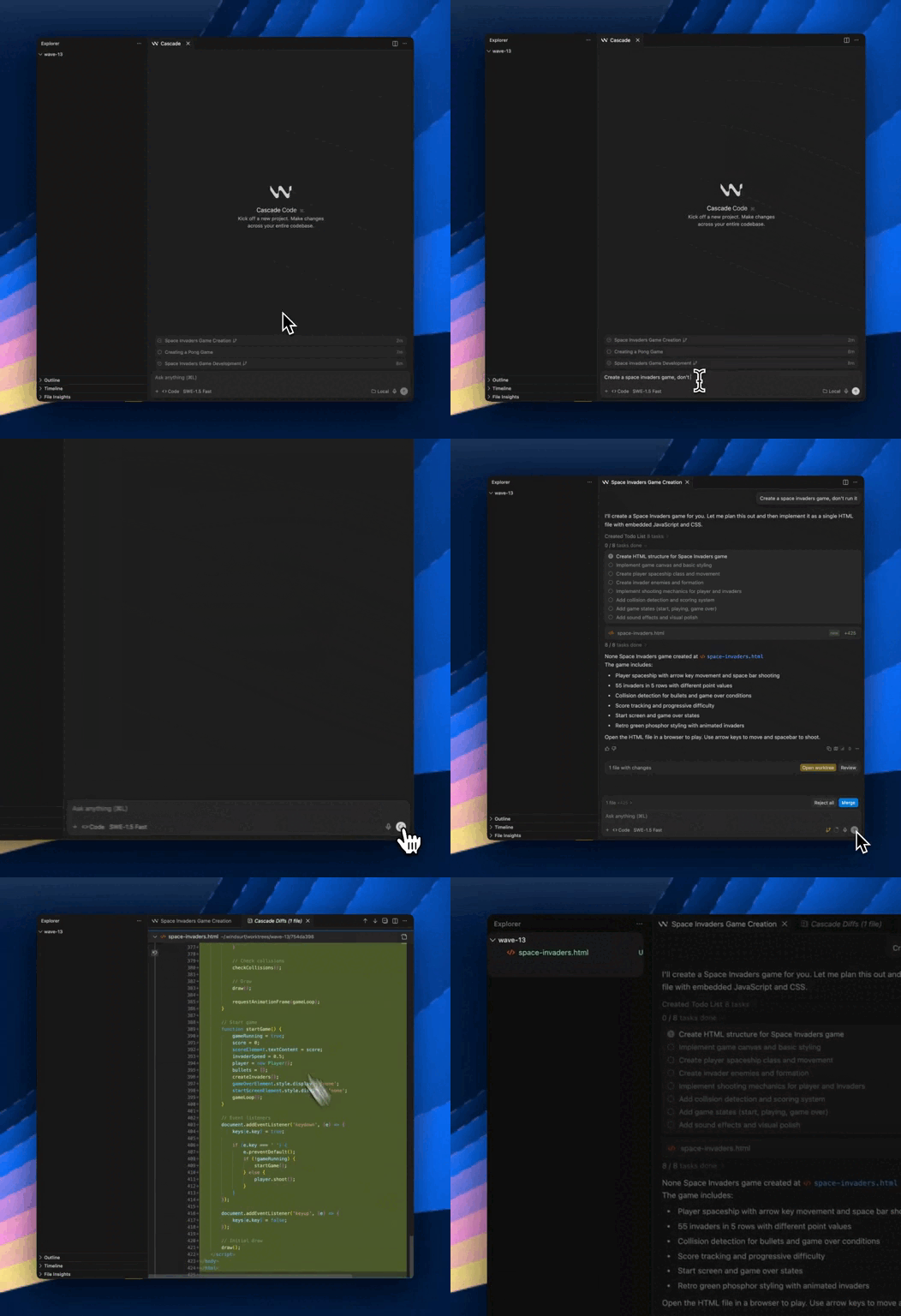
A worktree is another working directory for the same repo.
It can point at a different branch.
So each task can live in its own folder.
With its own checkout.
With fewer collisions.
This is a practical upgrade because it matches how humans already work.
Feature branch here.
Bugfix branch there.
Now agents can do the same.
Multi-Cascade panes and tabs
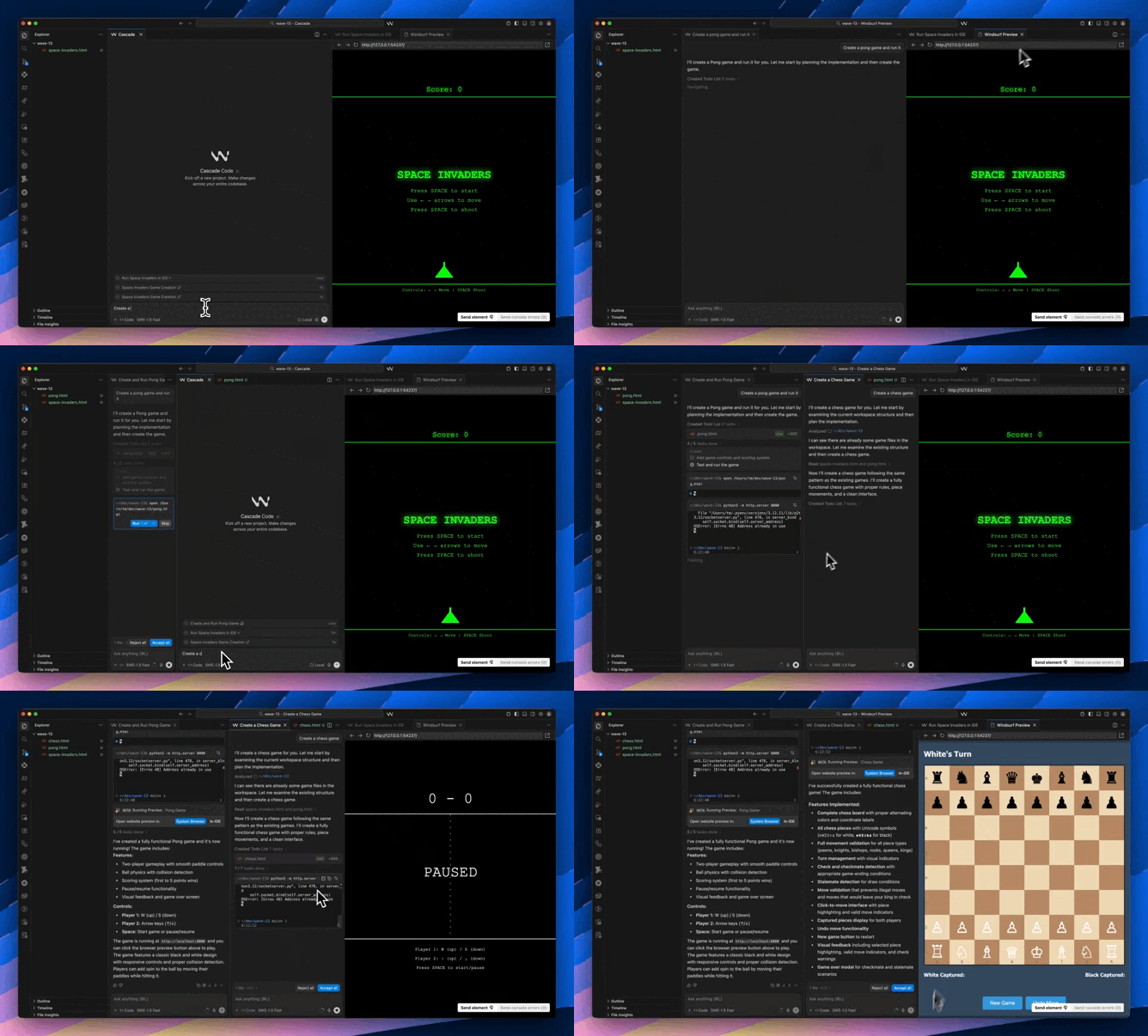
Windsurf also improves how you see parallel work.
Wave 13 adds multiple panes and tabs for Cascade sessions.
That sounds like UI polish.
But it changes behavior.
You can run a refactor in one pane.
A test-writing pass in another.
A debugging session in a third.
And you can watch them at the same time.
You can compare outputs quickly.
You can stop a session that’s drifting.
You can nudge a session that’s stuck.
It feels more like supervising than guessing.
A dedicated Cascade terminal
Agentic coding often fails in the terminal:
A command hangs.
A prompt waits for input.
A shell config is missing.
An environment variable isn’t set.
Then everything derails.
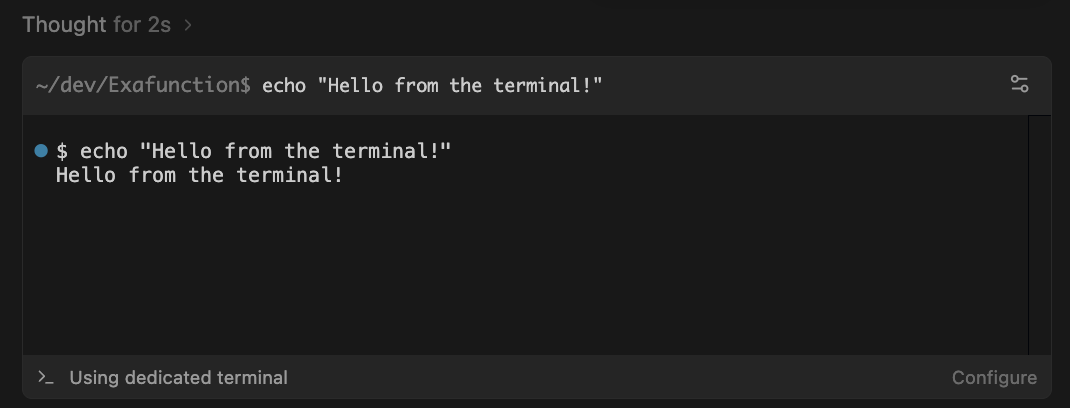
Wave 13 introduces a dedicated terminal for Cascade.
It aims to be more reliable.
It’s designed to handle interactive prompts better.
And it works with common shell setups.
This is the kind of feature you don’t notice when it works.
But you feel it when it’s missing.
A context window indicator
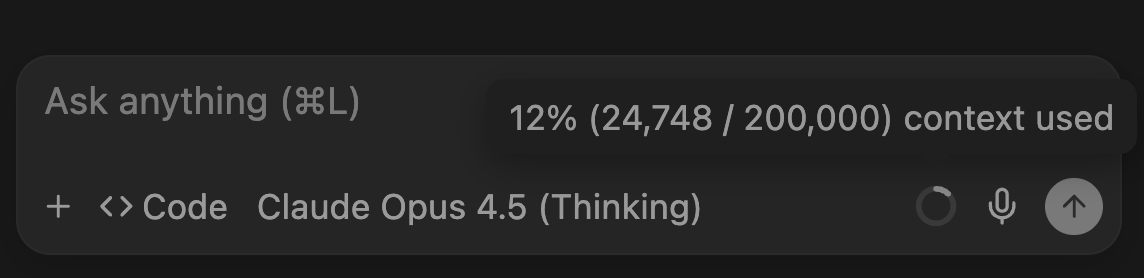
AI tools have a quiet failure mode: they “forget” earlier details.
It’s often not true forgetting — it’s context overflow.
The window gets crowded.
Older messages drop out.
Quality slips.
Wave 13 adds a context window indicator.
So you can see pressure building.
Before results get weird.
That supports better habits.
Split tasks sooner.
Summarize goals.
Start a fresh session when needed.
Extras for teams
Wave 13 also adds more “ops” features.
Things that matter in shared environments.
Now there are hooks for running commands at key moments.
That helps with automation.
And auditing.
And custom workflows.
There are also system-level controls for organizations.
So teams can distribute rules and workflows consistently.
It’s a clear sign of direction.
Windsurf wants to be a serious team tool.
Not just a personal assistant in an editor.
What Wave 13 enables
Put it all together.
And you get a strong pattern.
One task per Cascade session.
One worktree per task.
One pane per session.
One clean branch per outcome.
You can run tasks in parallel.
Feature work.
Bug fixes.
Test creation.
Docs updates.
Then you review.
You merge the best result.
You discard the rest.
Like you would with human contributors.
Wave 13 doesn’t magically remove coordination problems.
But it gives you better primitives.
Isolation.
Visibility.
Reliability.
And clearer limits.
That’s what makes parallel agent work feel real.