
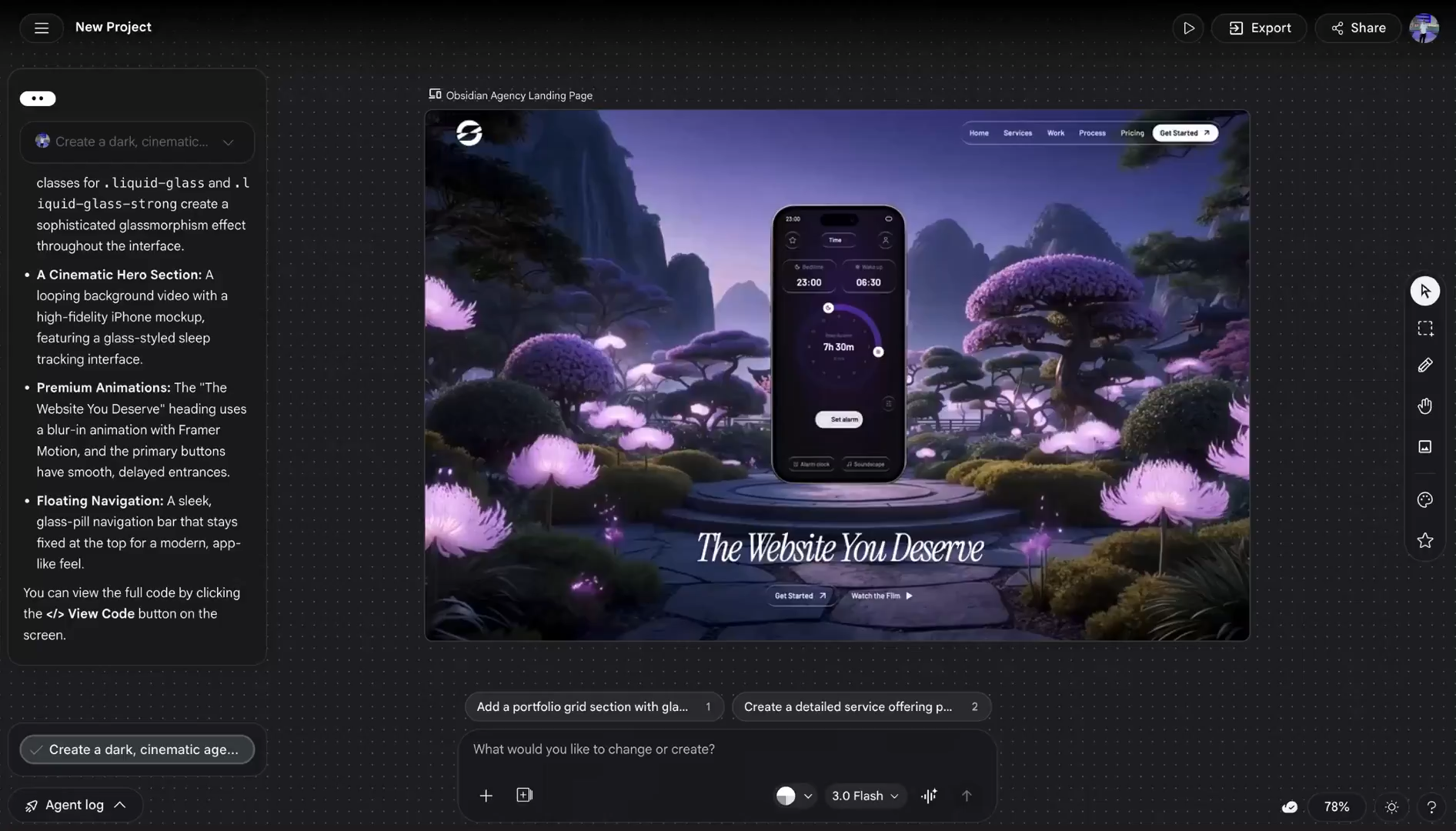
Things just got even wilder with this incredible AI design tool.
All the features it came with in 2025 were not enough for Google, they needed to make it 10 times more scary.
We are no longer just talking about turning one or two text prompts and sketches into UI mockups and front-end code.
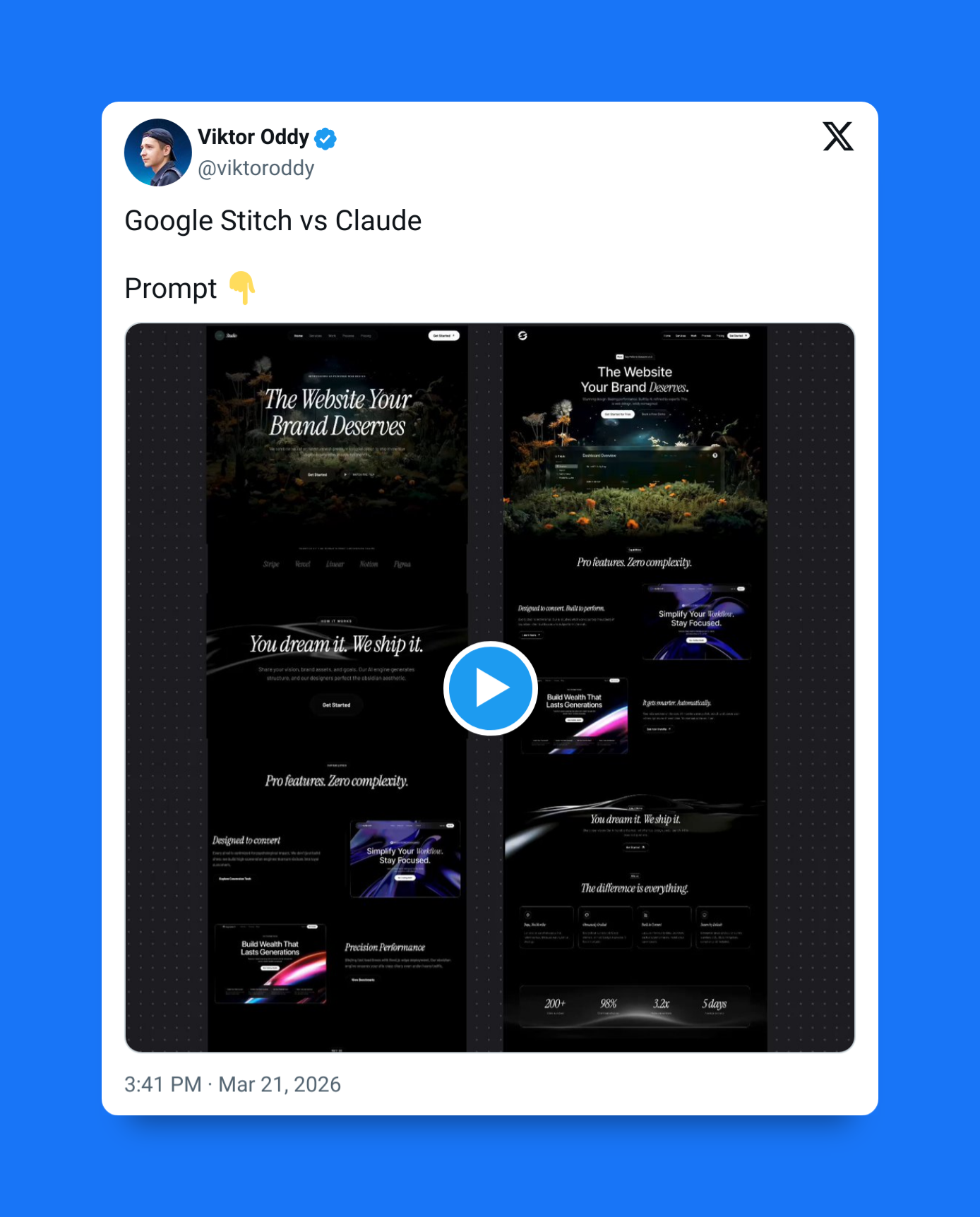
The old Google Stitch: pretty awesome, but still too short-sighted and primitive:
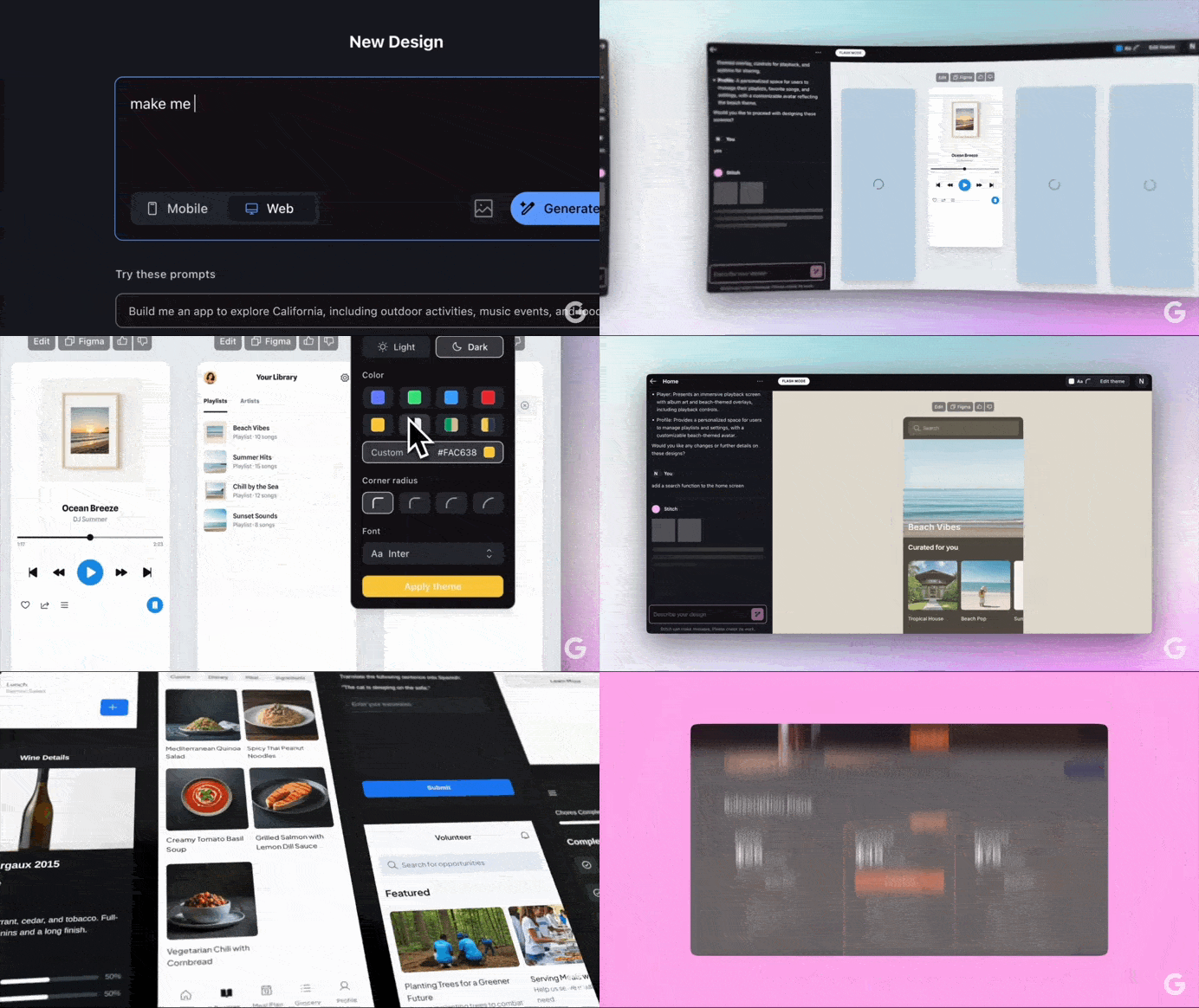
Now Google Stitch wants to totally eradicate web designers taking over the entire process of designing an app — from idea-start to code-finish.
The new Google Stitch: full-fledged design engineer:
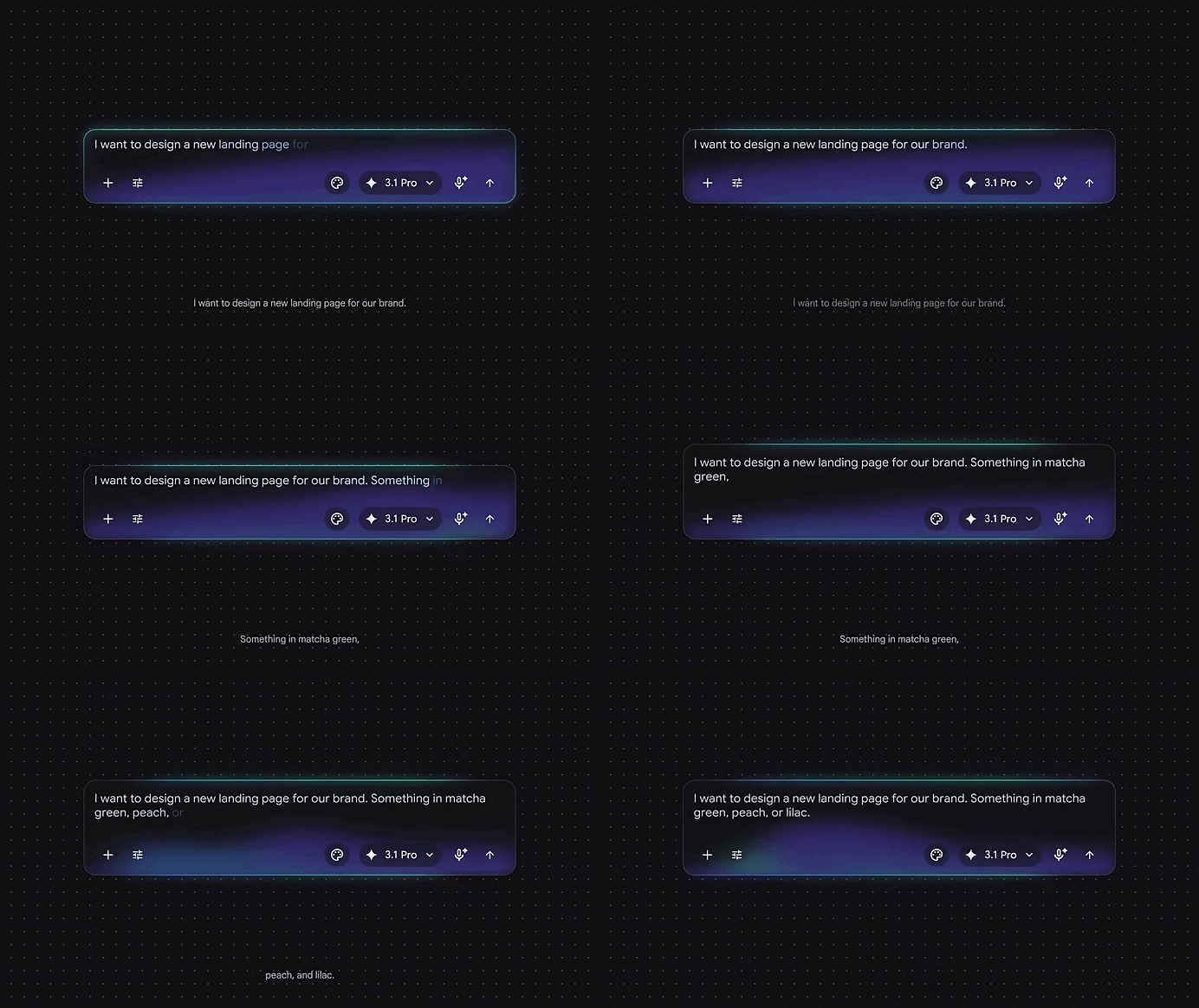
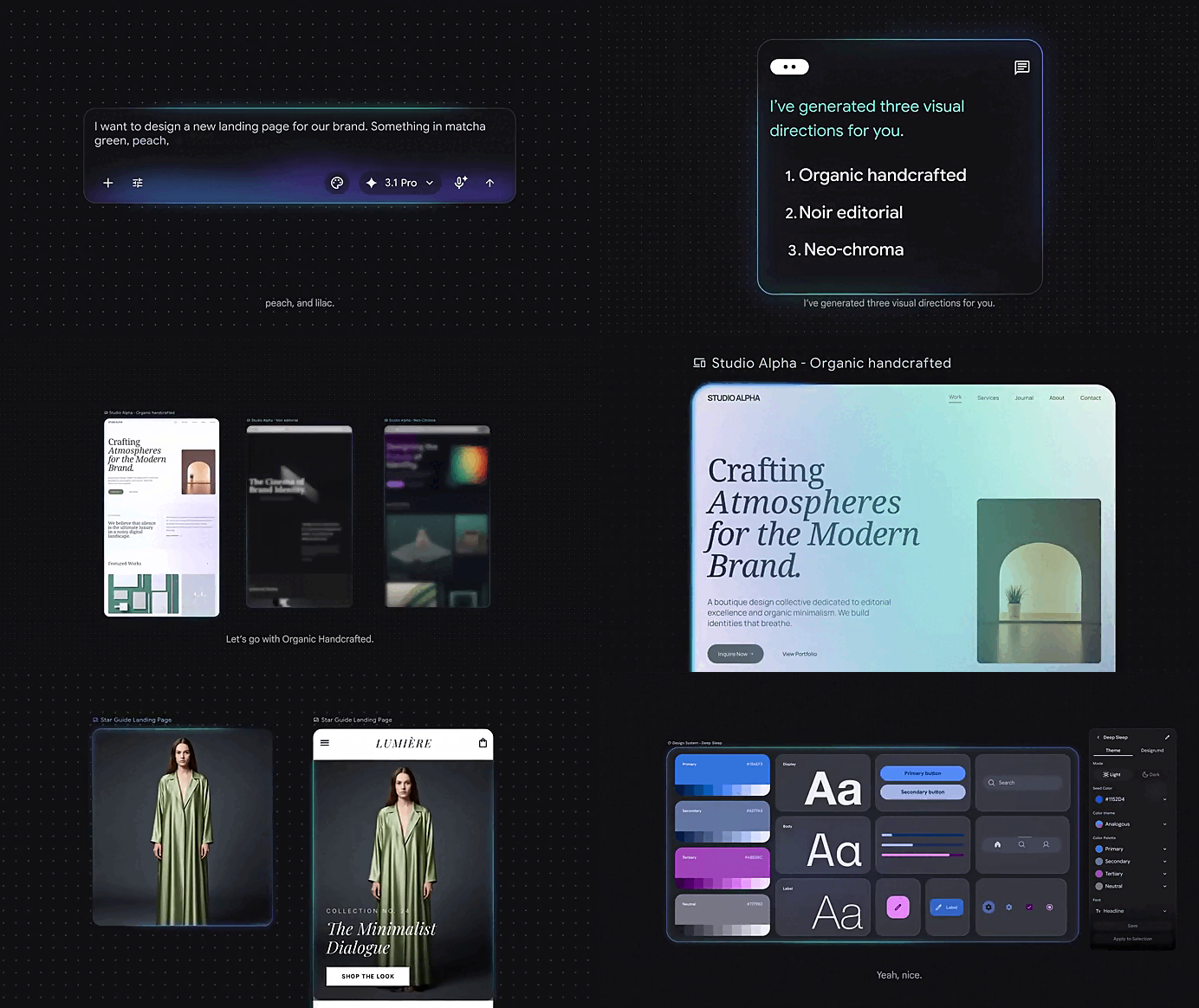
The fact that it literally now has its own MCP servers to integrate with Claude Code and the rest tells you everything you need to know…
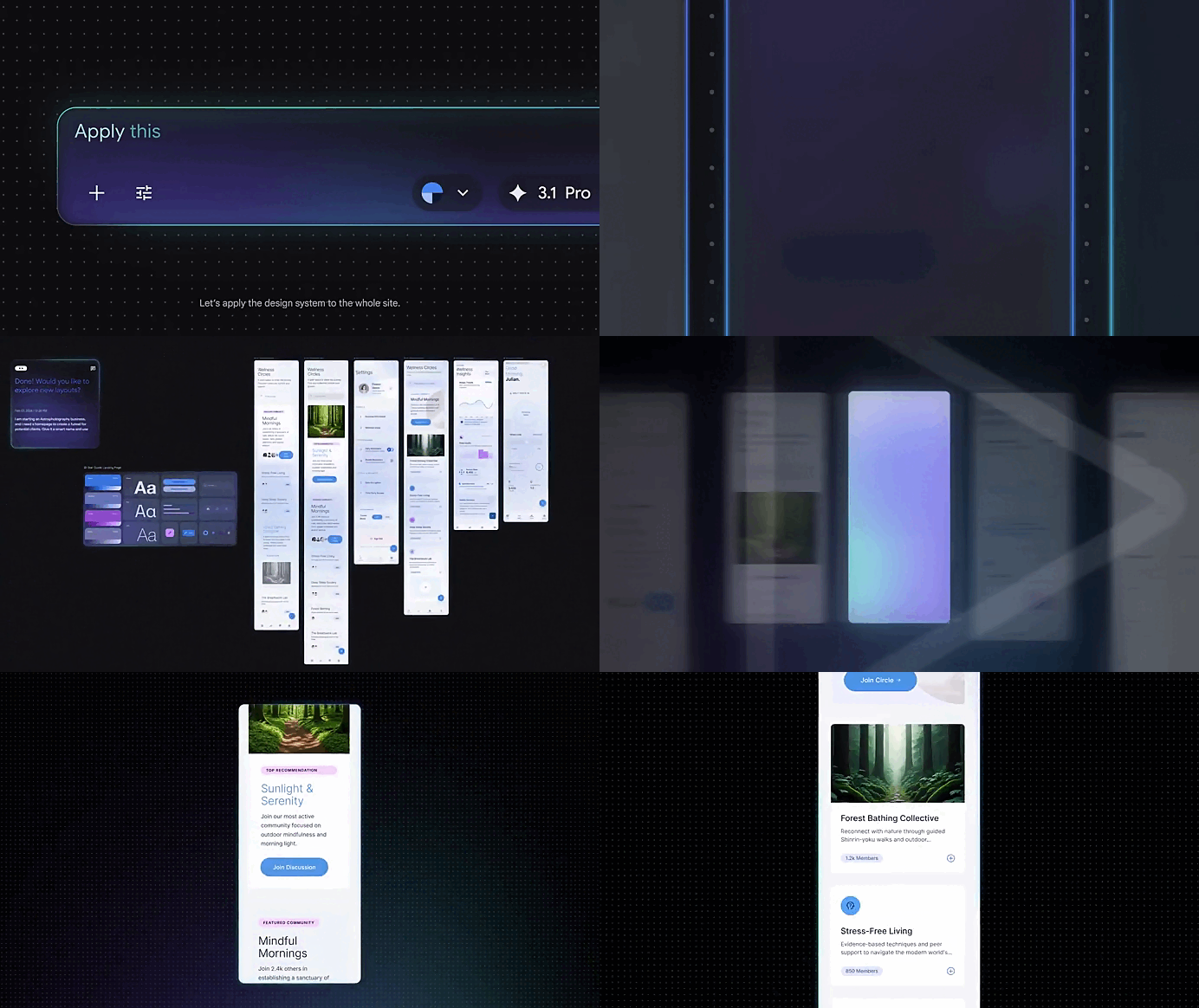
The focus is now on the entire design system, not just one or two cool screens.
- How it evolves and all the different directions it could take
- How cohesive and well-defined the design language is
- How seamlessly the design transfers to the live codebase

1) AI-native infinite canvas for multimodal design
The upgraded Stitch introduces a redesigned interface built around an infinite canvas where users can combine text, screenshots, sketches, references, and even code in one space.
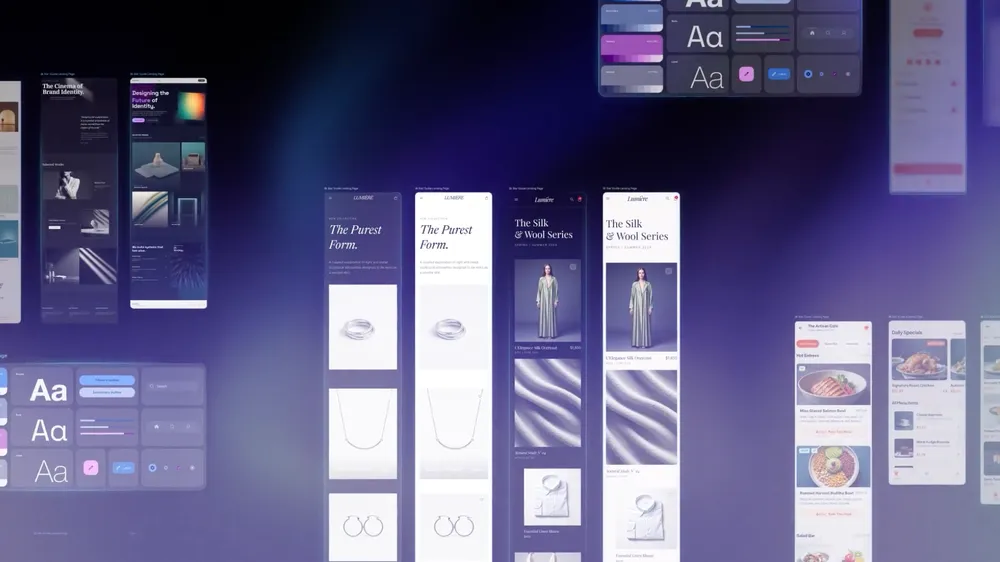
Instead of relying on a single prompt, the canvas becomes the working context for the design agent.
You can:
- Drop UI inspiration images directly onto the canvas
- Add product requirements or notes beside layouts
- Paste existing components or code snippets
- Generate multiple UI directions side-by-side
- Iterate visually instead of sequentially
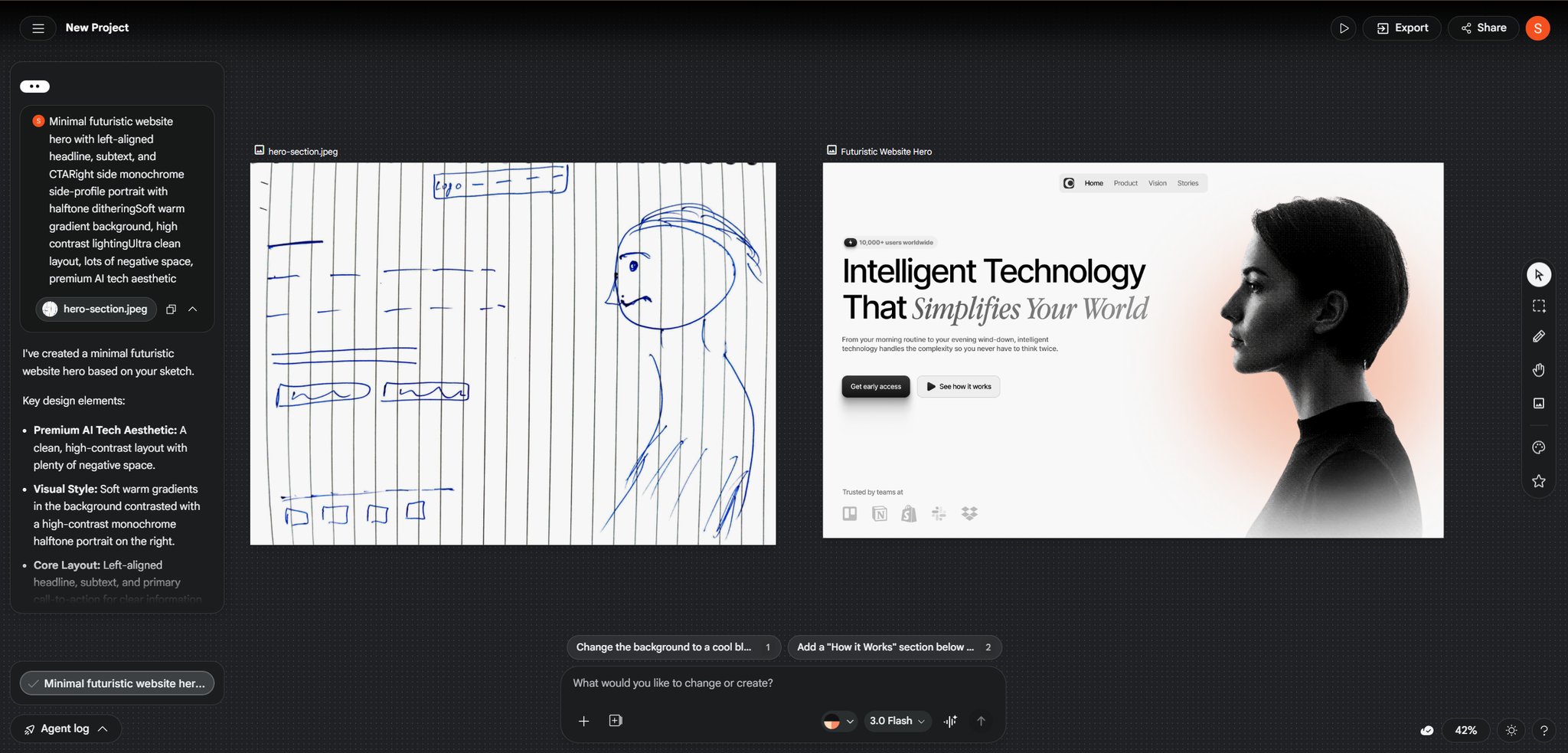
This turns Stitch into a visual thinking environment where ideas, references, and outputs live together.
2) Project-aware design agent
Stitch now includes a design agent that understands everything on the canvas and uses it as context for generating interfaces. The agent can interpret requirements, follow style direction, and evolve designs as the project grows.
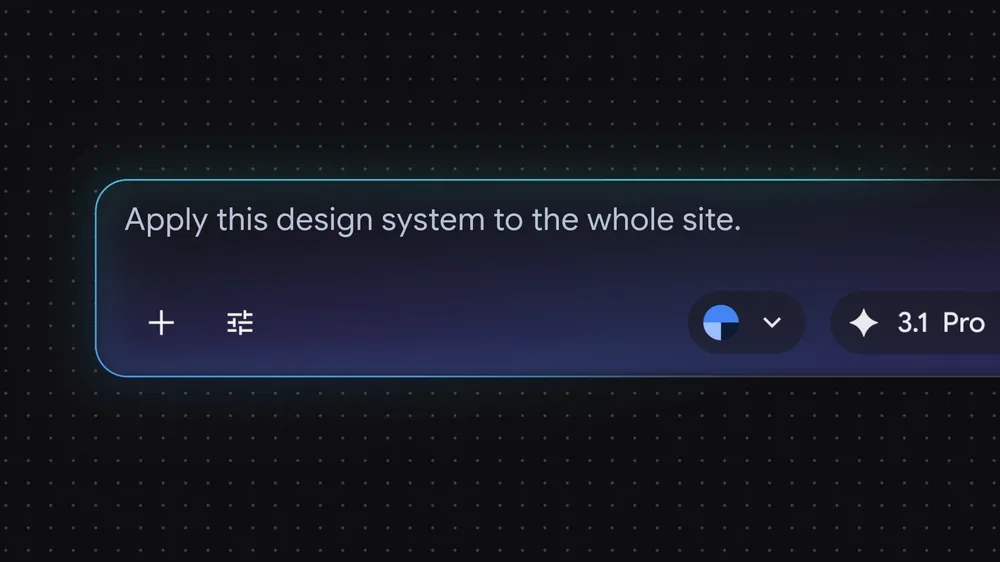
Key capabilities:
- Generate full app flows from high-level descriptions
- Expand a single screen into a multi-screen product
- Modify layouts based on new instructions
- Maintain visual consistency across generated pages
- Create alternate design directions instantly
The agent works continuously with the canvas rather than responding to isolated prompts.
3) DESIGN.md for reusable design systems
A major addition is DESIGN.md, a structured file that stores design rules, branding, layout preferences, and component behavior. Stitch uses this file as a persistent source of truth when generating UI.
With DESIGN.md you can:
- Define typography, spacing, and color tokens
- Enforce brand consistency across screens
- Share design systems between projects
- Import design rules from external sources
- Export system logic for developers
This allows Stitch to generate interfaces that follow consistent design language automatically.
4) Instant interactive prototyping
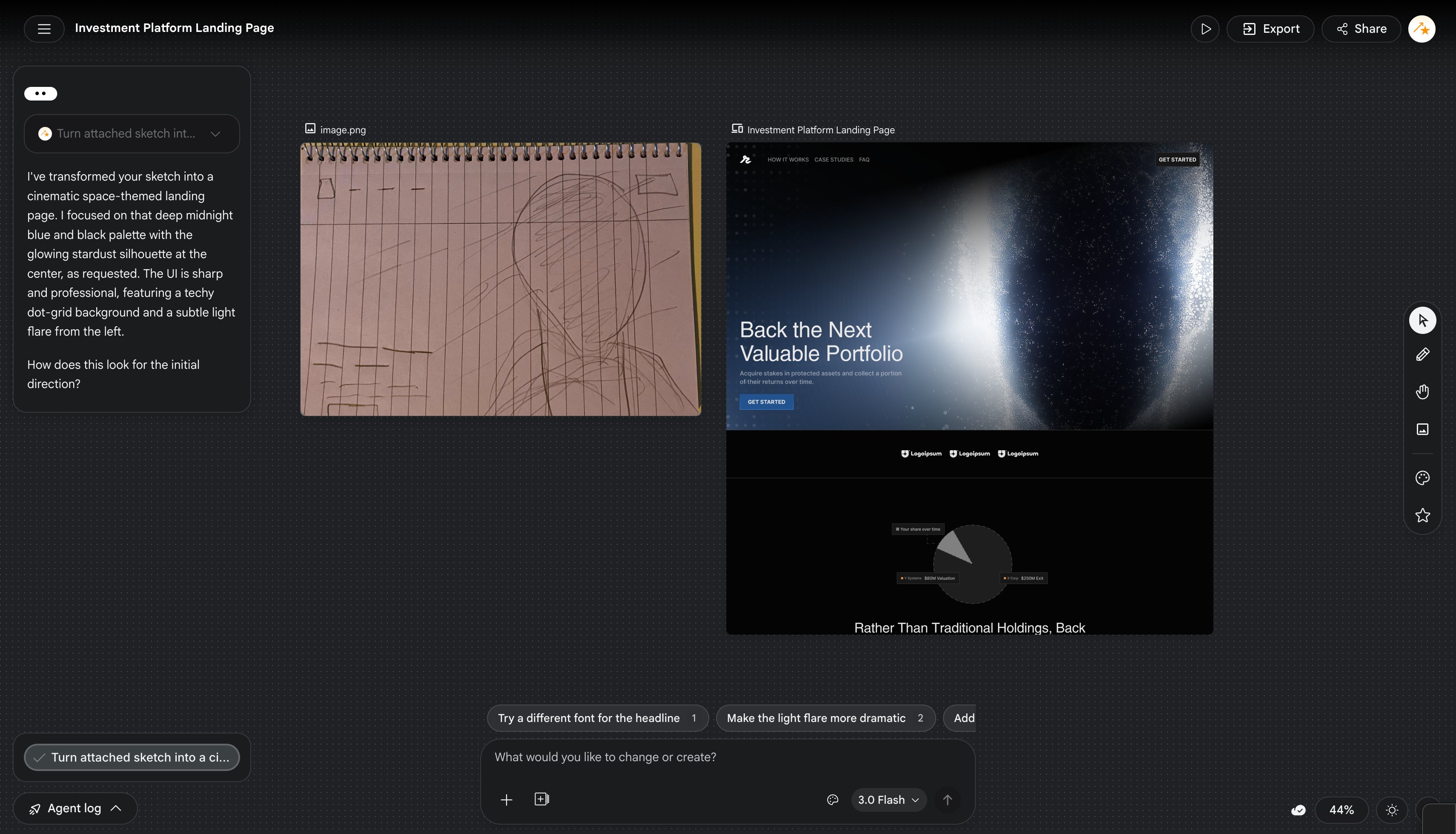
Stitch can now transform generated layouts into working interactive prototypes. Instead of static screens, designs can simulate navigation, flows, and user interactions.
Capabilities include:
- Clickable navigation between generated screens
- Auto-generated user journeys
- Multi-screen flow simulation
- Interactive preview mode
- Logic-based next screen generation
This allows teams to validate product flows immediately after generating UI.
5) Voice-driven design and live critique
The upgrade introduces voice interaction directly inside Stitch. Users can speak instructions, request feedback, and iterate designs conversationally.
Examples:
- Ask Stitch to redesign a landing page verbally
- Request alternative layouts using voice
- Get live critique of UX decisions
- Ask the agent to improve hierarchy or spacing
- Iterate rapidly without typing
This makes the design workflow more fluid and conversational.
6) Higher-quality UI generation with improved model capabilities
The latest version improves layout reasoning, spacing, hierarchy, and multi-screen coherence. Stitch can now generate more structured and realistic interfaces across different product types.
Enhancements include:
- Better responsive layout structure
- Improved component consistency
- Stronger visual hierarchy
- More realistic product UI patterns
- Cleaner spacing and typography
These improvements make generated designs closer to production-ready outputs.
7) MCP server support for connected workflows
The upgrade also introduces MCP (Model Context Protocol) server support, allowing Stitch to connect to external tools, environments, and development workflows.
With MCP support, Stitch can:
- Connect to component libraries
- Access external design systems
- Interface with developer environments
- Pull context from connected tools
- Push generated UI into implementation workflows
This allows Stitch to function as part of a larger AI-powered product development pipeline rather than a standalone design tool.
Stitch at launch
- Prompt or image in
- UI screens out
- Chat-based refinement
- Theme adjustments
- Export to Figma or front-end code
Stitch after the recent major upgrade
- Infinite canvas for text, images, and code
- Persistent project-aware design agent
- Agent manager for parallel explorations
- DESIGN.md for reusable design rules
- Interactive prototyping and flow generation
- Voice-based critique and live edits
- MCP server integration for connected workflows
- Improved generation quality with newer models
That comparison shows the real story: Stitch has evolved from a fast UI generator into a more opinionated AI design environment.
The new Stitch is designed for a wider audience than traditional design tools usually target. It works for both professional designers exploring many variations and founders shaping a first product idea.
The practical implication is that Stitch now sits at an interesting intersection:
- for non-designers, it lowers the barrier to making presentable interfaces
- for designers, it speeds up ideation and branching
- for developers, it tightens the handoff from design intent to code and downstream tools
The strongest part of the upgrade is that these pieces reinforce each other. The infinite canvas creates richer context, the design agent uses that context, DESIGN.md stabilizes consistency, prototypes make ideas testable sooner, voice interaction reduces friction, and MCP integration connects everything to real development workflows.