
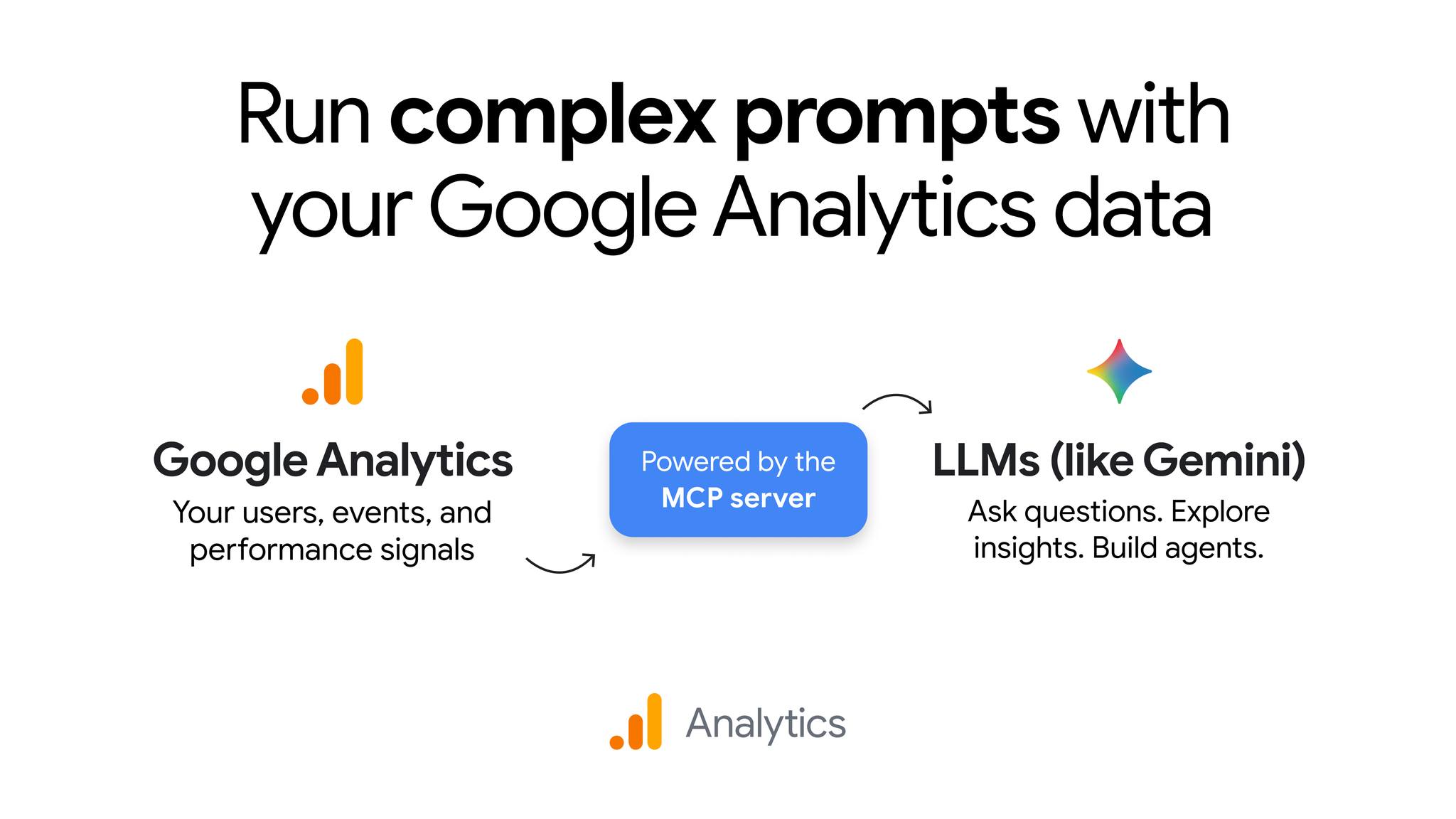
This is one of the most powerful MCP servers for app and SaaS developers and anyone with a goal-focused website.
The official Google Analytics MCP server lets Claude Code deeply analyze how people use your app and give you invaluable insights to make your app far more engaging and useful for them.
It can even make intelligent recommendations that you would likely have never thought of on your own.
You no longer need to spend hours manually surfing through massive tables just to try to make sense of how your app/service is performing.
You get clean, easy-to-understand breakdowns that tell you everything you need to know.
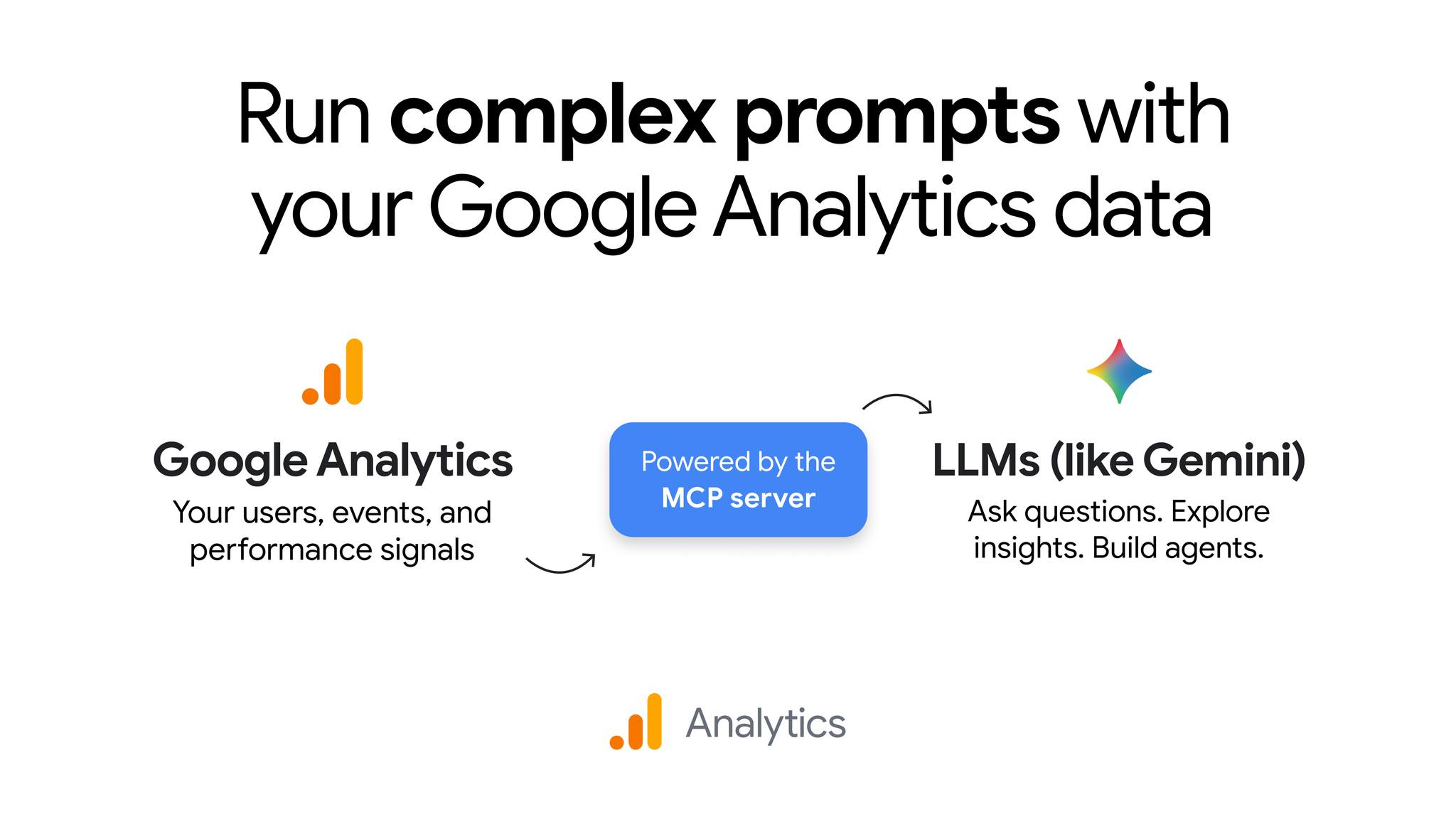
Discover hidden ways to improve your app with MCP-powered analytics reports
AI coding agents can improve your app’s design. But how do they know which parts need the most work?
With this MCP Server’s Analytics Reports tool, your agent can look at the massive amount of real user data and find out easily.
You could simply ask:
“Check how people have used our app over the last 30 days. Find features with low engagement. Then inspect their code and suggest ways to make them easier to use”.
Your agent can find pages that aren’t performing well and look at their code to suggest changes.
This means you can use real user behavior to guide your AI agent instead of just guessing what needs improvement.
Check if your changes actually move the needle with MCP reporting and annotations
You’ve just shipped a new signup page. Everything works and your tests pass.
But did the new page actually help more people sign up?
Google Analytics MCP has a Reporting and Annotations tool that lets your agent check past analytics data and read annotations that add context to important changes.
You could ask:
“We shipped a new signup page last Tuesday. Check if more people signed up after the update.”
Your agent can compare signup numbers before and after the update. It can also look at your Git history to see what changed.
Of course, better numbers don’t always mean your update caused them. But this gives you a good way to see whether your changes might be helping.
Find and fix conversion drop-offs with MCP funnel analysis
Let’s say you’re building a SaaS app with this onboarding flow:
- Create an account.
- Open the onboarding page.
- Connect an integration.
- Complete setup.
What if lots of users create accounts but leave when they reach the integration step?
Google Analytics MCP has a funnel reporting tool that lets your agent find where users drop off.
You could ask:
“Find where most users leave our onboarding flow. Check the code for that step and suggest fixes.”
Your agent can find the problem area and inspect the code. Maybe there are too many steps or the error messages aren’t clear.
The analytics data shows your agent where users struggle. Your codebase helps it find possible reasons why.
Your agent can then suggest fixes and help you check whether they work.
Verify new features with MCP realtime reporting
AI coding agents can run tests to check whether code works. But what if you also want to know whether your app tracks user actions correctly?
Google Analytics MCP lets your agent check realtime analytics data.
Let’s say you just built an AI document summarizer that tracks these events:
summarizer_openedsummarization_startedsummarization_completed
After shipping the feature, you ask your agent to check if all three events are showing up.
It finds that users are opening the summarizer and starting summaries. But the completion event isn’t showing up.
Your agent checks the code and finds that you forgot to send the completion event after a successful API response.
It fixes the code and helps you check again.
So you get a useful workflow:
Write code → Ship → Check realtime data → Fix issues → Check again.
Realtime reports can have delays, so you’ll still need tests. But this gives your agent another way to check its work.
Understand your analytics setup with MCP metadata discovery
AI agents sometimes write the wrong analytics queries because they don’t know how you’ve set up tracking in your app.
Google Analytics MCP lets your agent look up your custom dimensions and metrics instead of guessing.
You could ask:
“Find the custom dimensions we use to track our AI features. Then create a report showing how people use those features.”
Your agent can check the actual analytics setup and use the right fields.
It can also compare your analytics settings with the tracking code in your app to spot things that don’t match.
This helps you avoid mistakes and makes it easier to build reports with AI.
Google’s official Analytics MCP Server gives us a way to build AI coding agents that don’t just write code but also help us improve our apps using real user data.