
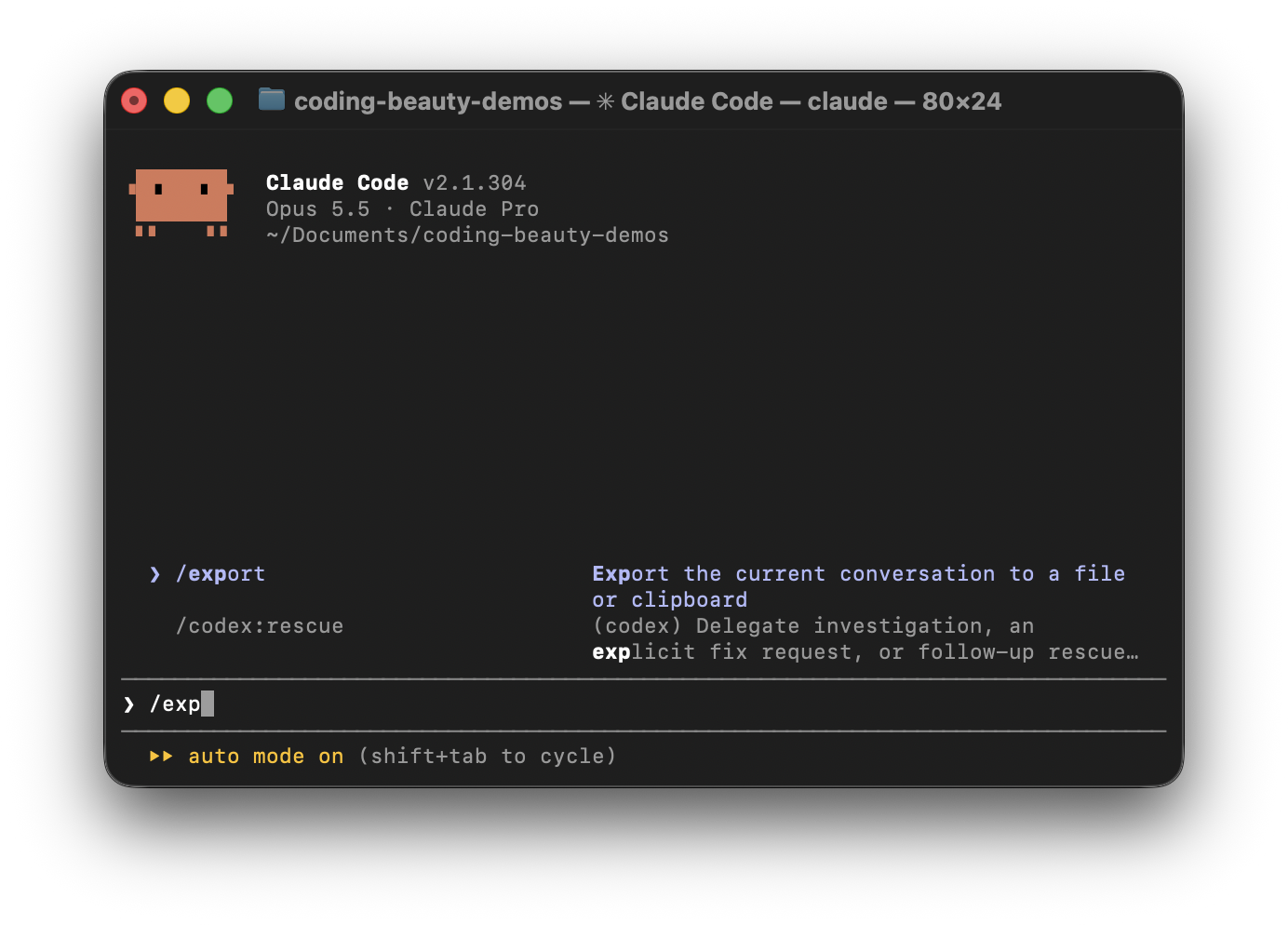
These are five Claude Code commands that massively upgrade the conversation experience.
They increase the overall usefulness of your conversations in your workflow, and improve developer quality of life.
1. Command 1 — Preserve your most valuable conversations forever
Some conversations with Claude are really worth keeping.
You might spend an hour fixing a tricky bug or working through how to build a new feature. That conversation could be useful again much sooner than expected.
Instead of letting it get buried in your terminal, you can save it.
Just type:
/exportYou can also save it straight to a file:
/export debugging-session.txtClaude saves the conversation as a text file.
You can share it with your team or turn it into documentation. You can also come back to it when you face a similar problem.
2. Command 2 — Fearlessly explore exciting new ideas without starting over
Sometimes you want to try a different approach to something you’re building.
You might be building an API with REST and want to see how the same thing would work with GraphQL.
You don’t need to throw away your current conversation or explain your whole project again.
Just type:
/forkThis creates a new branch of your conversation.
You can explore your new idea while keeping the original conversation.
If the new approach doesn’t work out, you can go back to where you left off.
Just remember that /fork doesn’t create a separate Git branch. Use Git branches or worktrees if you want to keep your code changes separate.
3. Command 3 — Effortlessly copy Claude’s best responses in seconds
Claude often gives us useful code snippets and explanations that we want to use somewhere else.
Instead of manually selecting text from your terminal, just type:
/copyThis copies Claude’s latest response to your clipboard.
If the response has several code blocks, you can choose which one to copy. You can also copy the whole response.
You can even copy an earlier response:
/copy 2This copies Claude’s second-most-recent response.
It’s a small command that saves you time when you need to share code or paste something into your docs.
4. Command 4 — Ask brilliant side questions without breaking your flow
This is one of my favorite commands.
Let’s say you’re working with Claude on a big feature and you come across something you don’t understand.
You can ask a quick question without interrupting your main conversation.
Just use /btw:
/btw What does Partial<T> mean in TypeScript?Claude answers your question using what it already knows about your conversation.
The best part is that the question and answer don’t become part of your main conversation.
So you can ask little side questions without filling your main chat with things that aren’t part of your main task
5. Command 5 — Seamlessly pick up your best conversations right where you left off
You can spend hours working with Claude on a feature. It knows your code and understands what you’re building. You’ve also made good progress.
Then you close your terminal.
When you come back the next day, you don’t have to start from scratch.
Just type:
/resumeClaude shows you your previous conversations so you can pick one and continue.
You can also resume a conversation by its name:
/resume authentication-refactorThis is useful when you’re working on a project that takes several days.
You can pick up where you left off without explaining everything again.
These five commands can save you a lot of time and make your conversations with Claude Code much more productive. Start using them to stay focused and get more done without constantly starting over.