
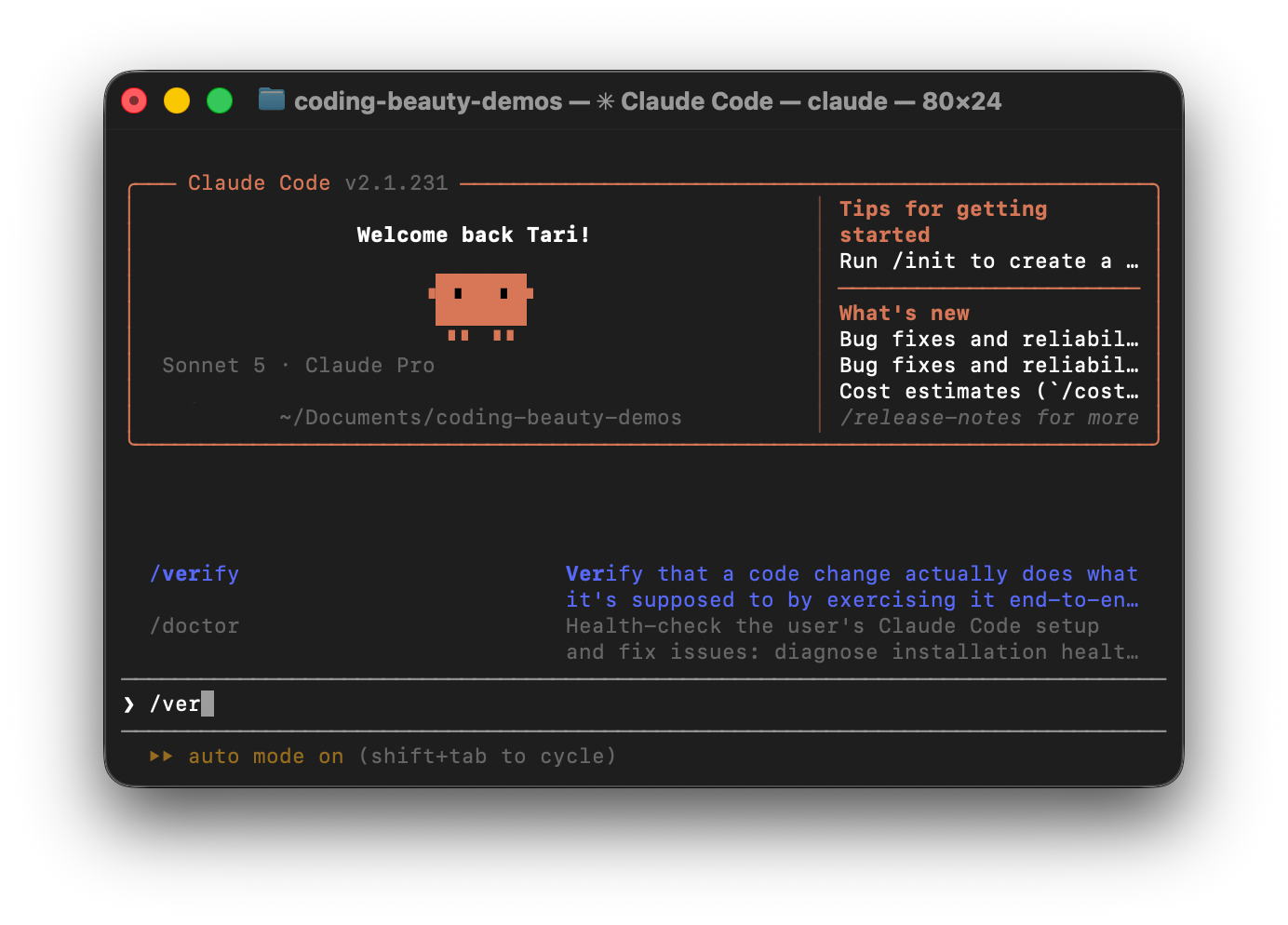
This is one of the most essential built-in Claude Code skills to integrate into your workflow.
The /verify command runs comprehensive code checks and helps you fix errors using a sophisticated verification loop.
It also automatically check your code against project rules and security standards before any deployment.
Far fewer bugs slip through. We spend less time fixing small mistakes and get clear seamless proof that our code works before we ship it.
1. The powerful self-healing loop that catches bugs before you do
One of the best ways to use /verify is to create a check-fix-repeat loop.
Here’s how it works:
- Check: Claude runs tests and looks for errors.
- Find: It identifies what went wrong.
- Fix: It attempts to correct the problem.
- Repeat: It runs the checks again.
The loop continues until the checks pass or Claude reaches a problem it can’t solve.
Imagine we’ve refactored an authentication module. The login tests fail because a function returns the wrong data type.
With /verify, Claude can identify the error, fix the function and rerun the tests. If another error appears the cycle starts again.
We spend less time chasing bugs and more time building features.
2. A watchful guardian against sneaky agent test shortcuting
Green checkmarks don’t always mean our code works.
Sometimes Claude might make failing tests pass by:
- Removing important assertions.
- Weakening test expectations.
- Skipping failing tests.
We can configure /verify to inspect code changes and flag these shortcuts.
Suppose an API test originally checks expect(status).toBe(403). Claude silently changes it to expect(status).toBeDefined().
The test passes but no longer proves that unauthorized users are blocked. A Git diff check included in /verify can catch this change.
This protects our tests from becoming meaningless just to produce passing results.
3. An unshakable safety net for your project’s rules
Our code can pass every test and still break important project rules.
These might include:
- Never logging sensitive user data.
- Checking permissions on protected routes.
- Avoiding unsafe database queries.
We can document these requirements in docs/security-policy.md and ask /verify to check changes against them.
Imagine Claude adds a login feature that accidentally logs a user’s password. The feature works and the tests pass.
But a security-rule review included in /verify can flag the logging statement before we ship.
We can also add automated security tools for stronger protection.
4. Effortless automation that makes good habits stick
It’s easy to forget verification when we’re rushing to finish a feature.
We can solve this by making /verify part of a custom Claude Code skill.
A refactoring skill could:
- Refactor the requested code.
- Run /verify.
- Fix reported failures.
- Run the checks again.
- Summarize the results.
Say we’re cleaning up src/services/payment.ts.
Instead of remembering to test everything afterward, we use a custom skill that includes /verify. Claude checks whether the payment calculations still work before finishing.
This makes verification a regular habit rather than an extra task.
5. Rock-solid proof that replaces empty promises
We’ve all seen Claude announce that a task is complete and everything works.
But where’s the proof?
With /verify, we can ask for actual results from tests and code checks.
After adding a checkout feature, we might see:
TypeScript: Passed

ESLint: 0 errors

Unit tests: 142 passed

Integration tests: 18 passed

Test integrity: No weakened tests found
These are sample results. The available checks depend on our project and how we configure /verify.
If something fails or Claude can’t run a check, we should see that too.
This makes code reviews easier because we can quickly see:
- What was tested.
- What passed.
- What still needs attention.
Claude Code’s /verify helps us catch bugs, follow project rules and build confidence in AI-generated code.
Instead of simply trusting Claude when it says everything works, we can ask it to show us the evidence.