
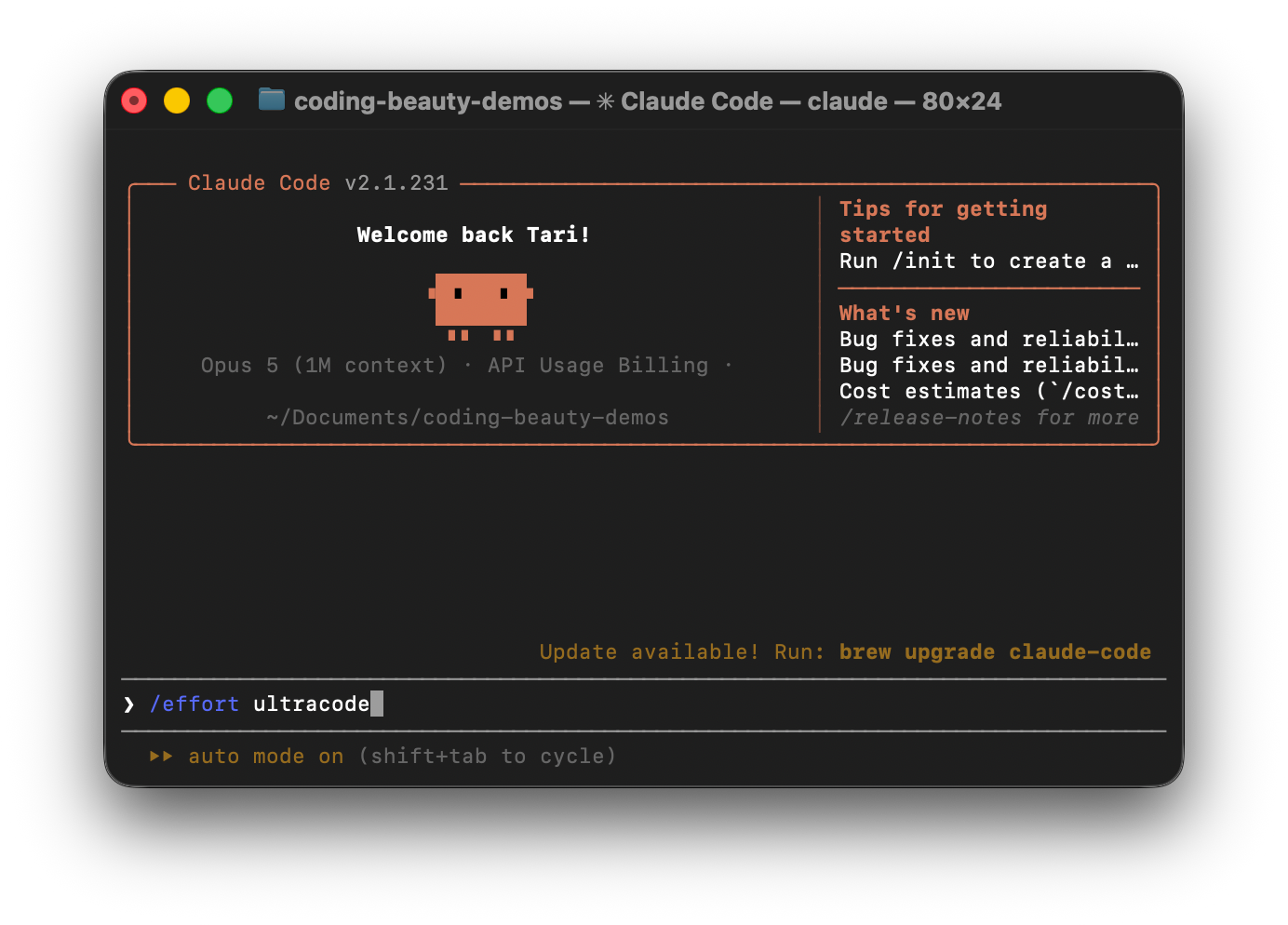
Claude Code’s Ultracode helps you finish large coding tasks faster, avoid context overload, and catch bugs earlier.
Instead of making one agent do everything, it creates an orchestration script that splits the work among smaller agents, runs tasks in parallel, and checks the results.
Let’s look at the key features that make it so useful for every developer.
1. Dynamic multi-agent orchestration: Keep context clean and improve code quality
When Claude handles a large task alone, its context fills up with code, logs, and earlier decisions. This can make it harder to focus.
Ultracode creates a script that splits the work among smaller agents. Each agent starts with a fresh context window and focuses on one part of the task.
This helps developers make large changes without forcing one agent to remember everything.
Example: Moving from JavaScript to TypeScript
Say you have an app with 300 JavaScript files. You could enter:
ultracode: Migrate this JavaScript app to TypeScript. Use parallel agents and fix all type errors.Ultracode could give different agents instructions like these:
Searcher agent
Find JavaScript modules and their dependencies.Implementation agent
Convert the product catalog to TypeScript.Testing agent
Run type checks and report errors.Here’s a simplified version of the orchestration script that could coordinate these agents:
import asyncio

async def migrate():

    # Find dependencies first

    dependencies = await run_agent(

        "searcher",

        "Find modules and dependencies"

    )

    # Convert independent modules in parallel

    results = await asyncio.gather(

        run_agent(

            "implementer",

            "Convert product catalog to TypeScript",

            dependencies

        ),

        run_agent(

            "implementer",

            "Convert checkout module to TypeScript",

            dependencies

        )

    )

    # Check the converted code

    return await run_agent(

        "tester",

        "Run type checks and report errors",

        results

    )

asyncio.run(migrate())
Here, run_agent() stands for the code that starts a Claude sub-agent. The script first finds dependencies, then converts independent modules at the same time. Once those changes finish, it runs type checks.
Each agent gets the information it needs, while the script handles the order of work. You can manage large changes without keeping every step inside one conversation.
2. Smart state management: Save tokens and keep context focused
In a normal Claude Code session, every command output, error message, and debugging step can take up space in the conversation.
Ultracode keeps much of this information in its orchestration script. The script tracks progress and collects results, then sends the main agent a short summary.
This helps developers save tokens in the main conversation and keep more context space for important decisions.
Example: Checking 200 API routes for security issues
You could ask:
ultracode: Check 200 API routes for missing authorization checks. Verify the findings.An agent might return:
{

  "file": "src/routes/orders.ts",

  "line": 42,

  "issue": "Missing authorization check",

  "severity": "high"

}
After collecting and checking the findings, the main agent might receive:
Security Audit Summary

Routes checked: 200

Possible issues: 12

Confirmed issues: 8

False alarms: 4
Instead of reading hundreds of logs, Claude gets the information it needs.
This can save tokens by cutting unnecessary context, but running more agents can still increase the total tokens used.
3. Massive parallelism: Finish large coding tasks faster
Ultracode can run up to 16 agents at once by default and coordinate up to 1,000 agents during a run.
Instead of making one agent read files, change code, and run tests one after another, it lets multiple agents work at the same time.
The main script keeps track of which tasks depend on others and makes sure they run in the right order.
This means we can spend less time waiting for large code changes, migrations, and tests to finish.
4. Adversarial review loops: Find bugs earlier and spend less time fixing them
Ultracode can split coding work into three stages: Understand the code → Make changes → Check the results.
Different agents handle each stage. Some agents write code, while others try to find bugs, test edge cases, and challenge the changes.
When a review agent finds a problem, the script sends it back for fixing and checks the result again.
This helps you catch mistakes earlier, spend less time debugging, and feel more confident about their code before committing it.
5. Saved workflows: Stop repeating tasks and save time
Ultracode lets you save useful scripts with /workflows and turn them into custom slash commands.
Instead of explaining the same task every time, you can run a saved workflow.
Teams can also share and update these workflows so everyone follows the same process.
This cuts repetitive work, saves setup time, and makes regular coding tasks easier to manage.
Conclusion
Ultracode helps us handle large coding tasks without putting everything on one AI agent.
It keeps context cleaner, runs tasks faster, cuts unnecessary token use, catches bugs earlier, and makes repeated work easier.
The biggest benefit isn’t just having more AI agents. It’s getting those agents to work together so developers can spend less time managing tasks and more time building software.