
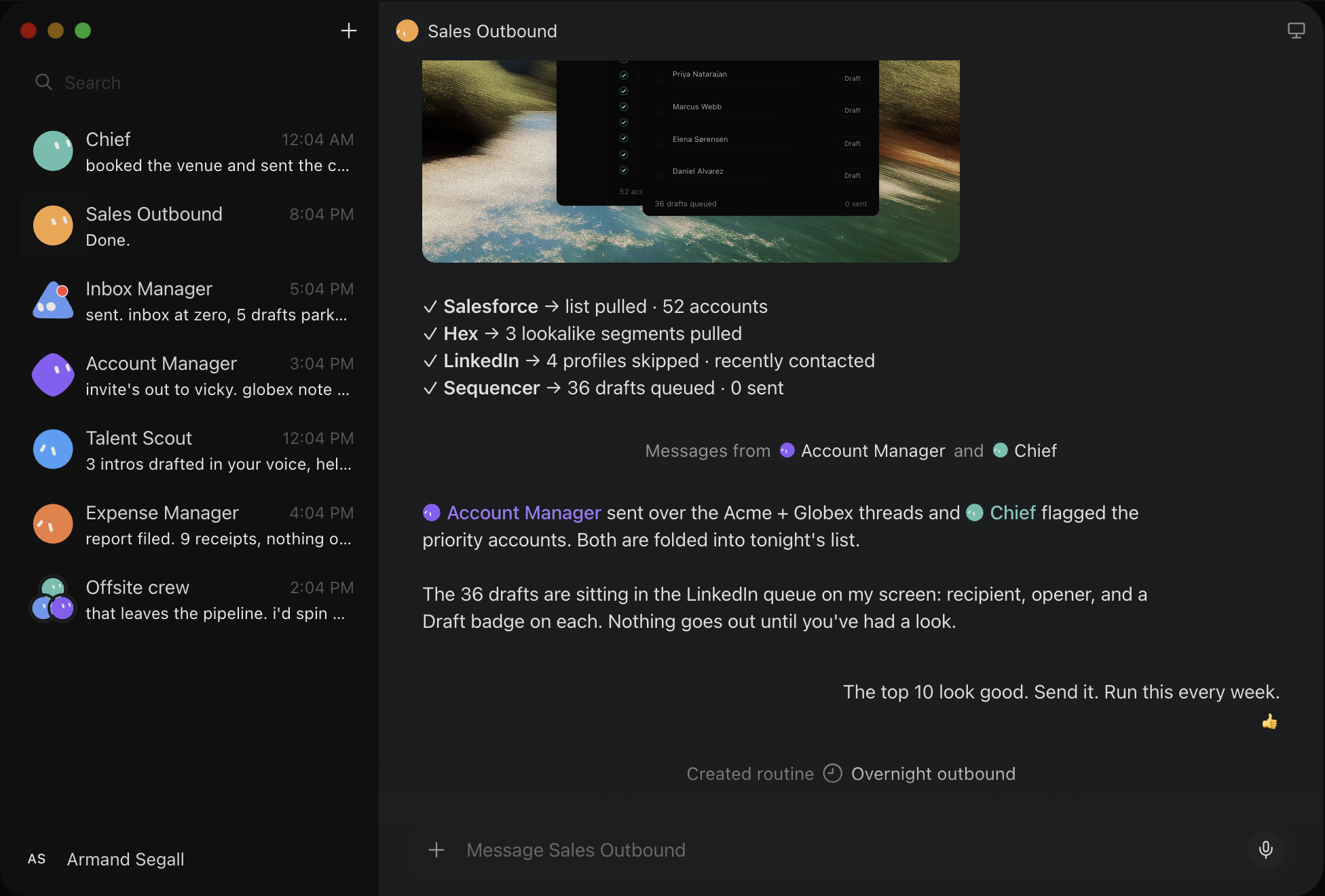
Wow this is incredible.
Elon Musk’s xAI just released Grok Bot — a game-changing Grok-powered automation tool — this is going to drastically increase the productivity of so many developers.
You make make it automate all your manual tasks like specialized debugging — by creating a highly customized, repeated workflow from a chat with an AI agent.
And you can automate absolutely anything on your computer – just by showing the agent a demo of you doing the task.
It’s basically automating the process of creating an automation.
Zero need to write hardcoded scripts or connect APIs or set triggers or any of that stuff — just show it what to do and how.
And the best part is you can have multiple agents running at once — and you can control them from anywhere and easily access the results and progress from any of your devices.
1. Show it once. Let it learn.
One of Grok Bot’s most interesting features is Teach a task.
You start a screen recording and do the task yourself. Grok Bot watches your actions and turns them into a draft skill.
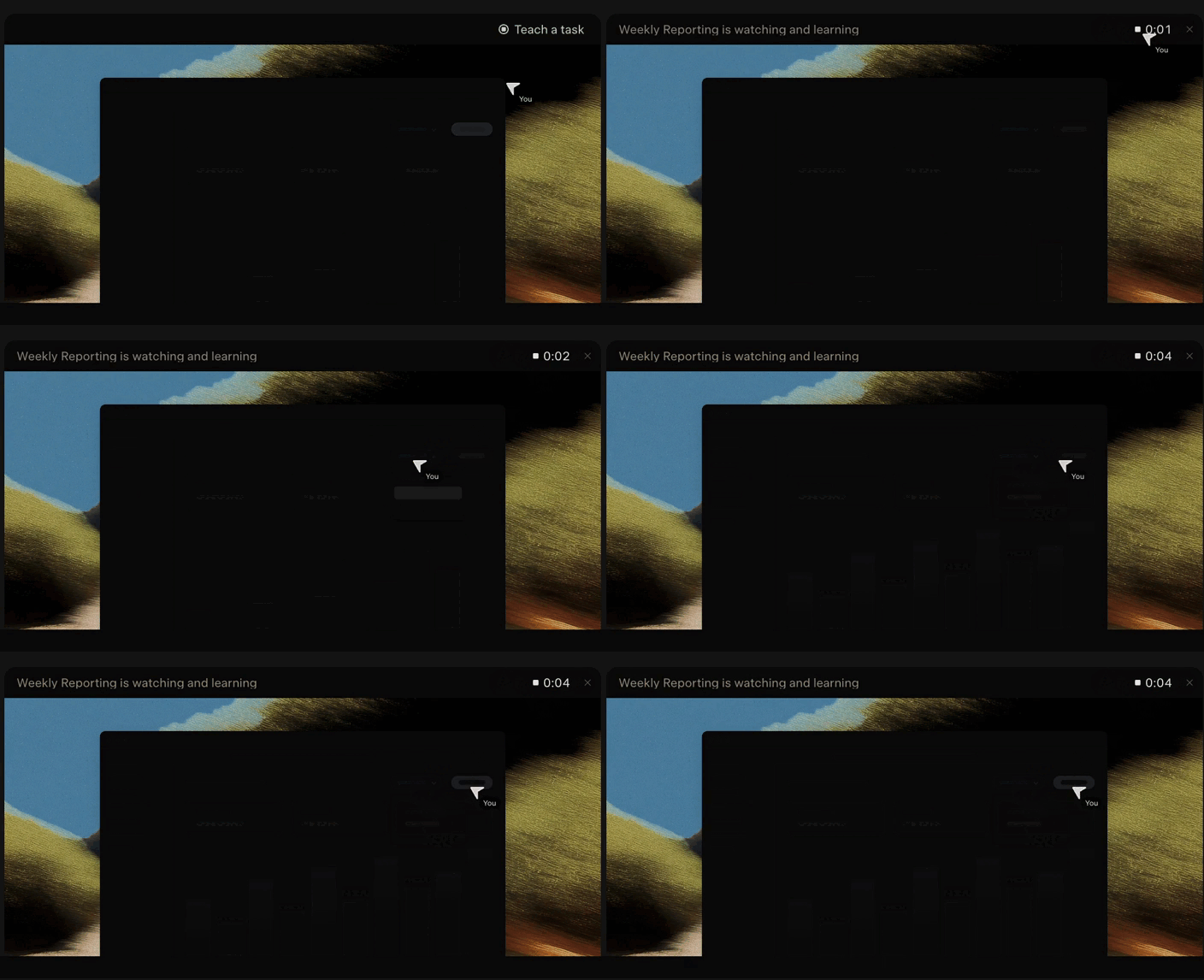
Say you visit a website each week. You open a report. Download a file. Then upload it somewhere else.
Instead of building an automation you can do the job once while Grok Bot watches.
You then review what it learned and add any extra instructions.
There are some limits — like recordings currently last up to ten minutes and the Bot creates a draft that you should test.
But the idea is simple — teach the AI by doing the job yourself.
2. Can use any website without any API
APIs make automation easier. But many websites and tools don’t have the API you need.
Grok Bot can use the website instead.
It can open pages. Click buttons. Fill out forms. Navigate menus and download files.
This makes it really useful for old business tools and websites that don’t offer good integrations.
But when there’s no direct integration Grok Bot can work through the same interface you use.
3. It has its own computer in the cloud
Grok Bot works inside a cloud environment with a browser. It also has a file system and command line.
That computer keeps running when you leave.
You can give the Bot a job and close your laptop — it can keep working in the background.
xAI says each user gets a dedicated cloud computer. Their Bots share that environment but get separate screens so they can work at the same time.
This makes longer tasks possible without keeping your own computer running.
4. Secure login handoff
When Grok Bot reaches a login screen you can take control.
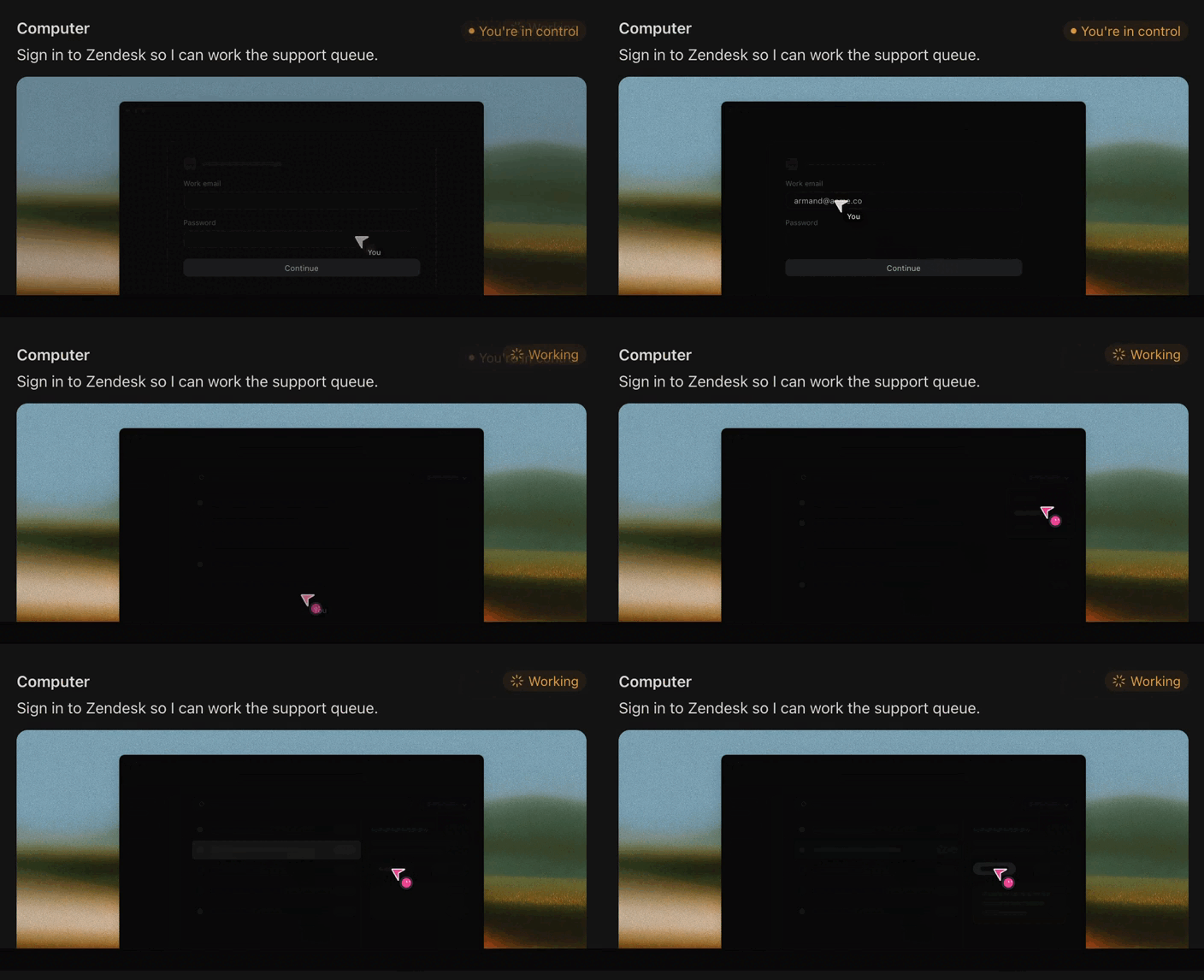
You enter your password or two-factor code yourself. Then you hand the computer back — Grok Bot continues the task.
The same approach can help with CAPTCHAs.
Grok Bot can also stop before important actions like sending messages or making purchases.
The Bot handles the repetitive work — you step in when your identity or approval matters.
5. Use it from anywhere with your phone
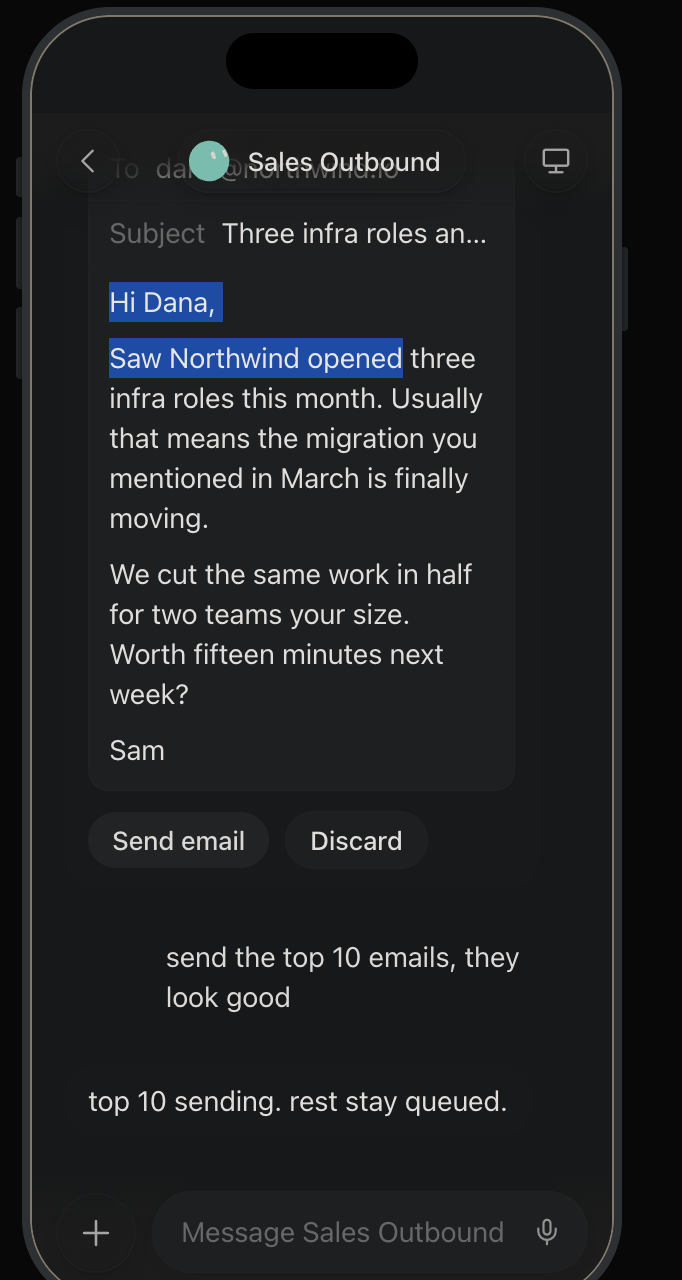
You can also see Grok Bot’s cloud computer from its mobile app.
That means you can watch what it’s doing and take control from your phone.
If the Bot reaches a login screen while you’re away you can jump in. Log in. Then hand control back.
Some advanced features still need the desktop app — like teaching tasks using screen recordings.
But you don’t need to sit at your desk while a Bot works.
Screen recording isn’t new. Neither is browser automation or cloud computing.
What makes Grok Bot interesting is how it brings them together with AI.
Traditional automation follows fixed steps. An AI agent tries understand the goal behind those steps — and adapt when things change.
That is makes automation much easier to create — instead of asking an engineer to connect several systems you could simply show the AI what you do.
Do the job once. Let it watch. Then let it take over.