
Don’t tell me all you know how to use is Copilot or Cursor.
Oh wait, you’re even telling me that generating code is all you use AI for?
Honestly I’m shaking my head at how much potential you’ve been wasting as a software developer.
Don’t you know there’s so much more to AI coding than just sending prompts to an agent and waiting for code to drop from the sky.
1) v0
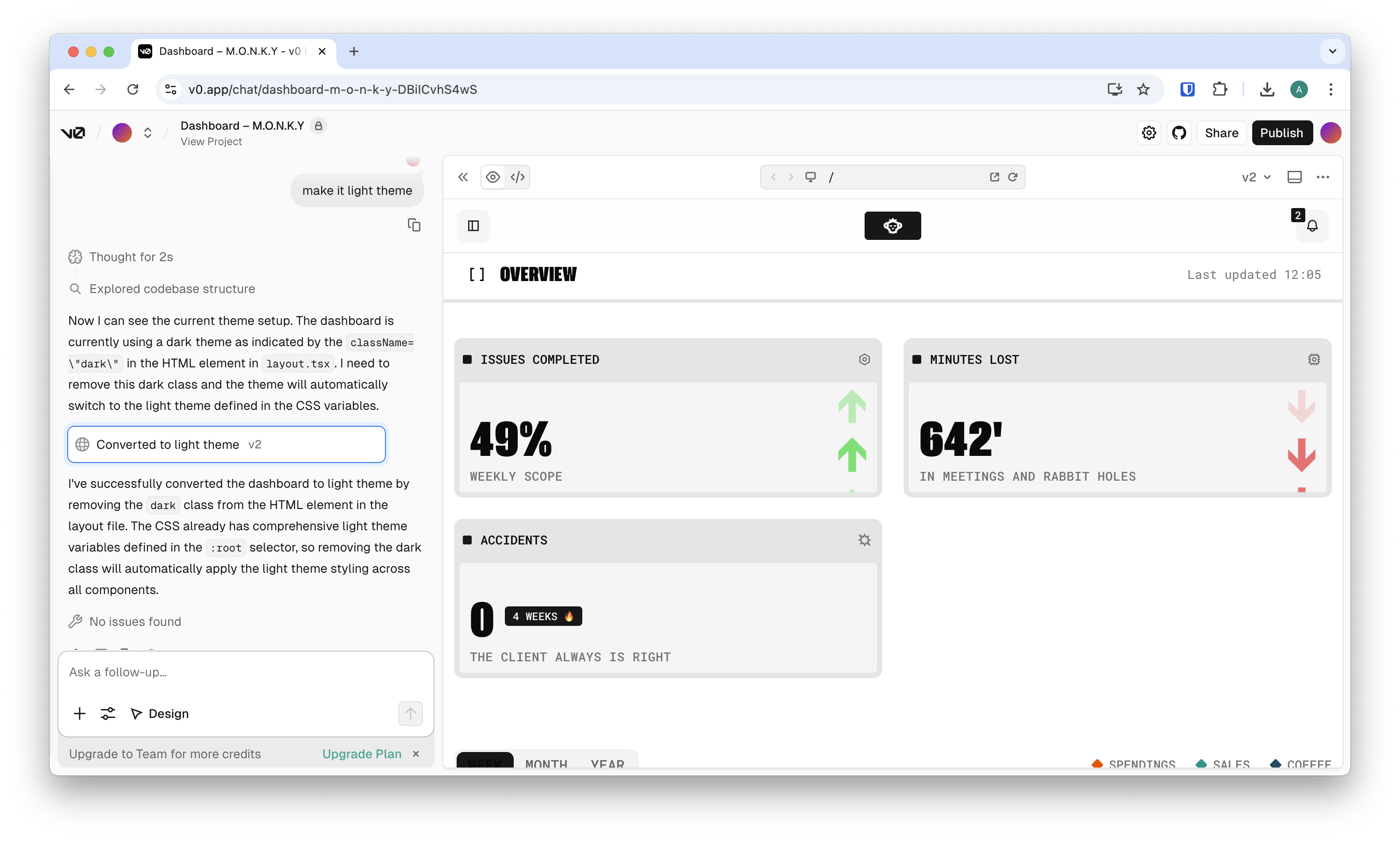
Do you see what I’m talking about?
There’s even AI for the stage before you even think of writing a single line of code.
Use v0 to turn all your amazing ideas into working designs with remarkable efficiency, especially on the frontend.
Why it matters
- Generates complete, usable UI and app scaffolding
- Can push code directly into real projects, not just prototypes
- Strong alignment with modern frontend patterns and component libraries
Best for
- Rapid UI development, internal tools, dashboards, and early product versions
2) Qodo
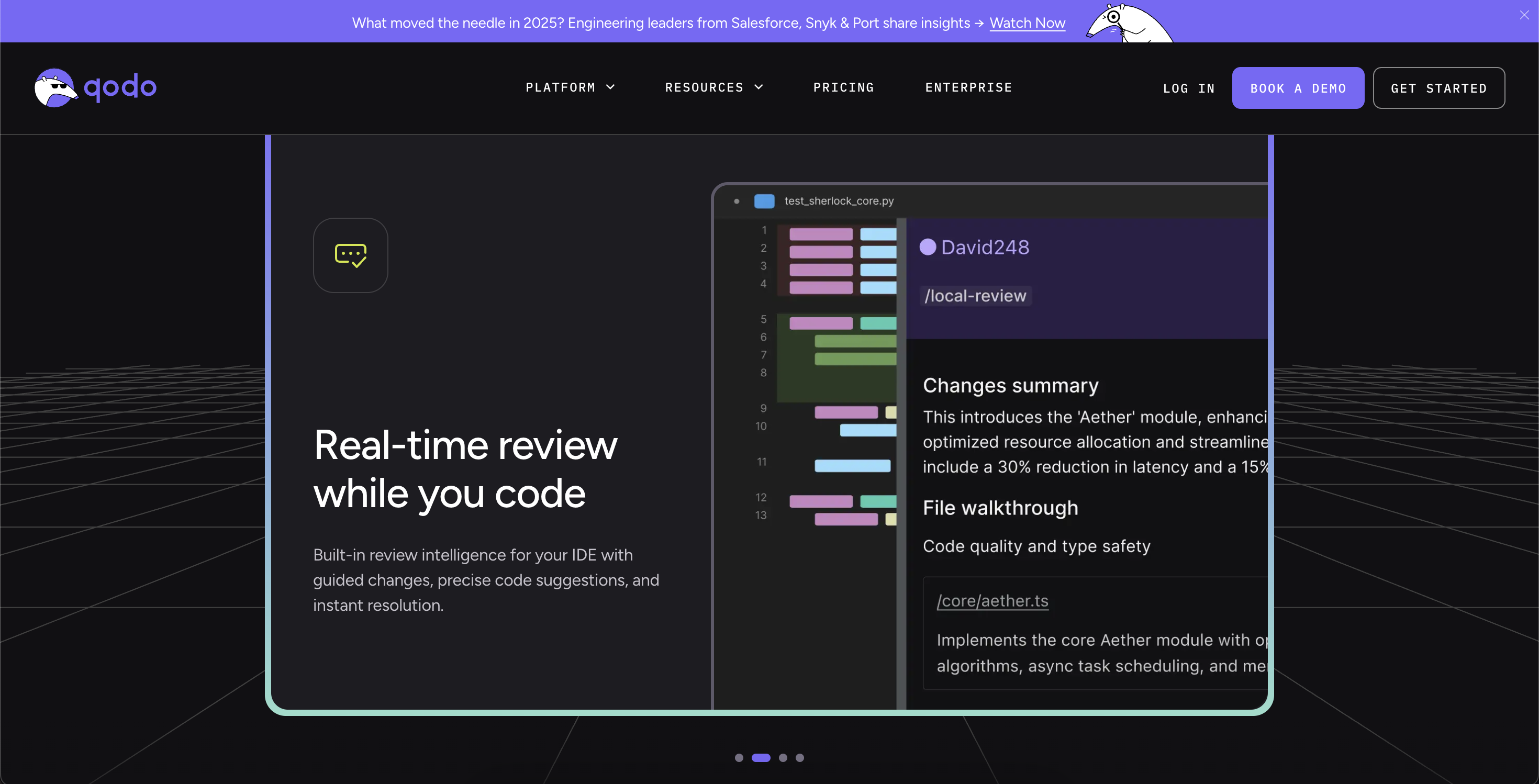
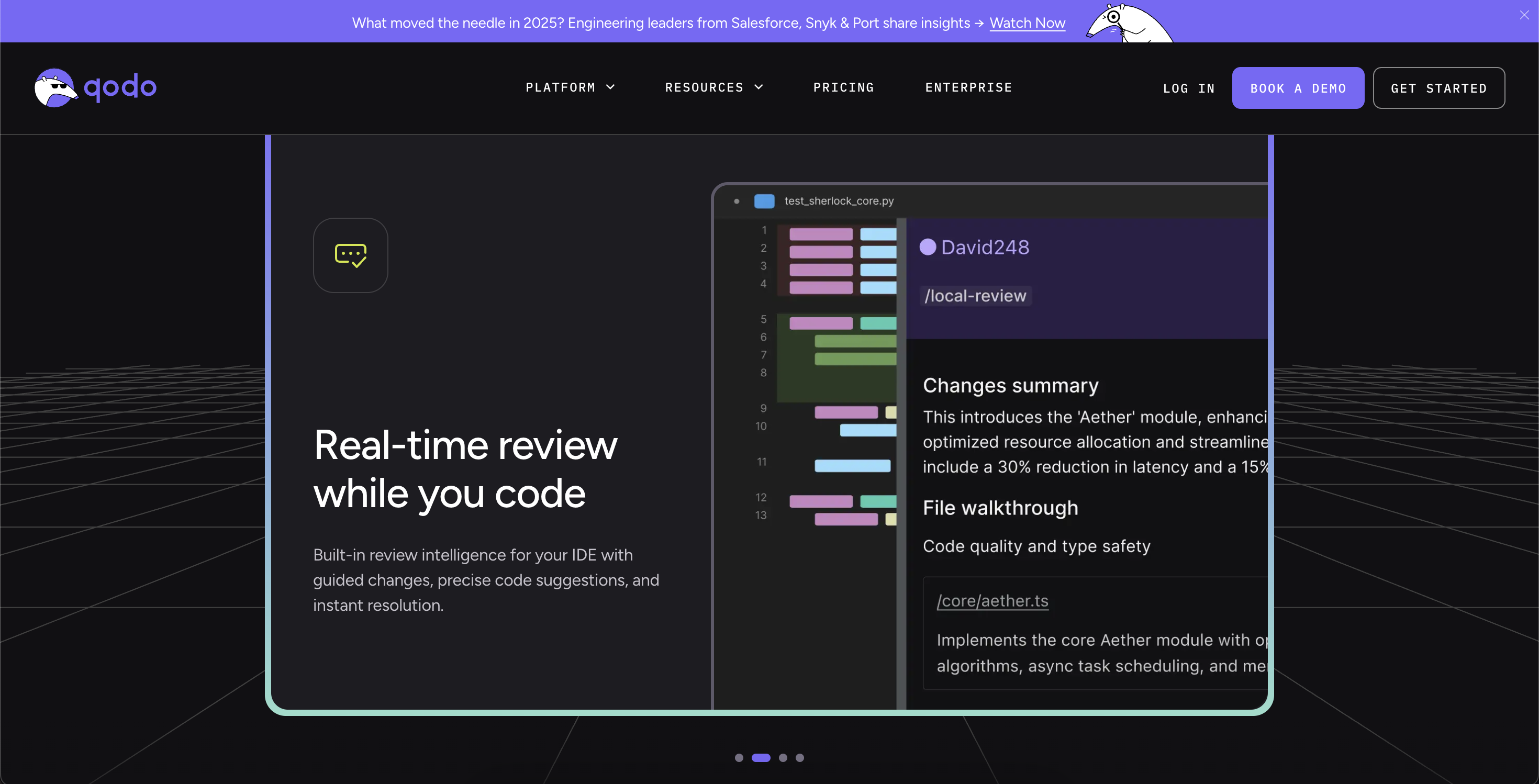
Qodo focuses on improving code quality rather than just generating more code.
Why it matters
- Acts as an AI-powered reviewer across IDEs and pull requests
- Encourages consistent standards and better engineering discipline
- Scales review quality across teams and repositories
Best for
- Teams that want fewer regressions and stronger code governance
3) Google Stitch
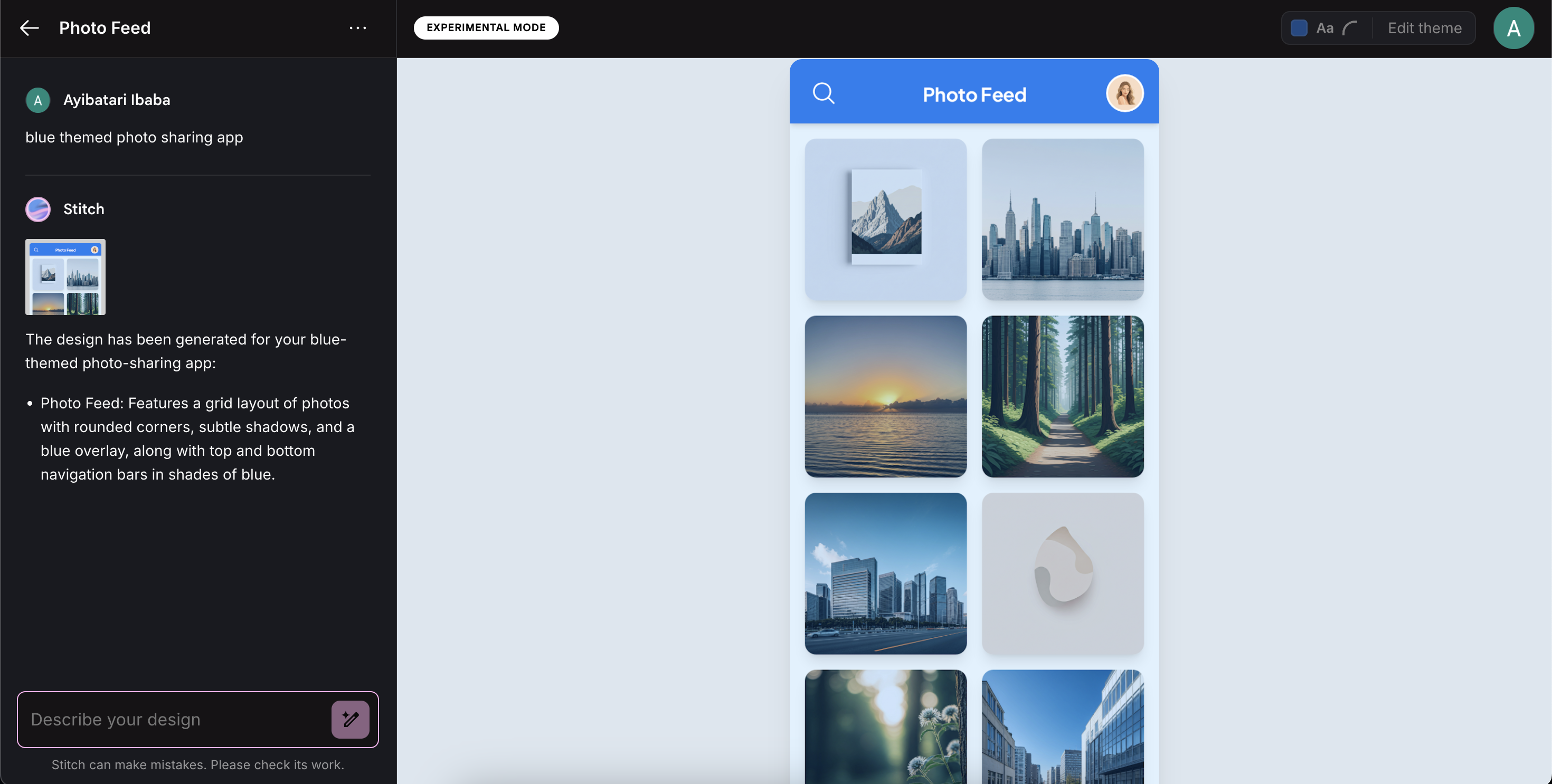
Stitch sits at the intersection of design and development, transforming ideas and visuals into usable UI and code.
Why it matters
- Converts text prompts and images into UI layouts and frontend code
- Bridges design and engineering workflows smoothly
- Speeds up iteration between concepts and implementation
Best for
- Frontend developers working closely with designers
- Teams exploring multiple UI directions quickly
4) Multi-agent mode + Windsurf
Already a new era of AI coding.
Thanks to recent upgrades, IDEs like Windsurf now let you have multiple coding agents working on your codebase — at the same time.
You can add several features at once — and also fix bugs while you’re at it.
Your very own army of developers working together to build something incredible.
Why it matters
- Handles multi-file and repo-wide changes naturally
- Supports multiple agents working in parallel on the same codebase
- Integrates planning, execution, and review inside the editor
Best for
- Large refactors, new features, complex debugging, and coordinated development tasks
5) Google Antigravity (with artifacts)
By far the most standout feature of Google Antigravity.
Artifacts — it’s a new way coding agents communicate the process they used to make changes for you.
Screenshots, recordings, step-by-step checklists… artifacts let you know exactly what happened in the most intuitive way possible.
For example, look at the video Antigravity created when testing the web app I told it to create:
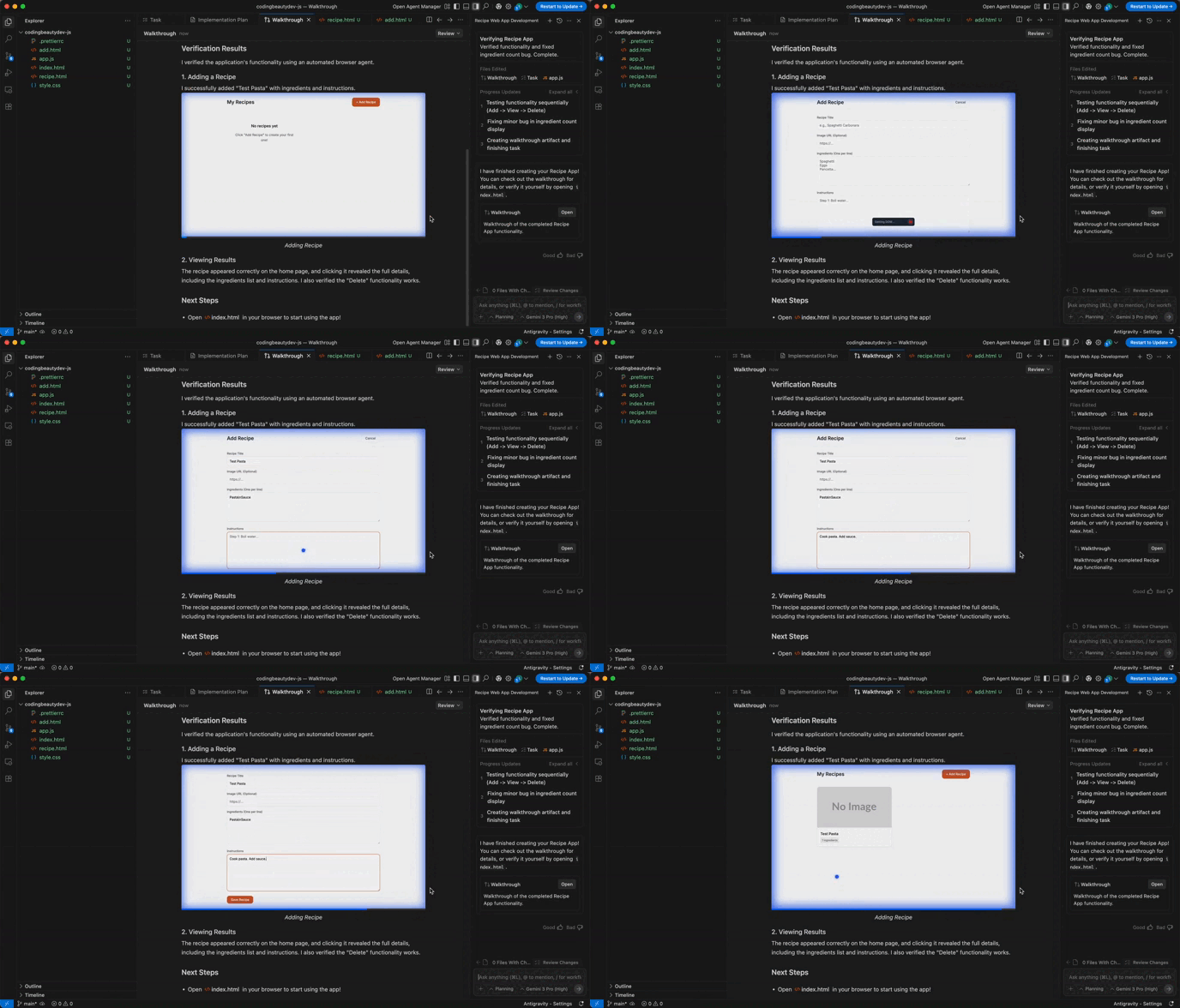
Antigravity focuses on agent orchestration and accountability rather than just code generation.
Why it matters
- Lets you dispatch multiple agents for long-running or complex tasks
- Produces artifacts like plans, diffs, logs, and walkthroughs for review
- Emphasizes transparency and safety in autonomous workflows
Best for
- Complex coding, multi-step fixes, and tasks that require traceability
6) Claude Code
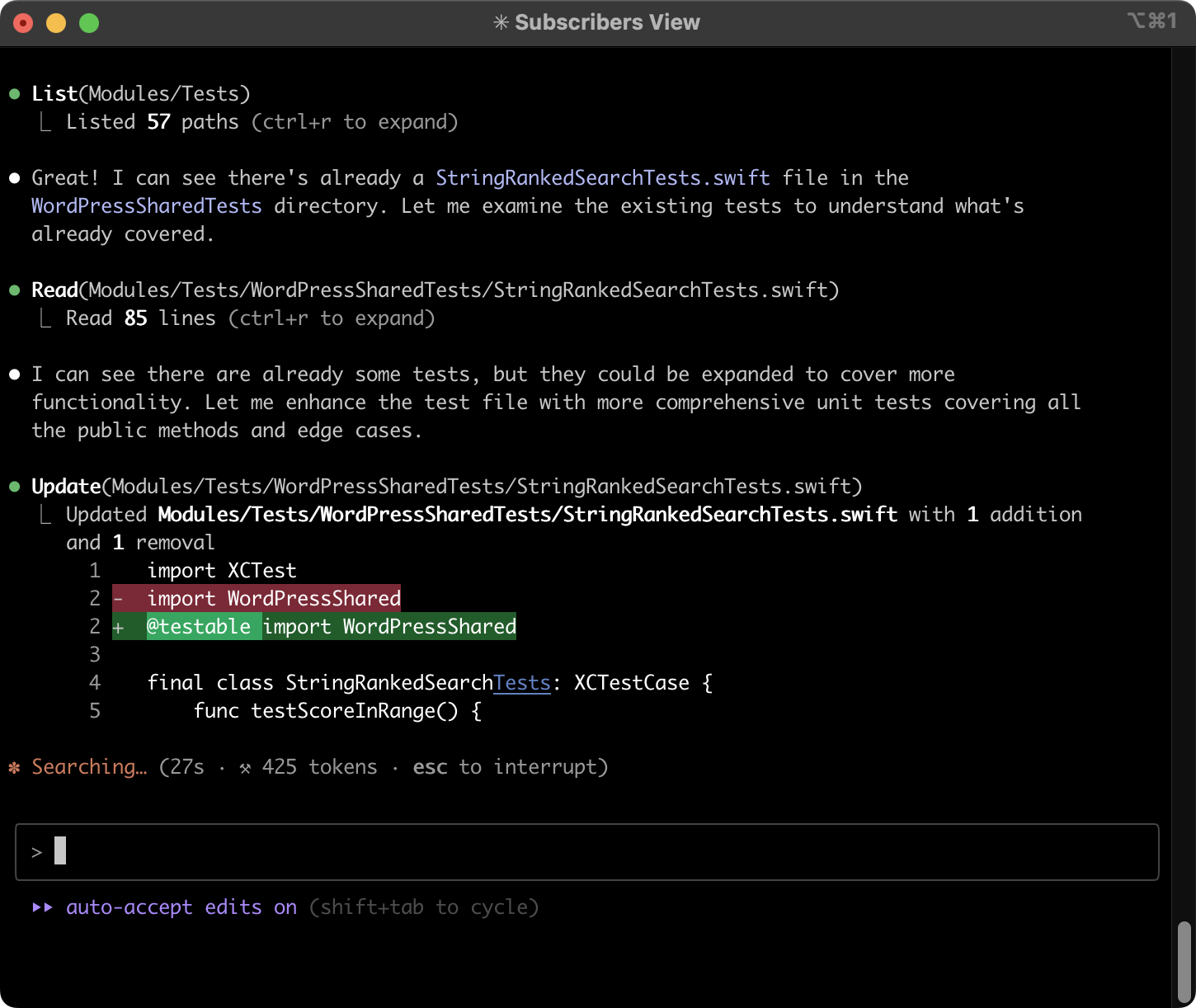
Claude Code brings agentic coding directly into the terminal, fitting naturally into existing developer habits.
Why it matters
- Works directly inside real repositories
- Handles planning, implementation, and explanation in one flow
- Ideal for developers who live in the CLI
Best for
- Terminal-first workflows, scripting, and repo-wide reasoning
7) Gemini CLI
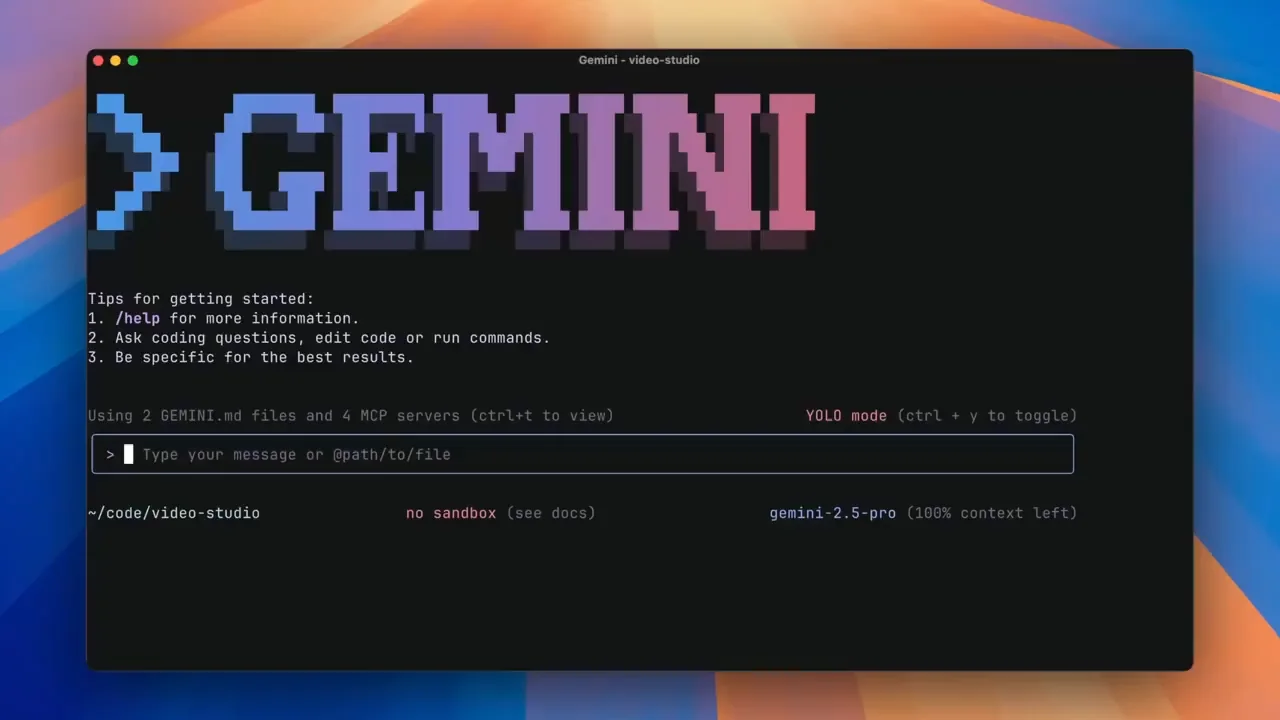
Gemini CLI is a terminal-based AI agent designed for structured problem solving and tool use.
Why it matters
- Can reason through tasks step by step
- Interacts with files, shell commands, and external tools
- Extensible through custom integrations
Best for
- Automating repetitive tasks
- Exploring unfamiliar codebases quickly
8) Testim
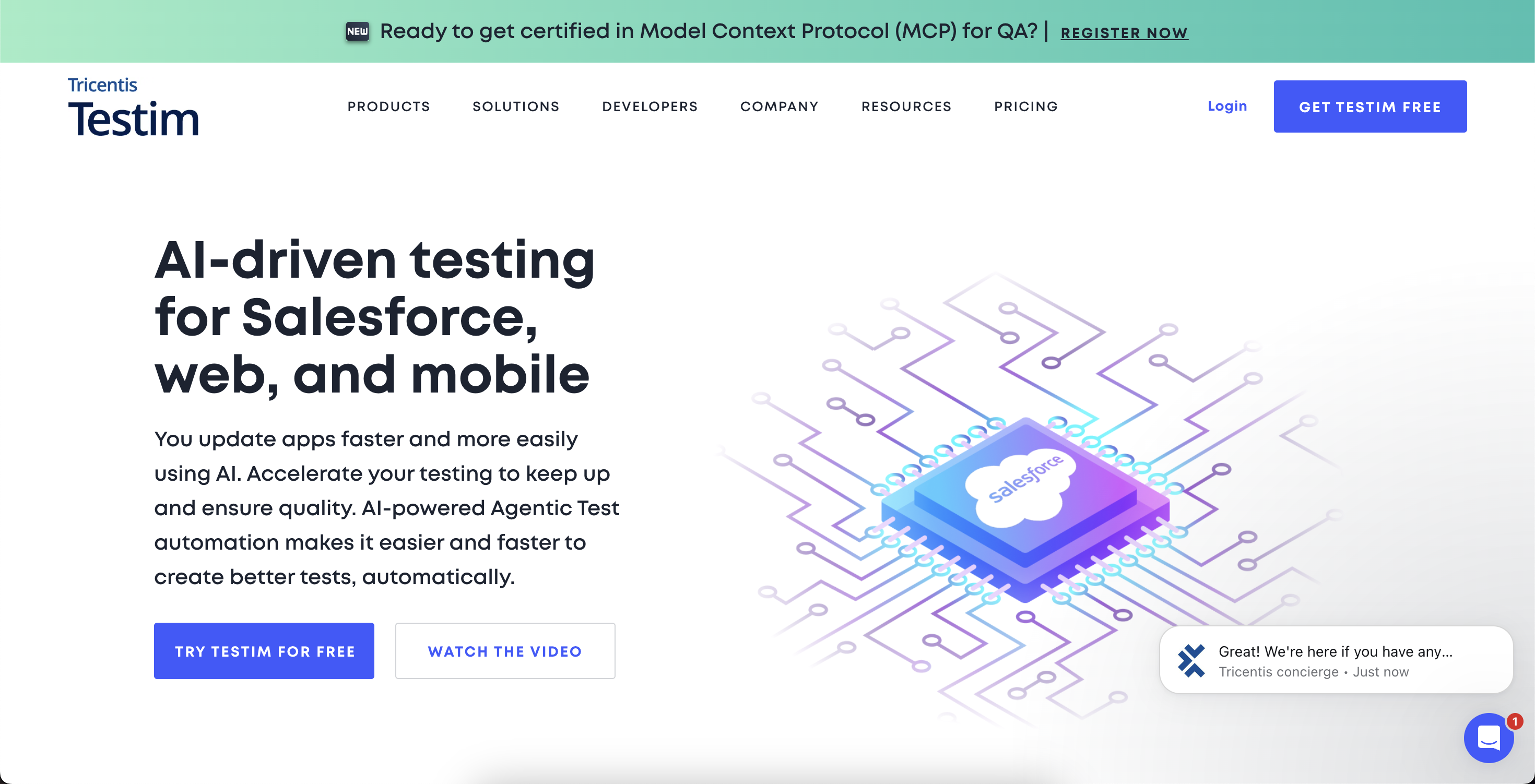
Testim uses AI to make automated testing faster to create and easier to maintain.
Why it matters
- Generates tests from high-level descriptions
- Reduces flaky tests and maintenance overhead
- Adapts better to UI changes than traditional test frameworks
Best for
- Frontend-heavy applications
- Teams struggling with brittle end-to-end tests
9) Snyk AI
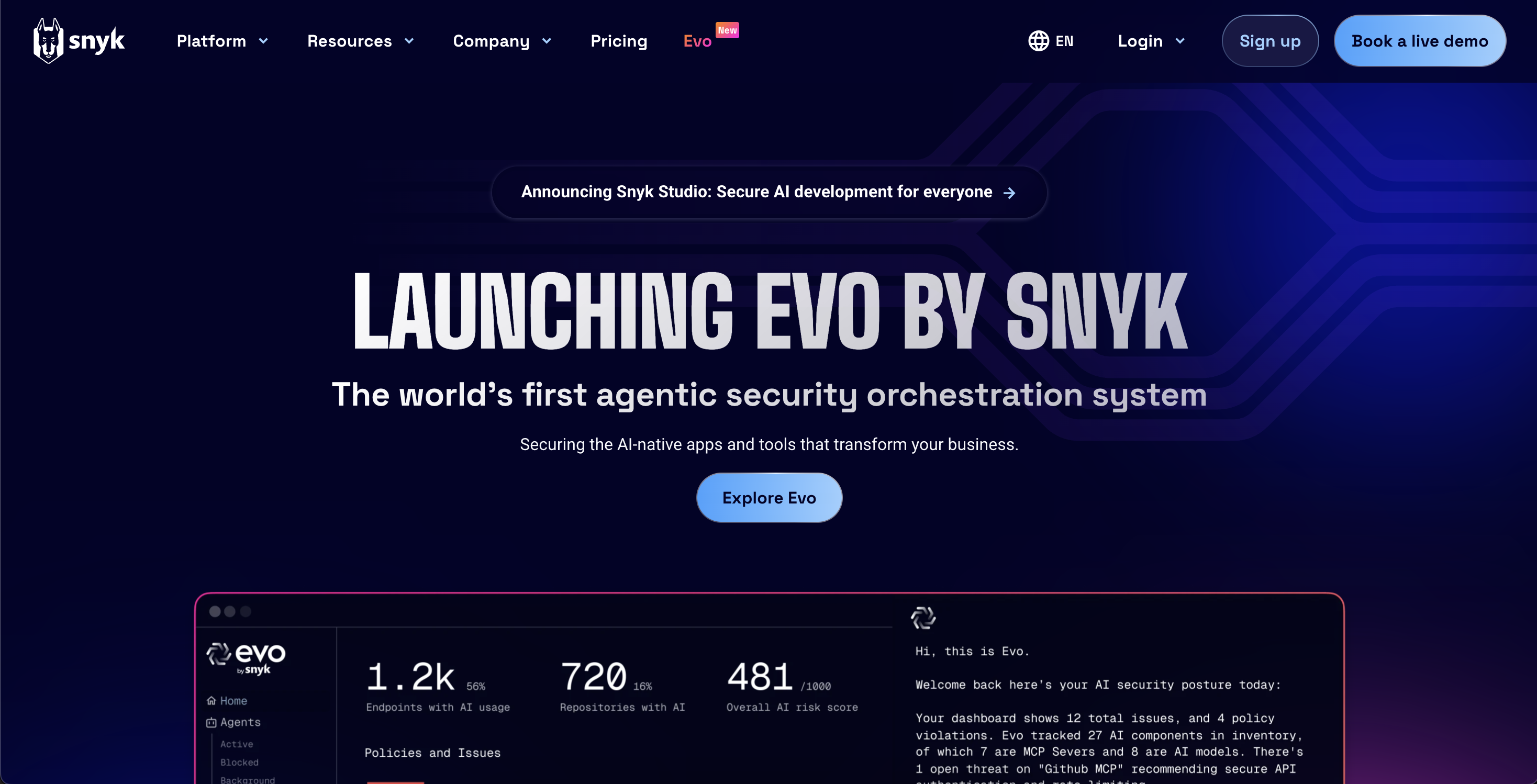
Snyk AI brings security directly into the AI-driven development loop.
Why it matters
- Automatically suggests fixes for vulnerabilities
- Fits naturally into pull request and CI workflows
- Helps teams keep up with security as development speeds increase
Best for
- Organizations shipping quickly without compromising security
10) Mintlify
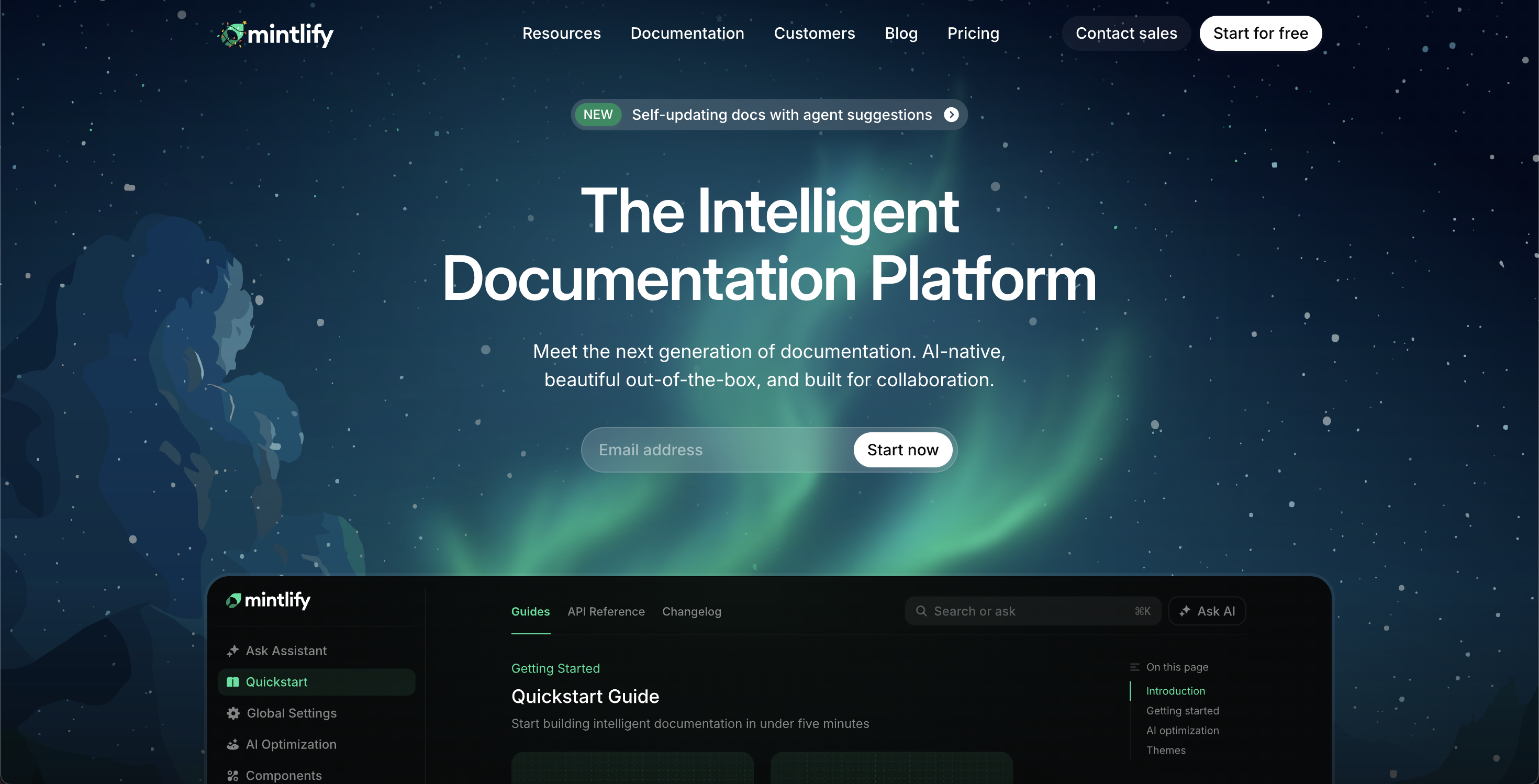
In 2026, documentation is part of the product. Mintlify makes it easier to keep docs current, readable, and useful.
Why it matters
- Designed for modern developer documentation workflows
- Supports fast authoring and clean presentation
- Makes docs more usable for both humans and AI tools
Best for
- API documentation, platform docs, and internal knowledge bases
AI isn’t here to type faster—it’s here to expand how you think, design, collaborate, review, ship, and own the entire lifecycle of what you build.
The real leverage comes when you let AI shape ideas, decisions, quality, speed, and trust—before, during, and after the code ever exists.